
Cua Driver supports Windows background computer use over MCP and CLI
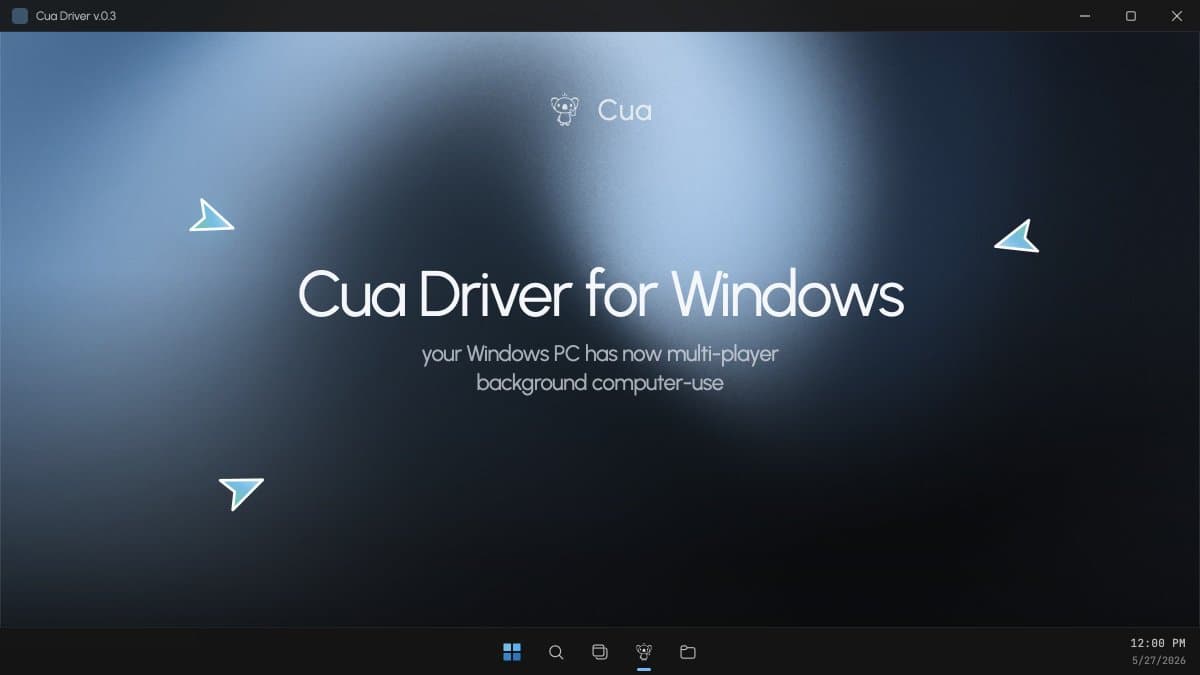
Cua Driver said its Windows backend is now stable, letting Claude Code, Codex, Hermes, or custom agents drive real Windows apps through MCP or CLI. The release targets Windows-only line-of-business software while keeping the desktop usable with multi-pointer support.
TL;DR
- trycua's release post says the Windows backend for Cua Driver is now stable and available, with access through MCP or the CLI.
- According to trycua's launch thread, Claude Code, Codex, and custom agent loops can drive real Windows apps in the background while the user keeps using the desktop.
- The launch thread also calls out true multi synthetic pointer support, which is the mechanical detail that makes "background" computer use more than a screen-grabbing demo.
- trycua's rationale post frames the target as Windows-only line-of-business software, including dispatch tools, claims systems, and back-office apps with no API.
- Early reaction came from integrators as trycua's repost of MSTY AI's note pointed to Windows support arriving after a macOS integration, while altryne's post pitched the release as useful for agent workflows.
You can browse the Cua repo, read the team's inside-Windows writeup, and the launch thread makes the surface area unusually explicit: Windows is stable now, it works through MCP and CLI, and it is meant to plug into agents rather than ship as a one-off demo trycua's link roundup.
Windows backend
The release claim is simple: Windows support moved from being an ask to being a stable backend. In trycua's post, the company says Cua Driver can now be used from Claude Code, Codex, Hermes, or a custom agent loop through MCP or the CLI.
That positioning matters because it puts Cua in the harness layer, not as a standalone agent product. The official pointers all go to implementation surfaces, namely the Cua repo and the Windows internals writeup, rather than to a hosted workflow builder.
Background control
The most concrete feature in the thread is background computer use. trycua says agents can drive real Windows apps while the desktop stays usable, and the same post names true multi synthetic pointer support as part of that design.
That is a more ambitious claim than ordinary remote desktop style automation, because the product pitch is concurrent control on a live desktop rather than seizing the whole session. trycua's demo post backs that up with a video of an older desktop mail-service app being driven directly.
Line-of-business software
The target customer is not hard to infer because the thread says it outright. trycua's rationale post argues that a large amount of work is still stuck inside Windows-only line-of-business apps, and lists dispatch tools, claims systems, back-office portals, and desktop software with no API.
The follow-up example in the legacy app demo is an old mail-service desktop application. The company explicitly ties that class of software to operations inside enterprises, governments, logistics, healthcare, and finance.
Early integrations
The fastest signal after launch was integration chatter. trycua's repost says MSTY AI had already brought computer use to its app on macOS using Cua, then immediately pointed to Windows support as the obvious next step.
Public reaction was still light inside the evidence window, but altryne's post highlighted the release as open source computer use for Windows and framed it as good infrastructure for agents. That is a small data point, but it fits the way Cua presented the ship: a backend meant to be picked up by other agent products rather than a consumer-facing Windows assistant.