
Remote sandbox pattern isolates each coding-agent worker
Practitioners describe keeping the agent loop, harness, context, and TUI local while routing file and shell calls to remote sandboxes. Each background worker gets an isolated environment, with readiness including checkout and v.
TL;DR
- The harness, agent loop, context window, and TUI stay local in pauliusztin_'s Decode architecture, while
read,write,edit, andbashexecute in a remote sandbox. - A started container is not a usable workspace. pauliusztin_ writes in his readiness note that the relevant interval includes repository, dependencies, and environment setup.
- One orchestrator can fan out to many background workers, each paired with its own remote environment, in pauliusztin_'s worker diagram.
- Remote execution adds egress, credential, and permission boundaries. imjaredz argues in his post that scoped permissions matter because model behavior remains probabilistic.
The guide behind Decode's implementation isolates the four side-effecting computer-use tools rather than moving the whole harness. Modal's networking documentation says a default sandbox has no inbound access or access to Modal resources, yet can make outbound connections to public IPs; Cua's Fleet tutorial models an active desktop as a claim on a sandbox pool.
The executor boundary
The narrowest split makes tool execution replaceable. In pauliusztin_'s diagram, Bash calls emitted inside the harness map to commands in a sandbox executor.
- Local control plane: harness, agent loop, context, orchestration, TUI.
- Remote execution plane: file reads, writes, edits, and shell commands.
Time-to-ready
A sandbox crosses a separate boundary between process startup and an environment where an agent can work.
The lifecycle in pauliusztin_'s implementation has five states:
- Created: Decode requests a sandbox.
- Scheduled: Modal finds capacity.
- Started: the container is live.
- Ready: application files are present in
/workspace. - In use: computer-use tools execute.
The same design keeps pre-provisioned, application-agnostic sandboxes in a pool, then attaches an application dependency volume. Modal's sandbox guide lists repository checkout, dependency setup, and test execution among the workloads its sandboxes support.
N agents, N sandboxes
The scaling unit is a background worker paired with an isolated environment. The worker pool in pauliusztin_'s worker diagram gives the orchestrator one sandbox per agent and lets compute attach per sandbox, with CPU workers alongside GPU-backed jobs.
Egress and credentials
Modal says default sandboxes cannot accept inbound connections or access Modal resources, while public-IP outbound access remains enabled unless it is blocked or allowlisted in its networking documentation.
zeeg says in his credential-flow note that credentials in Junior live outside the sandbox and are injected through a MITM proxy. CopilotKit's sandbox demo pairs Docker microVM actions with human-in-the-loop components, while imjaredz argues in his post for task-specific permission scopes.
Persistent disks
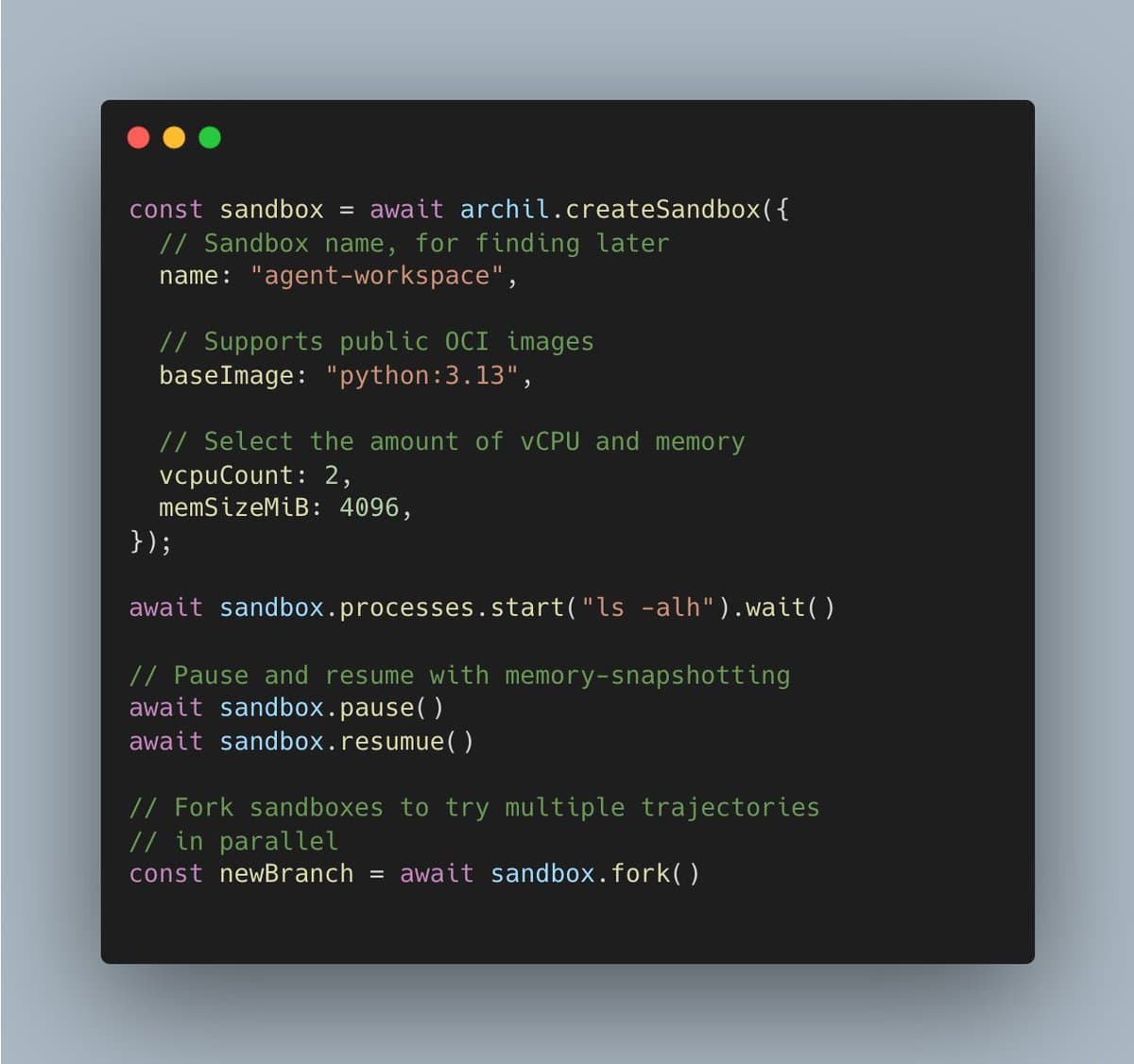
Ephemeral execution does not require ephemeral state. Archil's announcement describes Persistent Sandboxes for long-running code beside context held on Archil disks; the launch post says they preserve disk state and can host network services.
tensorlake says in its OpenCode post that its sandbox workflow retains project files even after a sandbox stops.
Desktop sandboxes
Cua Fleet provisions Omarchy as a managed cloud sandbox for Codex, Claude Code, Hermes, and OpenClaw, according to trycua's announcement. The VM uses a full system disk under KubeVirt, as trycua's VM detail explains.
The build path in trycua's build path is:
Arch Linux → pinned Omarchy → unattended Hyprland → Cua services → flattened qcow2 → KubeVirt containerDisk
Each sandbox exposes two services in trycua's service list:
server:8000for screenshots, shell, keyboard, mouse, and clipboard.mcp:3000for Cua Driver MCP at/mcp.
The Cua tutorial demonstrates the full lifecycle: create a one-sandbox pool, claim its Linux desktop, run a command, save a screenshot, then delete the pool.
Control surfaces
Amp's iOS and macOS announcement describes controlling remote Orbs from anywhere. dingyi announced Amp for iOS and macOS in his post, while sqs called the Android path an Amp PWA in his reply.
Nori markets cloud agents as independent of model, harness, and compute choice.
In steipete's comparison, he said OpenClaw's web UI had visual previews before Codex added them.