
GPT-5.6 Sol gets creator tests in Figma Make and Fable 5 comparisons
GPT-5.6 Sol appeared in Figma Make and creator benchmarks against Fable 5 across design, games, and video. Testers praised browser persistence and design output, while noting higher token use and mode confusion.
TL;DR
- GPT-5.6 Sol reached Figma Make on day one, and figma's launch note claimed stronger outputs from existing designs plus greater token efficiency.
- The cleanest creator evidence came from head-to-head builds: petergyang's test plan covered six use cases, while his travel-site demo said Sol closed the frontend design gap with Fable 5.
- Fable 5 still held the top-end coding and game aura in several tests: danshipper's review put Sol at 56/100 vs. Fable's 91 on Every's Senior Engineer benchmark, and petergyang's Star Fox demo gave Fable the slight edge for barrel rolls.
- The biggest workflow shift was autonomous knowledge work, with danshipper's loop list naming email, hiring, internal decisions, and Facebook Marketplace as live uses.
- The app rollout was messier than the model rollout, because petergyang's feedback called out Work vs. Codex naming, effort-level confusion, and chat-history friction.
Figma's launch post points to its Figma Make demo, petergyang published prompts for all six comparison tasks, and gregisenberg linked a 49-minute Sol plus Codex masterclass. The strangest creator demo in the pool was a photo-to-three.js model builder, while the most reusable workflow artifact was MengTo's 75-skill agent library.
Figma Make
Figma said GPT-5.6 is available in Figma Make starting today. Its early test claims were specific: stronger outputs from existing designs and greater token efficiency.
zoink's public take was shorter: "It's good. It's very good."
Six creator tests
petergyang tested GPT-5.6 against Fable 5 across six real use cases:
- Frontend design.
- A 3D Star Fox-style game.
- Clip editing and publishing with browser use.
- Adding a feature to a mobile app.
- Life and business advice.
- Improving a personal AI OS.
In the travel-site test, Sol generated a Japan page with a 3D Torii gate; Fable 5 generated a version with animated snowflakes. Yang's prompt note was concrete: ask the model to "add a 3D WebGL element to the hero" when the goal is animated 3D graphics.
The Star Fox test split differently. Both models one-shot a working game in about 10 minutes, and petergyang gave Fable the slight edge because it remembered barrel rolls.
The production detail came in petergyang's follow-up: GPT-5.6 played the game and recorded the comparison video using ffmpeg plus browser and computer use.
Seedance 2.0 comparisons
higgsfield_ai turned the model comparison into a direction test, using Sol and Fable 5 as prompt writers while Seedance 2.0 generated the videos.
The run included:
- Cartoon direction in higgsfield_ai's cartoon brief.
- Game POV in higgsfield_ai's game comparison.
- Action scenes in higgsfield_ai's combat comparison.
- Action-figure animation in higgsfield_ai's figure fight.
- Skate footage in higgsfield_ai's skate run.
- Monster battles in higgsfield_ai's creature test.
- Paper-cut animation in higgsfield_ai's paper-cut comparison.
Fable's remaining edge
LLMJunky found Sol xHigh's Rocket League demo "pretty good," but said Fable did better and that GPT-5.5 Pro had also produced a more impressive result on that single prompt.
danshipper's coding split was similar. In his day-zero review, Sol was an excellent implementor, but Fable wrote conceptually cleaner code and handled the top end of task complexity better.
zoink argued the Fable vs. Sol comparison was already too simple because labs are still exploring different branches of the model-training tech tree.
Knowledge-work loops
The strongest Sol claim was about loops, not isolated prompts. According to danshipper's loop list, he used GPT-5.6 to:
- Process email.
- Help find job candidates.
- Track decisions from internal meetings and Slack.
- Scan Facebook Marketplace for apartment furniture.
gregisenberg's 49-minute masterclass described a fuller personal and business setup:
- Inbox messages become daily cards with summaries and drafted replies.
- Slack, meeting notes, and company updates become one daily feed with next actions.
- The agent can receive email directly from other tools and bots.
- It can watch a task once and turn it into a repeatable skill.
- It can run long goals for up to 20 hours, including fine-tuning models.
ChatGPT Work and Codex
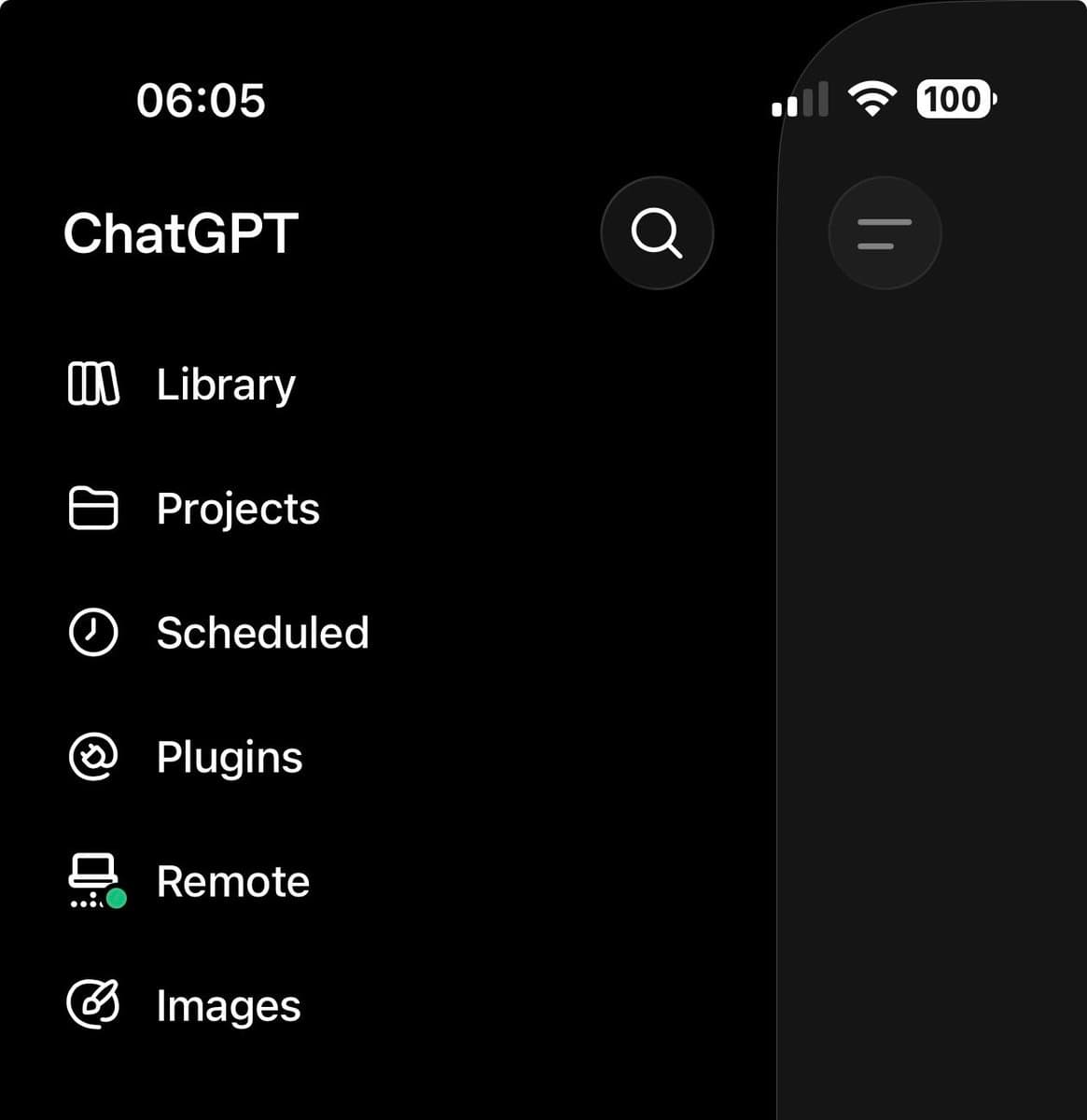
OpenAI's desktop move merged Codex into ChatGPT and split the surface into Work and Codex modes. In danshipper's review, Work hides code, Codex keeps the coding surface, and Chat becomes a quick-question layer inside both.
The naming took immediate fire because Work was labeled "For getting work done" and Codex "For developers." danshipper's reaction to that menu was blunt: "so this implies that...developers don't do work?" danshipper's Work/Codex screenshot
petergyang's product feedback listed three concrete confusions:
- Work vs. Codex raised category questions around coding, planning, and everyday tasks.
- Sol, Terra, Luna, and effort levels had no obvious in-product guide.
- Tasks vs. chat made old chat history harder to find.
A separate launch hiccup showed up when petergyang's Sites test validated a local site but could not publish because Sites was not connected to the account.
Price, token burn, and Ultra Mode
Price became the comparison lever. In LLMJunky's benchmark screenshot, gpt-5.6-sol [max] showed 73% Pass@1 at $8.39 average cost, versus claude-fable-5 [max] at 70% and $21.63.
A launch summary from Everlier listed the three API tiers:
- Sol: $5 input / $30 output per 1M tokens.
- Terra: $2.50 input / $15 output per 1M tokens.
- Luna: $1 input / $6 output per 1M tokens.
Ultra Mode was framed around parallel agents. thekitze highlighted a chart where 4-agent and 16-agent configurations beat 1-agent runs on SEC-bench Pro as simulated latency increased.
The cost caveat came from usage reports. petergyang said he was mostly defaulting to Sol High, but his token-burn note said it seemed to use tokens faster than GPT-5.5 High.
Agent skills
MengTo said GPT-5.6 moved him "pretty much all in on Codex" because the app combined agent skills, goals, spawned threads, browser use, computer use, and a mobile connector.
[aakashgupta's MengTo breakdown]aakashgupta's video outline covered the creator-side workflow pieces: Codex setup, the AI browser, real project folders, plugins vs. skills vs. computer use, folder systems for agents, screenshot shortcuts, and a senior-designer taste skill.
MengTo also open-sourced 75 agent skills for Codex, Claude Code, Cursor, and other agents. The named skills were built for web design, landing pages, motion, WebGL, UI styles, and assets:
- Video to Super Prompt turns a screen recording into a detailed prompt.
- HTML to Interaction Prompts extracts sections, buttons, animations, WebGL effects, and interactions from an existing page.
- Stitched Full Page Capture captures a complete landing page for design reference.
- Daily UI Inspiration browses the web, captures landing pages, and turns them into prompt packs.