
Composio launches Universal CLI for terminal-native tool access
Composio shipped Universal CLI as a shell-first interface to its integrations, moving install, search, and agent workflows out of MCP setup. The release targets users who want simpler agent tool access after complaints that MCP stacks are harder to install, slower, and less stable.
TL;DR
- Composio launched Universal CLI as a terminal-first interface to its tool platform, pitching it as “same Composio ecosystem, 1000+ integrations, new interface” in the launch thread.
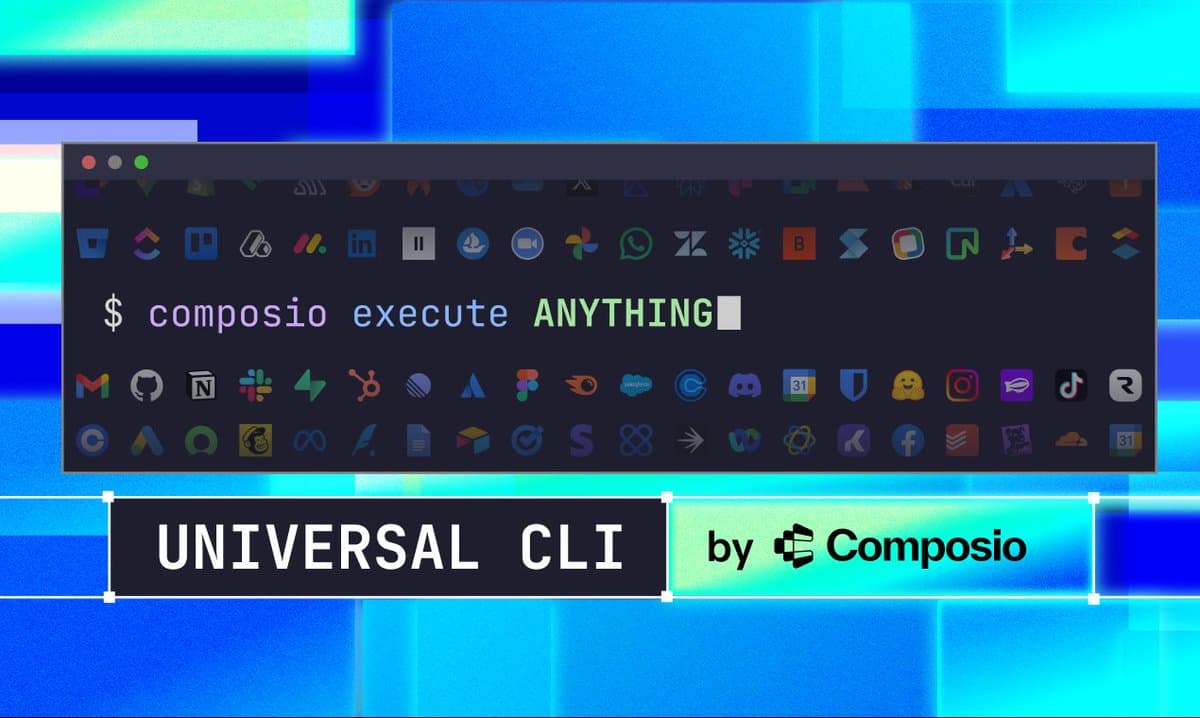
- The release shifts agent tool access away from MCP-specific setup toward shell commands; Composio’s promo post and [img:0|launch graphic] frame it as a single CLI that can “execute ANYTHING” across connected apps.
- Early product materials show two concrete workflows: install from the terminal via Composio’s install guide, and search from the CLI, which the search demo shows with a short
ag <search term>flow. - The launch is also a response to workflow friction around MCP stacks. Composio’s own messaging says “MCP, now CLI” in the launch thread, while a supporting post from Rohan Paul argues the preference is really about latency and cleaner setup.
What shipped
Composio’s new Universal CLI packages its integrations behind a shell-first interface instead of asking developers to start from an MCP server setup. In the launch thread, the company says it gives agents “a clean path to actually do things,” keeps the existing integration catalog, and exposes it through “1000+ integrations, new interface.”
The launch materials push a broad terminal abstraction rather than a narrow app-specific client. The promo post and [img:0|launch graphic] present the product as “Universal CLI,” with the central command shown as composio execute ANYTHING. Composio also published a one-line install path in its thread, while the linked install guide adds operational detail: the Bash installer handles platform detection, version resolution, checksum verification, and dependencies such as curl, unzip, and git; Windows is not directly supported outside WSL or npm.
How the workflow changes
The clearest new workflow evidence is search. In the search demo, Composio shows a terminal command of the form ag <search term> returning results directly in the shell, which suggests the CLI is meant to replace some of the discovery and tool-selection work that would otherwise sit behind an agent or MCP layer.
Composio is also positioning the CLI for developers who “don’t want to ask your agent to handle it” and would “prefer to do things the old fashioned way,” according to the explainer post. The linked explainer video shows the intended flow: install the CLI, authenticate with Composio, then let an agent such as Claude Code trigger actions like managing a GitHub repo, with browser-based auth prompts handling account connection.
That pitch lands against a specific complaint set. In a supporting post, Rohan Paul describes the CLI-vs-MCP split as “a latency argument disguised as a taste argument.” That does not establish a broader industry shift, but it does explain the launch framing: Composio is selling the CLI as a faster and less brittle way to wire agents into real tools from the terminal.