
BeatBandit adds master moodboards and shot lists from one prompt
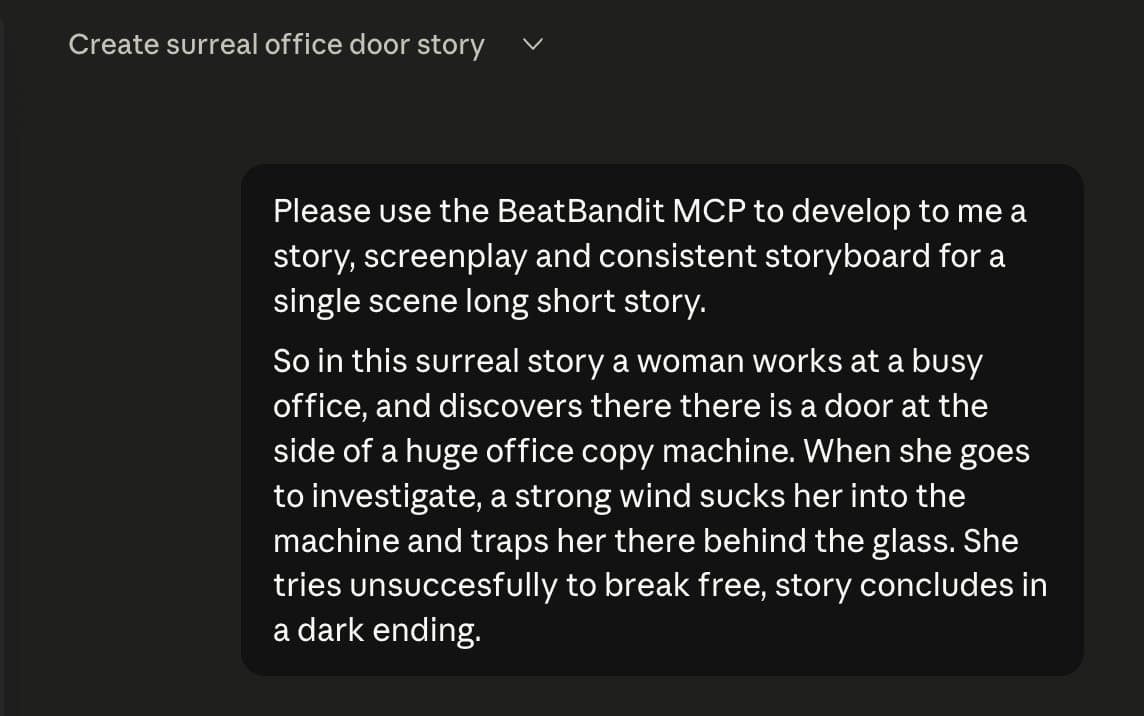
A BeatBandit MCP demo ran one surreal prompt through story beats, screenplay, a master moodboard, references and storyboard frames, then exported to Seedance or Happy Horse. The master moodboard keeps characters, props and lighting aligned before shot generation, which can reduce continuity drift.
TL;DR
- In rainisto's MCP demo, a single prompt moved through BeatBandit's pipeline from story idea to story beats, screenplay, and shot list, then onward into visual planning.
- rainisto's master moodboard post framed the new trick as a continuity layer: one image sets characters, props, environment, and lighting before separate references get generated.
- According to rainisto's storyboard post, those references then drive per-shot storyboard frames, which turns a screenplay into a usable shot sequence with less manual glue work.
- rainisto's render demo showed the resulting boards exporting into Seedance or Happy Horse, while rainisto's follow-up said the same workflow also runs on the BeatBandit website without MCP.
You can trace the core product back to BeatBandit's docs, which position it as an AI screenwriting platform with staged screenplay development. The interesting new bit in the thread's moodboard step is the attempt to solve the classic reference drift problem before shot generation starts. The render clip then pushes those boards into downstream video tools, and Getting Started adds one practical detail the thread skips: BeatBandit is web-based, credit-driven, and requires no install.
One prompt to shot list
The demo starts with a surreal one-scene premise and asks BeatBandit, through MCP in Claude or Cursor, to develop the whole package. In rainisto's next post, the tool turns that prompt into four discrete layers:
- Story beats
- Screenplay
- Shot list
- Prompts ready for genAI video
That structure is the useful part. BeatBandit's official docs already describe a staged writing workflow from logline through screenplay in the product guide and Getting Started, but the thread extends that pipeline into previsualization.
Master moodboards
The master moodboard sits between screenplay and shot generation. Rainisto described it as a single image that locks key characters, environment, props, and lighting together before any individual reference images get spun out.
That is a smart fix for a familiar headache in AI video workflows. Separate references often look fine one by one, but drift when you line them up scene to scene. In rainisto's follow-up, the point of the master board is exactly that: make later references fit the same story world instead of being designed in isolation.
Storyboards and renders
Once the reference set exists, BeatBandit uses it to create storyboard frames for each shot. Rainisto said the system can start from an automatically written screenplay, but the same path also works with a user-written or imported script.
The thread ends by pushing those boards into Seedance or Happy Horse for rendering. That makes the workflow read like a compact chain rather than a pile of separate tools:
- Prompt or imported script
- Story beats and screenplay
- Shot list
- Master moodboard
- Individual references
- Storyboard frames
- Render in Seedance or Happy Horse
Editing and access
The final detail is that the pipeline is not locked inside the MCP demo. rainisto's follow-up said every layer stays editable, including story beats, screenplay, prompts, references, settings, and other details, and that the same system is available on the BeatBandit website as well as through Cursor or Claude.
That lines up with BeatBandit's documentation, which describes a web-based screenwriting app organized as reusable cards and stages, and with Getting Started, which says the product requires no installation and uses a credit system for AI features. The docs list the current core stages as Logline, Characters, Treatment, Beat Sheet, Scenes, and Screenplay, which makes the storyboard layer in the thread feel like BeatBandit stretching from writing tool into full preproduction workflow.