
Google AI Studio adds Gmail, Drive, and Sheets connections in the builder
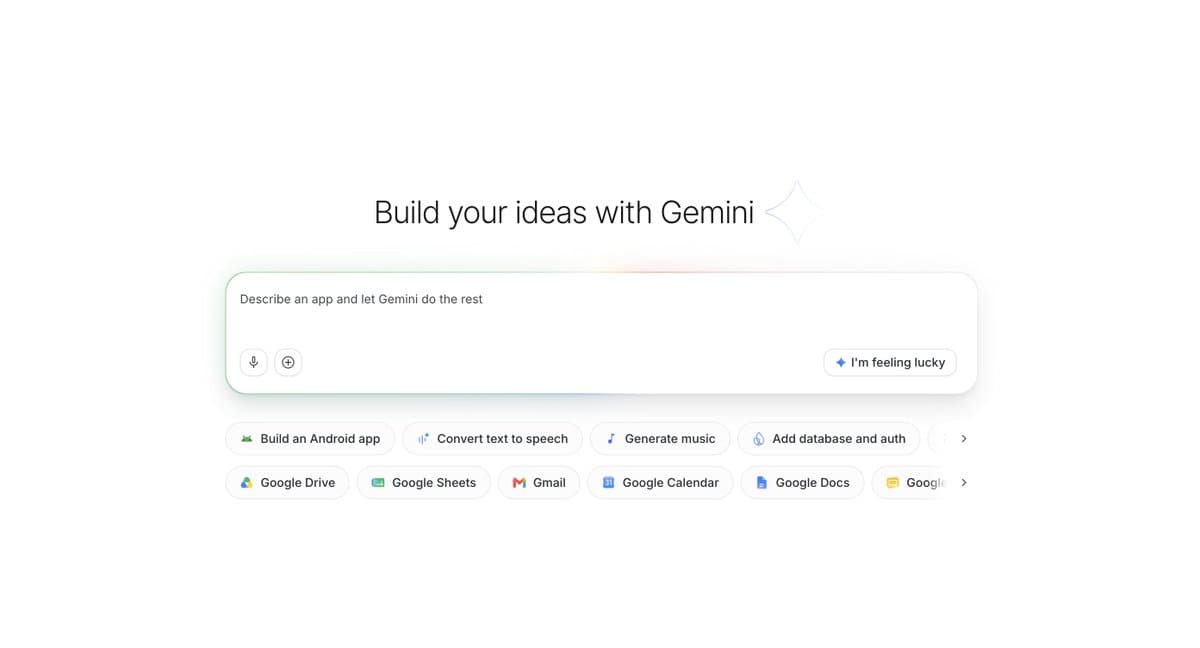
Google AI Studio now lets builders connect Gmail, Drive, Sheets, and other Google services without leaving the app builder, and testers can be added in-app. Use the new connections to keep workflows inside Studio, and filter API usage by key for tighter tracking.
TL;DR
- Google AI Studio's builder now connects to Gmail, Drive, Sheets, and other Google services directly inside the app builder, according to OfficialLoganK's launch post and Google's Google I/O 2026 AI Studio overview.
- The official I/O post says builders can make Sheets-backed dashboards and tools that organize Drive content without leaving Studio, while a Google Cloud post adds Gmail, Calendar, and Firebase Auth to the stack of supported workflow pieces Google I/O 2026 AI Studio overview and Google Cloud's integration post.
- Google also added in-app tester management, with public sharing still marked as coming soon in OfficialLoganK's launch post.
- A separate AI Studio update now lets developers filter Gemini API usage charts by API key, per OfficialLoganK's usage post, on top of the existing Dashboard > Usage flow and API keys page.
You can build dashboards on top of Sheets data, wire apps into Gmail, Calendar, and Firebase Auth, and the current Build mode docs already note that shared apps spend against your own usage limits. The new usage view lives at AI Studio's usage page, while the public-sharing piece is still ahead of the docs and only appears in OfficialLoganK's post.
Workspace connections
Google is pushing AI Studio further into "build where the data already lives" territory. OfficialLoganK's post says Gmail, Drive, Sheets, and more now connect directly inside the builder.
Google's I/O post is a little more concrete about the first use cases. It explicitly calls out:
- dashboards built on top of Sheets data
- tools that organize a user's Drive
- apps that work with a team's existing documents and data
- all of it staying inside AI Studio
A separate Google Cloud post widens that picture to Sheets, Calendar, and Gmail, using Firebase Auth as the login layer. That makes this look less like a one-off connector drop and more like Google turning AI Studio into a lightweight internal app builder for Workspace-heavy teams.
In-app sharing
The same ship also adds testers directly inside AI Studio, according to OfficialLoganK's post. That trims one of the more annoying handoff steps for quick prototypes, especially when the app already depends on a user's Google data.
The current Build mode docs already document app sharing and deployment, including a warning that shared apps count against the builder's own API usage limits. Public sharing is not yet reflected there, which lines up with Logan Kilpatrick's note that full public sharing is still coming soon.
API key breakdown
Google also shipped a smaller but useful dashboard change: request charts can now be filtered by API key, per OfficialLoganK's usage post. For anyone juggling multiple apps or experiments under one project, that is a cleaner way to separate what is actually burning tokens.
The official billing docs already point developers to Dashboard > Usage for Gemini API monitoring, and the API key docs explain that keys are managed from AI Studio's API Keys page. The new usage page, linked in OfficialLoganK's follow-up, adds the missing per-key lens before Google rolls out the "more granular controls" Logan says are next.