
InVideo Agent One claims 30-second Alpine A390 ads from one prompt
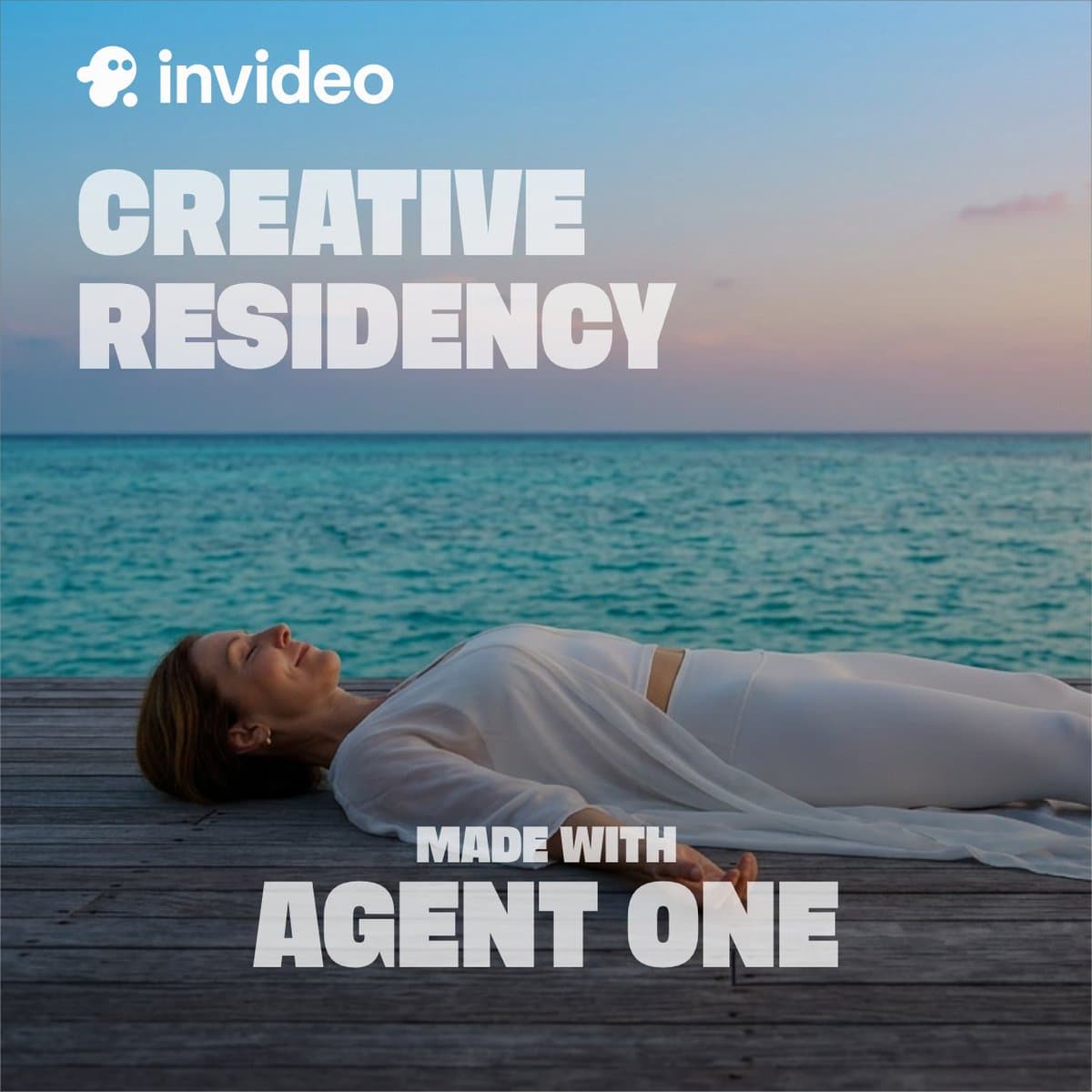
Creators posted end-to-end ads made in InVideo Agent One, including a 30-second Alpine A390 spot and a full Luna Yoga retreat promo from a single prompt. The demos deepen earlier claims that Agent One can handle image generation, video, voiceover, sound, and assembly inside one flow.
TL;DR
- CharaspowerAI's Alpine A390 demo claimed InVideo Agent One turned one prompt into a 30-plus-second car ad, handling image generation, video, editing, and final assembly.
- carolletta's Luna Yoga Retreat post said the tool produced an entire faux travel promo, including scenes, British voiceover, sound design, edit, and final video inside the same flow.
- According to CharaspowerAI's workflow clip, the front-end is unusually thin: prompt, duration, and visual references, then the agent takes over production.
- GlennHasABeard's walkthrough adds the clearest process detail so far, with uploaded PDF treatments, locked character sheets, storyboard keyframes, voice clips, and sound design all staying inside one project.
You can watch the Luna Yoga spot and the Alpine A390 ad as finished outputs, then compare them with GlennHasABeard's three-minute breakdown of how the context system holds character, location, and audio decisions across the whole run. There is also a cleaner product clue in the InVideo site link, while dustinhollywood's VIDX clip shows another creator stack pushing from storyboard to director mode to timeline editor in two clicks.
One-prompt ads
The core claim is simple: Agent One is being shown as a full ad-making agent, not a scene generator.
Across those two demos, the repeated pieces are end-to-end: visuals, voice, sound, edit, and final assembly. CharaspowerAI's follow-up framed that shift as moving away from asset-by-asset generation toward one connected production workflow.
Context as the source of truth
The most concrete workflow detail came from GlennHasABeard's walkthrough, which described uploading a treatment PDF and having Agent One populate project context from it automatically.
That post also broke the process into discrete locks before rendering:
- treatment PDF for brand, character, locations, scenes, and audio direction
- character reference sheet set as canonical
- 16 visual language tests in a grid
- 9 location concepts, with 3 selected
- 11 storyboard keyframes
- 7 voiceover clips, timed before video render
- music, sting, and SFX generated in the same project
The useful detail is upstream control. When renders drifted, the creator said they changed the inputs and references rather than negotiating with the model after the fact.
Two-click handoff to the timeline
A separate demo from dustinhollywood's VIDX clip showed a different but related promise: storyboard to director mode to timeline editor in two clicks. That makes the story less about raw generation quality and more about compression, how much of the old preproduction-to-edit handoff gets absorbed into one interface.