
Prmptbio adds sref import and Smart Poster exports
A creator partner demo shows Prmptbio turning uploaded Midjourney style references into auto-labeled profile pages and poster exports in Grid, Bento, and Detailed layouts. The tool packages style references into shareable assets without rebuilding showcase pages by hand.
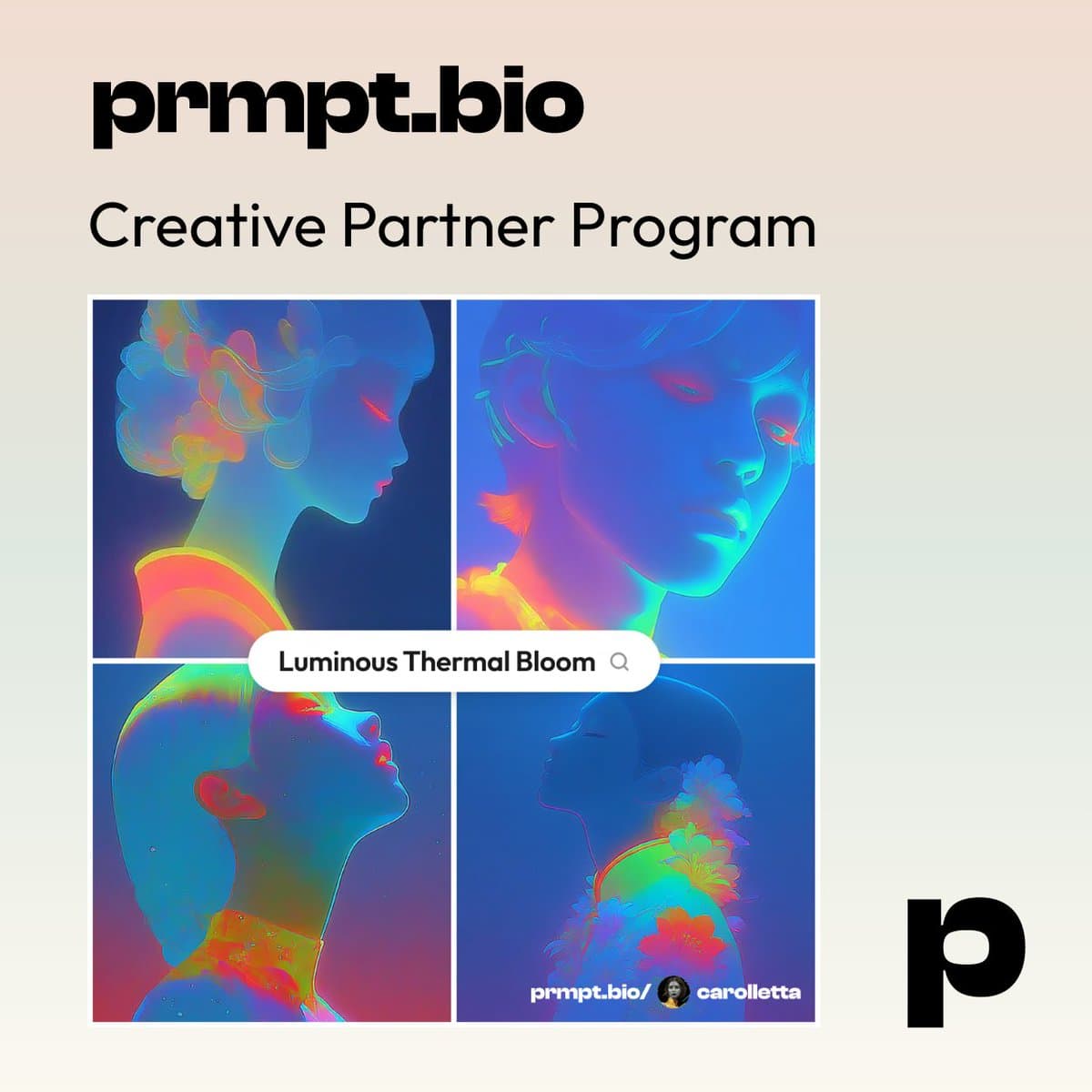
TL;DR
- In carolletta's demo thread, Prmptbio turns uploaded images plus a Midjourney
--srefcode into a style page with an auto-generated name, description, and color palette. - carolletta's Smart Poster walkthrough shows a built-in export tool with three layouts, Grid, Bento, and Detailed, plus controls for image position, text, and whether to keep the creator tag.
- The workflow in carolletta's dashboard post packages each style as a reusable card with stats, edit controls, a public link, and a shortcut into the poster generator.
- Public style pages such as carolletta's style-share post and her profile link post make the product look less like a prompt dump and more like a polished portfolio surface for AI image references.
You can open Prmpt.bio, browse carolletta's profile, and jump straight to an individual style page. The useful reveal is how little setup the flow appears to need: the style preview post says the page came from images plus the sref code alone, while the poster interface walkthrough shows the sharing asset gets generated inside the same product.
Sref import
The core trick is simple. According to carolletta's demo, you upload images, paste a Midjourney style reference code, and Prmptbio infers the style package for you.
That package includes:
- A generated style name, per the demo thread
- A generated description, also in the same thread
- A generated color palette, again from carolletta's walkthrough
- A finished style page whose preview images carolletta says were generated from the images plus
srefinput
For creators who already trade in Midjourney style references, that cuts out the usual manual page-building step.
Smart Poster
The export feature sits behind the image icon in the dashboard, according to carolletta's dashboard post. Once inside, her interface walkthrough lists three poster formats:
- Grid
- Bento
- Detailed
The same post says each poster can be adjusted for:
- Layout type
- Image positioning
- Text placement
- Whether the creator tag stays visible
That makes the share asset part of the archive itself. You are not rebuilding the same style reference as a social card in another app.
Profile pages
The public-facing side is already structured like a gallery. carolletta's profile post links to a profile page, while her later style-share post links to a single style entry that can stand on its own.
The dashboard actions in the dashboard view suggest each item can be opened, linked, hidden, or deleted, which gives creators a cleaner separation between what stays public and what remains editable.
Creator partner program
The strongest public demo here comes with a disclosure. In carolletta's announcement, she says she joined Prmptbio's Creative Program Partnership and received enhanced credits for sharing the tool.
That same partnership context shows up again in the try-it post, and her survey note adds that Prmptbio was already asking existing users for feedback. So this looks like an active creator-led rollout, not a quiet feature drop.