
Nano Banana appears in Google Earth for map-view image edits
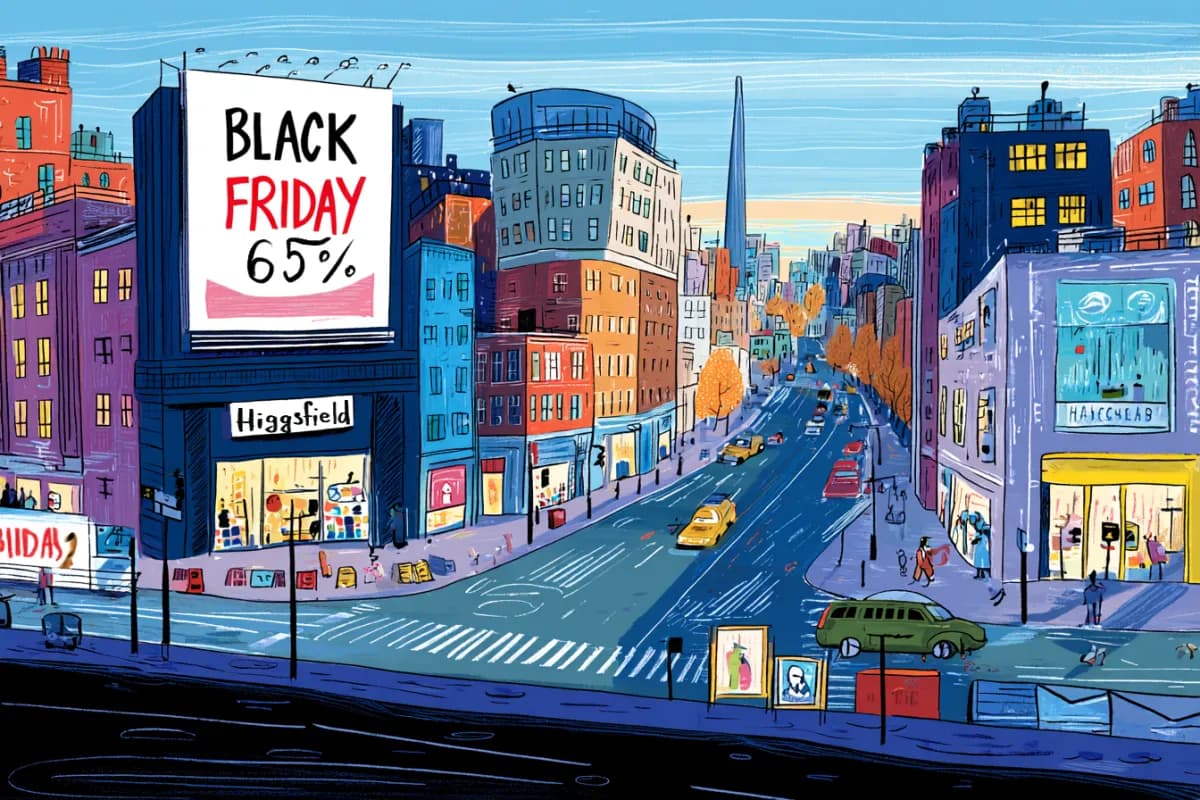
Creators show Google Earth using Nano Banana to reskin homes, cities, and map views with styled image generation. Users also report no obvious download or export control in the current experience.
TL;DR
- Google put Nano Banana 2 inside Google Earth on web, where the new Create image button uses the current map view as the base input; bilawalsidhu's demo shows a 3D cityscape turned into a banana-themed skin.
- The workflow is project-based, not file-based: Google Earth support said downloads are not currently supported, according to bennash's support quote, and Google's developer doc says direct download or sharing outside Earth is not supported.
- Creators immediately treated Earth as a style-transfer canvas, with bennash's neighborhood test using “Comic Book Style” and bennash's Cincinnati thread applying the look across local landmarks.
- The OSINT concern comes from the same map grounding; aakashgupta's warning argued that fake crisis imagery can inherit Google's own roads, terrain, and shadows.
Google's launch post pitches prompts for Pompeii in 78 A.D., a Statue of Liberty infographic, Tokyo real estate planning, a lakeside cabin, and a sci-fi Google campus. The sharper workflow detail comes from Google's developer doc: Create image captures the current map view, Refine image iterates on the result, and Save to Project stores it on a placemark. The creator demos went straight to remix culture: bilawalsidhu's controlnet reply called it a reskin-Earth workflow moving directly into Earth, while bilawalsidhu's time-machine post used it as a time machine.
Create image
Google's launch post says Nano Banana image generation is available globally for Google Earth web users. The feature starts inside a project, not a separate image app.
The flow in Google's developer doc is concrete:
- Open an existing project or create a new one in Google Earth on web.
- Click Create image in the toolbar.
- Earth captures the current map view as the base image input.
- Type a prompt describing the change.
- Use before-and-after controls inside the generation session.
- Click Refine image to add another prompt.
- Click Save to Project to attach the generated image to a placemark and preserve the camera angle.
The same doc says the base imagery is Google Earth's overhead imagery only. bilawalsidhu's reply separately noted that desktop Earth remains a downloadable app while web Earth now has broad parity.
The model behind the button is Nano Banana 2, also called Gemini 3.1 Flash Image. Google's Nano Banana 2 post describes the general model as supporting stronger text rendering, subject consistency for up to five characters, fidelity for up to 14 objects, and outputs from 512px to 4K in broader Google surfaces.
Five built-in jobs
Google framed the Earth integration around five jobs, and all five start from a real place rather than a blank canvas:
- History: render Pompeii's ruins as a hyper-realistic Roman street scene from 78 A.D.
- Place learning: generate an easy-to-read Statue of Liberty infographic with historical facts.
- Real estate: reimagine an empty Tokyo lot as a shopping and retail district.
- Personal planning: add a modern lakefront cabin to an actual lakeside lot.
- Makeovers: turn Google's Mountain View campus into a futuristic sci-fi environment.
The infographic example matters because Google's launch post says Gemini retrieves relevant historical information behind the scenes before Nano Banana creates the graphic.
Reskin workflows
bilawalsidhu's first creator read was simple: reskin a home or city, then pan through the result as if it belonged inside Earth. In bilawalsidhu's controlnet reply, he said he had liked this workflow since the ControlNet days and called the direct Earth integration the new part.
The “real world metaverse” line came from bilawalsidhu's reply after the banana-city demo started circulating. It is the most compact description of the creative angle: map data as the spatial scaffold, prompt as the art direction.
Comic-book Cincinnati
bennash prompted a neighborhood view as “Comic Book Style,” then posted a Cincinnati run across multiple recognizable locations.
The mini-set included:
- A neighborhood test in bennash's original post.
- Downtown Cincinnati in bennash's downtown post.
- Roebling Bridge in bennash's bridge post.
- Music Hall in bennash's Music Hall post.
- Union Terminal and Mt. Adams in bennash's landmark thread.
The useful creative pattern is location batching: keep the style prompt steady, move the Earth camera, generate a coherent local series.
Project-only saving
The launch-day friction showed up immediately in bennash's replies. No obvious download control appeared in bennash's first question, and the shared output was only a screenshot, according to bennash's screenshot post.
Google Earth support said downloads are not currently supported, according to bennash's support quote. The official developer doc confirms the constraint: generated images can be saved only inside Google Earth projects, and direct download or sharing outside Google Earth is not supported.
That makes the current feature feel like a visual planning layer before it feels like an asset pipeline. The same doc says saved generations become media attachments on placemarks in the left panel.
Watermarks and map-grounded fakes
Google's Earth doc says every generated image includes a visible watermark plus invisible watermarking. Google's Nano Banana 2 post says the broader provenance stack couples SynthID with C2PA Content Credentials, and that SynthID verification in the Gemini app has been used more than 20 million times.
Google Earth used to be the check for fake satellite imagery, aakashgupta's warning argued: overlay the viral image, then look for roads, shadows, or terrain that do not match. His concern is narrower than “AI images exist”: an Earth-native generation can begin from the real coordinates, so the road grid and terrain alignment can survive the first debunking pass.
The visible label is the brittle part. aakashgupta said the safeguard is a “Custom image” map pin that remains until someone crops the screenshot.