
Chrome DevTools MCP adds auto-connect for live browser sessions in Chrome 144+
Chrome DevTools MCP now lets agents attach to an existing signed-in browser session, and companion tools added one-command auto-connect flows. Use it to debug and automate in the tabs you already use instead of setting up separate logins or headless sessions.
TL;DR
- Chrome DevTools MCP can now attach coding agents to a running, signed-in Chrome session instead of forcing a separate browser instance, with Chrome’s launch post pointing to support for reusing an active debugging session in Chrome 144+.
- The setup is simpler than older browser-agent flows: Addy Osmani’s overview thread describes it as “one toggle,” and the linked Chrome developer post says agents can inspect DOM and network state from the browser you already have open.
- Tooling around the launch is moving fast. The agent-browser update added
--auto-connect, while the chrome-cdp repo describes a direct WebSocket approach for persistent control over live tabs. - Early practitioner reaction is that this removes a major auth and context gap for browser agents, with developers highlighting access to “logged-in pages” in the repo summary and “100+ tabs” plus persistent connections in a practitioner post.
What shipped in Chrome DevTools MCP?
Chrome’s update is that agents can connect to the browser session you are already using, not just a fresh automated instance. In Addy Osmani’s overview thread, the pitch is “no extensions,” “no headless browser,” and “no separate logins,” while the linked developer post says the MCP server can now automatically connect to a running Chrome instance and let an agent inspect active debugging context.
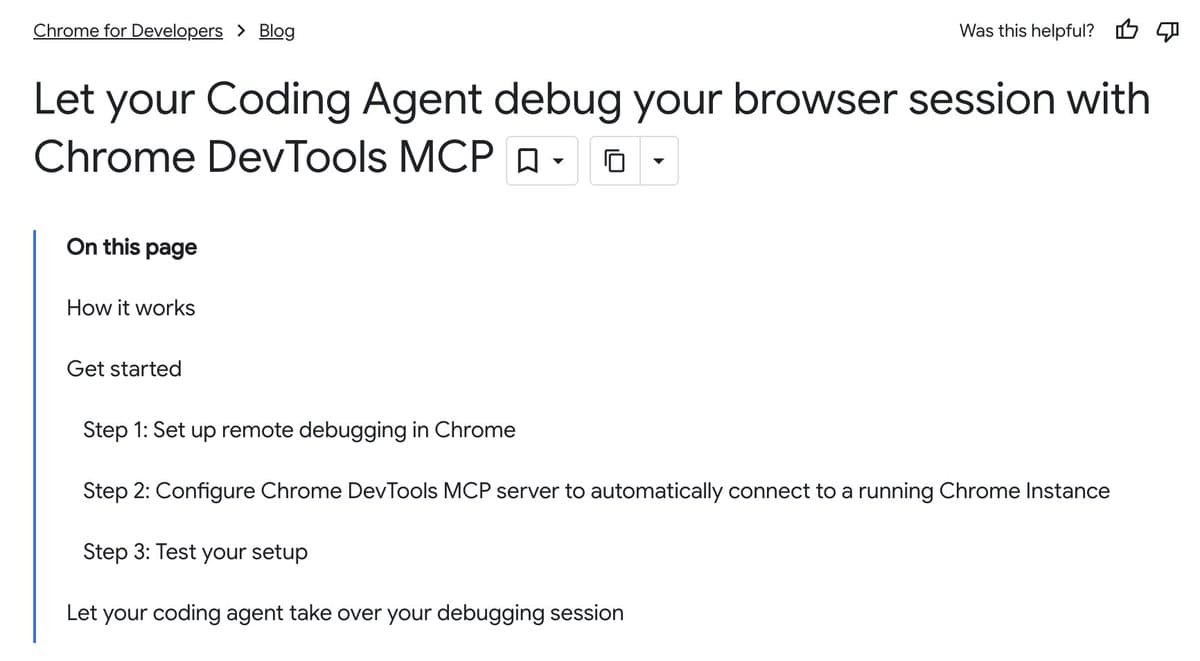
The practical change is workflow continuity. The Chrome writeup lays out remote debugging in Chrome, configuring the MCP server with --autoConnect, and then letting the agent debug the same session where you are already authenticated. That means an agent can work against the same tabs, cookies, and page state you are seeing, instead of replaying setup in a clean profile.
How are tools building on top of it?
Companion tools immediately wrapped the new capability in easier CLIs. The agent-browser update added agent-browser --auto-connect open <url> plus an environment-variable path, and the product page in agent-browser docs says its Rust daemon exposes 50+ commands, snapshot-based page state, and ref-based interactions aimed at deterministic agent control.
A separate path is bypassing higher-level browser frameworks and talking to Chrome’s debugging interface more directly. Omar Sanseviero’s demo thread shows a chrome-cdp-client controlling existing tabs, and the linked chrome-cdp repo says the tool can list tabs, inspect accessibility trees, extract HTML, click, type, monitor network resources, and keep persistent per-tab daemons alive so it avoids reconnecting on every command. The same repo summary says it works with existing Chrome installs and is designed to handle “over 100 tabs reliably,” which matches Cedric Chee’s practitioner note about direct WebSocket connections, logged-in accounts, and persistent sessions.
Why this matters for browser agents
The main engineering gain is that browser agents no longer need to choose between automation and real user context. The repo summary frames the win as access to “logged-in pages” and the current browsing environment, and the Chrome-side MCP post makes the same case for debugging live sessions rather than recreating them.
That closes a long-standing gap for agent workflows around internal dashboards, auth-gated apps, and stateful debugging. One practitioner described the missing piece as “my agents couldn't see what I see” in a supporting post, while broader reaction in browser-use’s take calls Chrome 146 “an crazy unlock for agents.” The more immediate takeaway from the primary sources is narrower but concrete: Chrome’s remote-debugging session is becoming a shared substrate for coding agents, browser automation CLIs, and debugging tools.