
Grok Build updates 0.1.218 with Ctrl+X help fixes
Grok Build 0.1.218 shipped shortcut and help fixes, while early testers reported strong terminal UX but missing long-run control, browser use, and reliable self-verification. That matters because xAI is already competitive on TUI ergonomics even as core agent controls remain incomplete.
TL;DR
- Grok Build 0.1.218 shipped at least one visible usability fix, with a release-note teaser calling out "Ctrl+X as default shortcuts help" and saying full release notes would appear in the TUI.
- Early hands-on testing from mattlam_'s Starship V3 build thread said Grok Build already feels strong on design taste, X-native retrieval, tool selection, TUI command parity, and context efficiency.
- The same tester said long-running loops still break awkwardly, because the agent often stops, admits there are more findings, and asks the user to type "go" to continue, according to that same Starship V3 thread.
- Missing controls remain obvious: mattlam_'s feedback list called out the absence of /goal, weak self-verification, and browser use or plugins as gaps still "likely in the works."
You can watch the TUI demo showing a pinned prompt bar while scrolling and a top task bar for background runs, browse the Starship V3 demo site that Grok Build assembled during testing, and see xAI broadening the surface area via new connector announcements and rollout chatter about SuperGrok and a future desktop app.
0.1.218
The actual 0.1.218 changelog is still thin in public, but this repost of the update note confirms a help and shortcut fix centered on Ctrl+X and says the full release notes are exposed inside the terminal UI.
That is a small patch, but it lands on exactly the part early testers were scrutinizing most: the keyboard-heavy TUI.
TUI ergonomics
According to mattlam_'s video walkthrough, Grok Build already nails a few details that heavy agent users notice fast:
- the previous user message stays visible while you scroll
- the prompt box follows you instead of snapping back to the bottom
- a top task bar surfaces background work
- command UX looks close to the slash-command patterns people expect in other agent TUIs
an earlier reaction post framed those details as the reason Grok Build felt immediately more polished than neglected desktop-agent surfaces. That is a strong early tell for xAI's priorities, because none of it changes model capability, but all of it changes how tolerable long terminal sessions feel.
Agent loop gaps
The same hands-on report was much rougher on control and completion. In the Starship V3 testing thread, mattlam_ said Grok Build handled webapp generation well enough to make a decent-looking page, but stumbled when asked to run a longer build, review, fix, and repeat cycle.
The missing pieces from that test break cleanly into four buckets:
- long-running tasks often halt early and require a manual "go"
- /goal is missing
- self-verification is weak, with the agent claiming work is done when it is not
- browser use and plugin support were not there yet
There is still some charm in the interface, as a smaller follow-up post put it, but the current shape looks more like a promising build tool than a fully reliable autonomous loop.
Connectors and rollout
While testers were poking at the terminal client, xAI was also widening what Grok can touch. A connector announcement reposted by rauchg listed Vercel, Canva, Gamma, and market-data access as new integrations.
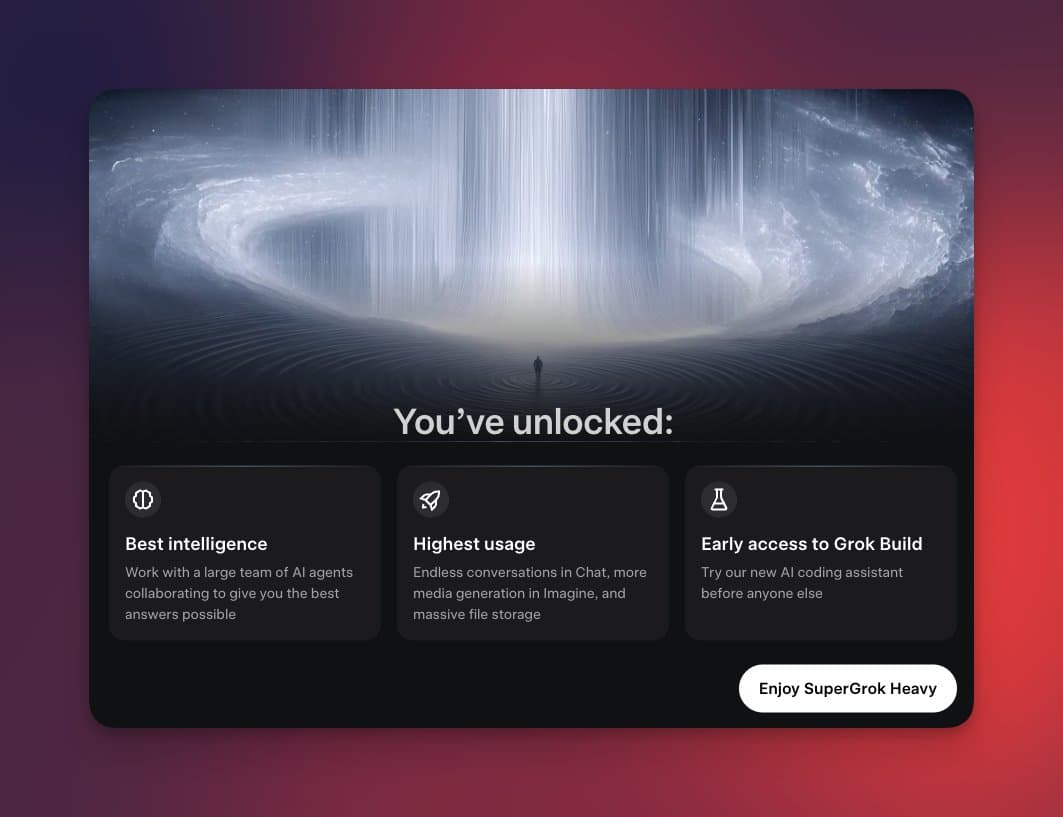
Outside the product itself, testingcatalog's rollout post said Grok Build was being prepared for SuperGrok users and was expected to expand from command line to desktop later. A separate infrastructure-side fix from Teknium's Hermes note also restored the product's intended 256K context length in Hermes, which is the kind of quiet plumbing change that matters more than a shortcut fix if usage ramps this weekend.