
Claude Code adds /design-sync: two-way sync with Claude Design
Anthropic shipped two-way syncing between Claude Code and Claude Design, letting teams pull a design system into a repo or push built UI back into the canvas. The release connects component libraries to live code; teams should use it to reduce handoff drift between design and implementation.
TL;DR
- ClaudeDevs' announcement introduced
/design-sync, a two-way bridge between Claude Code and Claude Design that can pull a design system into a repo or push built UI back to the canvas. - In Peter Yang's workflow thread, a principal engineer with a design background reportedly does "95%+" of design and build work in coding harnesses and the terminal, starting from a
design.mdfile. - When one commenter asked whether work needs to return to Figma, Peter Yang's reply answered no, which sharpens the pitch for code-first UI workflows.
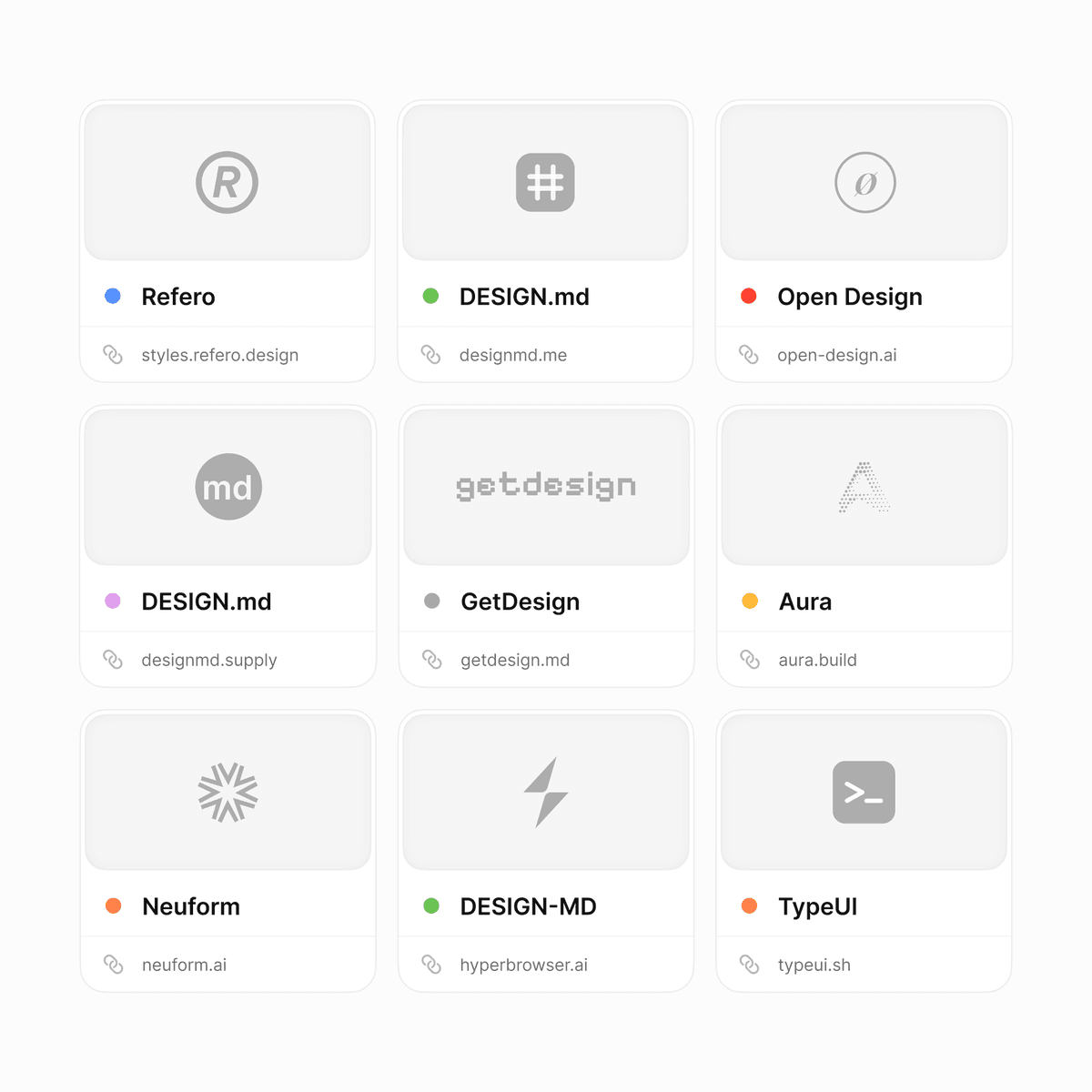
- Tran Mau Tri Tam's roundup counted nine tools already leaning into
DESIGN.md, which suggests Anthropic is shipping into an emerging pattern rather than inventing one from scratch. - 0xCharlota's app store assets post put a narrower use case on the table, using agents for screenshots, listing copy, and launch polish instead of core brand design.
You can start with ClaudeDevs' launch post, jump to Peter Yang's terminal-first workflow, browse Tran Mau Tri Tam's DESIGN.md roundup, and contrast that with 0xCharlota's brand-assets example. The interesting part is not just the sync command. It is that several people are now treating design specs, components, and launch assets as things that live inside the same agent loop.
/design-sync
Anthropic's new command is simple to describe and unusually specific in what it moves. ClaudeDevs' announcement says /design-sync can pull a design system into a repository so Claude Code builds against real components, or push finished work back into Claude Design for more editing.
That gives the release a concrete job: reducing the drift between a canvas state and the codebase it is supposed to represent. The tweet frames the sync as bidirectional, not export-only, which is the part most design-to-code tools still fudge.
design.md
The workflow Peter Yang described breaks into three steps:
- Create a
design.mdfirst. - Ask AI to generate the components.
- Iterate with feedback until the result feels right.
The follow-up matters because Peter Yang's reply says the process does not need to route back through Figma. Paired with ClaudeDevs' sync announcement, the picture is a tighter loop where the design artifact is a markdown spec, the build target is a live component system, and the editing surface can move between code and canvas.
DESIGN.md tool lists
What looked like an idiosyncratic workflow a few months ago is starting to look like a category. Tran Mau Tri Tam's post says nine tools already support the DESIGN.md pattern, and Tran Mau Tri Tam's follow-up list points readers to a stack of sites collecting examples and templates.
That matters here because Anthropic's ship fits the same grammar:
- a design spec written as text,
- an agent that turns the spec into components,
- a repo connected to the real design system,
- a way to move the result back into a visual editing surface.
The video attached to Tran Mau Tri Tam's roundup clip shows how quickly this pattern is becoming legible enough to catalog.
App store assets
The narrowest, most practical use case in the evidence set comes from 0xCharlota's post, which draws a line between brand design and launch collateral. The claim is not that agents should define the brand. It is that screenshots, listing copy, and release polish are now squarely inside the range of work a small team can hand to them.
That adds a separate clue about where tools like /design-sync may land first. Not every team needs a fully code-native design workflow, but many teams do need a faster loop for the UI surfaces that ship with the product, including store listings and launch assets.