
Freepik ships a 10-minute music video workflow with Fabric 1.0 lip sync and Kling 3.0 Motion Control
Freepik published a music-video template in Spaces using Nano Banana 2, Fabric 1.0 lip sync, and Kling 3.0 Motion Control, while creators also tested Speak on sung audio. Use the node recipe for fast mockups, but keep faces visible and front-facing to avoid broken sync.
TL;DR
- Freepik published a reusable music-video workflow in Spaces that compresses character setup, lip sync, style transfer, and titles into a single node graph, with the full template available through launch thread and the Space.
- The core stack pairs Nano Banana 2 for character frames with VEED's Fabric 1.0 for lip sync, and Freepik's tool breakdown says Kling 3.0 Motion Control handled additional motion and finishing passes.
- Freepik's character prompt also shared the exact character-sheet prompt and, in sequence steps, the node order for generating shot pairs, attaching audio, and rendering synced clips.
- Independent testing of Freepik Speak suggests sung audio is workable without isolating a vocal stem first, but creator test also found sync can break when a face is obscured or never turns clearly toward camera.
What Freepik actually shipped
Freepik's release is less a single model launch than a packaged recipe inside Spaces: start from a shared project, then run a music-video pipeline that combines character generation, audio-linked video nodes, style transfer, and title experiments. The company points users to the shared Space rather than just a teaser clip, which makes this feel closer to a reproducible template than a promo-only demo.
Freepik's tool breakdown names the stack directly: Nano Banana 2 creates the frames, VEED Fabric 1.0 drives the lip sync, and Kling 3.0 Motion Control adds controlled motion and later visual passes. In a separate step, Freepik says title nodes demo its list nodes are used to test different ending-title styles inside the same graph.
The node recipe behind the demo
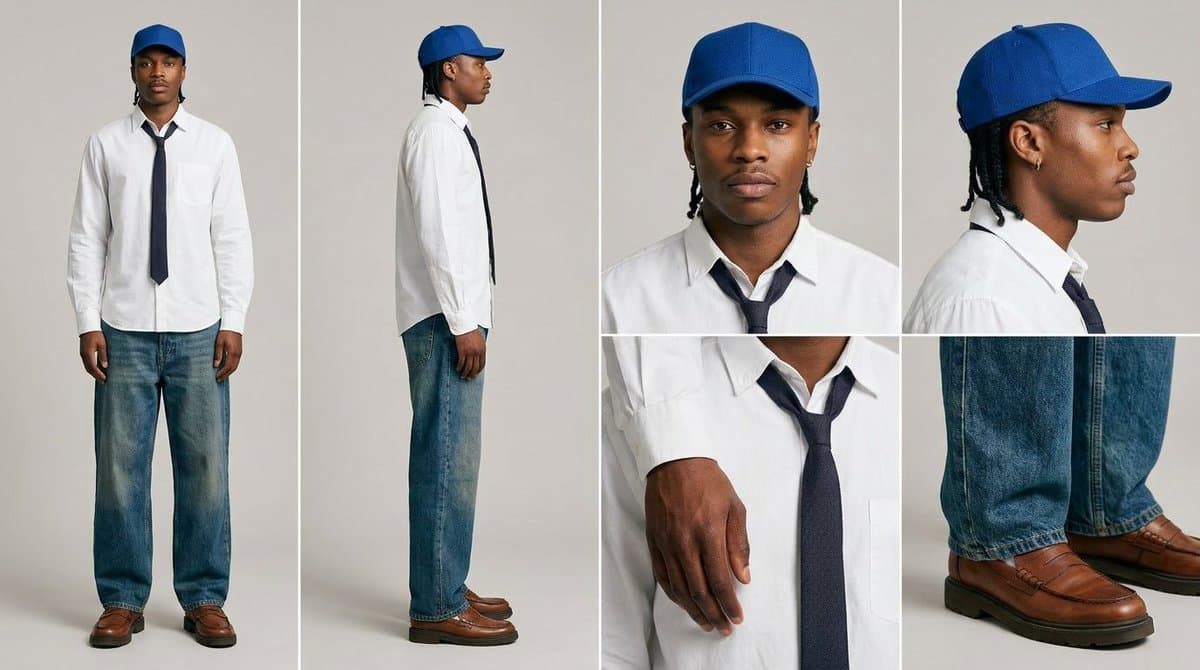
The first concrete prompt is a character-sheet setup: "different views and angles," mixing full-body shots and close-ups on a neutral background, with explicit instructions to avoid extra podcast-style details and keep expressions neutral. That gives the workflow multiple clean angles before any speech or singing is added.
Freepik's sequence recipe is simple but specific: generate two points of view in Nano Banana 2, attach an audio node with the script, connect that to a video node, then render each frame sequence with Fabric 1.0. A follow-up demo in multi-angle sync shows the same pattern repeated for side views, claiming synchronized clips can hold across different angles. For look development, Freepik's style transfer step adds Kling 3.0 Motion Control with a consistency prompt, and mixed-media pass shows a frame-extraction route back into Nano Banana for all-over effects.
What outside testing says about lip sync
Creator pzf_ai tested Freepik Speak on a 12-second Suno song segment and says it handled music without first separating the vocal stem, which is a practical difference from lip-sync tools that drift when vocals are sustained or buried in the mix. The same test used a Kling-generated performance clip with closed-mouth footage as the source, then replaced the mouth motion in Speak.
A second example in still-image result used only a still image plus the same music track. The lip sync looked stronger, but the background stayed much more static, and the tester reports failures when the face is briefly blocked or never faces the camera directly.