
Freepik Spaces supports music-video lipsync with Veed Fabric 1.0 Fast and OmniHuman 1.5
A Freepik Spaces workflow now uses Nano Banana 2 for stills, Veed Fabric for closeup lipsync, OmniHuman for directed performance, and Kling 3.0 for motion clips. Split one music video into model-specific stages instead of forcing a single tool to handle everything.
TL;DR
- A new Freepik Spaces workflow breaks AI music-video production into stages instead of asking one model to do everything: Nano Banana 2 for source stills, Veed Fabric 1.0 Fast for simple lipsync, OmniHuman 1.5 for promptable performance, and Kling 3.0 for additional motion clips, according to the workflow thread.
- The strongest practical tip in the posted setup is to generate a numbered 3x3 grid of cinematic stills first, then pull individual frames with Lists inside Spaces so each shot can be reused downstream.
- The demo post argues Veed Fabric works well for close-ups because it only needs an image plus audio, while OmniHuman is the better choice when the shot needs camera direction or scene control.
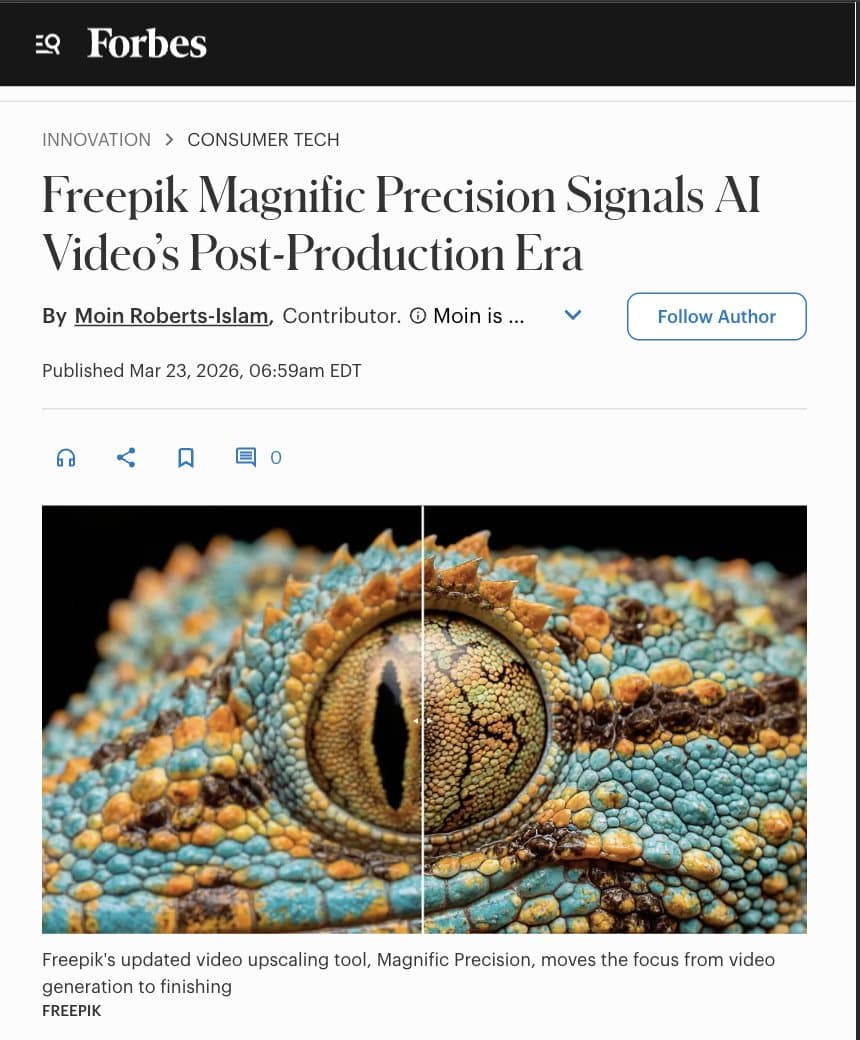
- Freepik is also leaning into post-production as a category: a Forbes screenshot highlights Magnific Precision as a finishing tool, and a creator example shows its new video upscaler pushing a Seedance clip to 4K with FPS Boost.
How the workflow is split
The workflow starts with still-image planning, not video generation. In Techhalla's thread, the creator says they use two Nano Banana 2 nodes to generate the character and setting, then a third node to blend them into one reference image. From there, they build a 3x3 grid of cinematic shots and add numbers via prompting so each frame is easier to extract later.
That grid step matters because it turns one concept image into a shot list. The same thread says Lists in Spaces make it easier to iterate through the numbered frames, and the shared Metal Space includes more than 25 prompts tied to the workflow.
Which model handles which shot
Veed Fabric 1.0 Fast is positioned as the quick lipsync option. In the detailed breakdown, the creator says it needs only the image and audio, with no prompt required, and recommends isolating vocals first when the source is a song. That makes it the simplest path for close-up performance shots.
OmniHuman 1.5 is the control layer. As the same workflow explains, it handles lipsync but also accepts prompts to direct what happens in the scene, which makes it better suited to shots with camera motion or more staged performance. Kling 3.0 then fills out the rest of the video by generating clips from a starting frame or bridging from a start still to an end still. Around that pipeline, Freepik's Forbes-cited push into Magnific Precision suggests the company is also treating upscale and frame-rate enhancement as a final finishing pass rather than part of generation itself.