
Gemini Omni Flash supports targeted frog-to-kitten video edits in creator demos
Two creator posts show Gemini Omni Flash altering a specific subject inside a clip while leaving most of the surrounding motion intact. That matters because object-level video edits appear usable for targeted fixes instead of full rerenders.
TL;DR
- venturetwins' frog-to-kitten demo and ozansihay's first-pass edit both show Gemini Omni Flash changing one subject inside a clip while most surrounding motion stays put.
- Google's Gemini Omni launch post says Omni Flash is built for conversational video editing, with edits that carry forward across turns instead of forcing a fresh rerender each time.
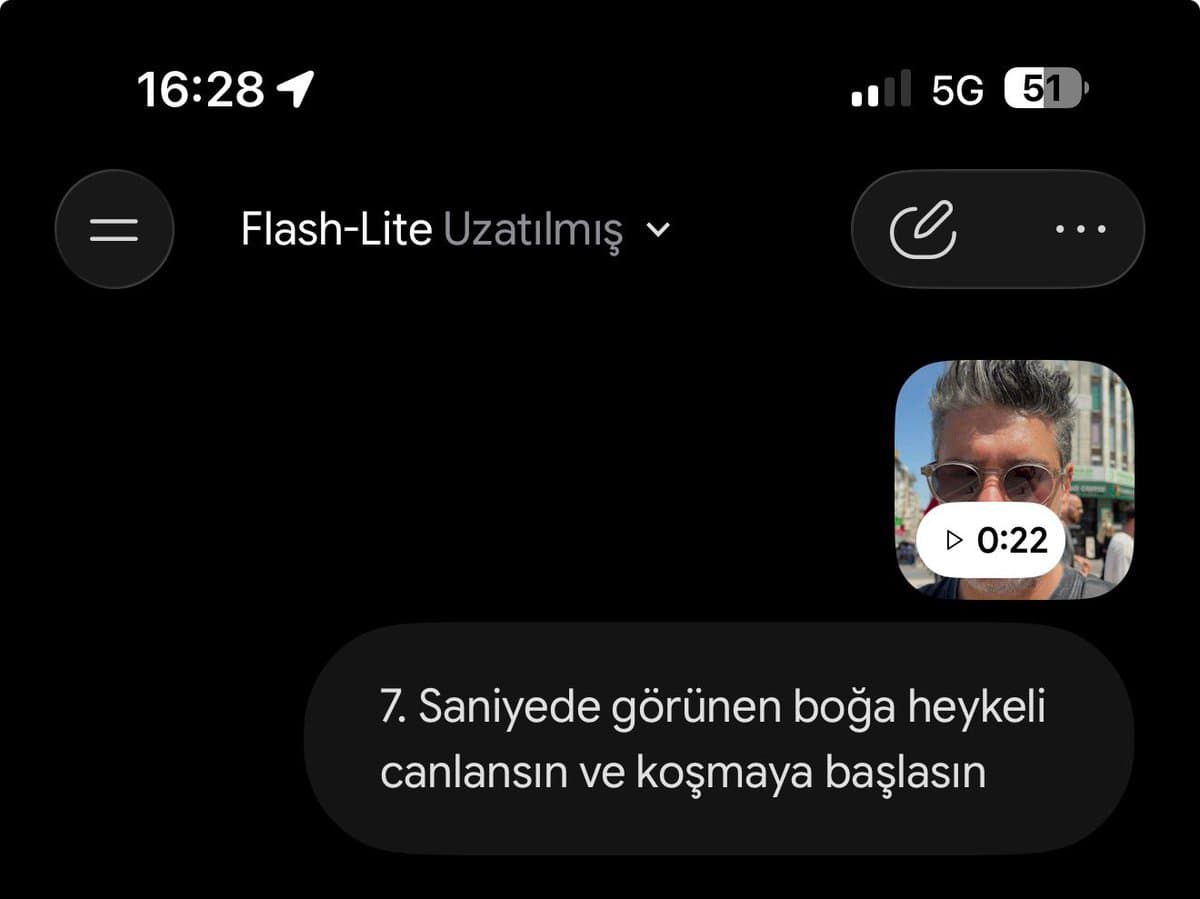
- AmirMushich's Live mode clip adds a second surface: camera-fed edits inside the Gemini app, triggered by voice prompts.
- Google's Flow update frames precise video editing as a core Omni Flash feature, while YutoIT's workflow writeup says video-to-video edits, outfit swaps, and 4K exports all run through a credit system.
Google's official announcement promises conversational edits that preserve continuity, and the creator demos here get unusually close to that sales pitch. You can also watch AmirMushich's Live mode example, skim Google's Flow rollout notes, and jump to ozansihay's longer tutorial for the rough edges, especially around audio and end-to-end workflow.
Frog-to-kitten swaps
The cleanest reveal in this batch is subject isolation. In venturetwins' clip, a frog becomes a tiny kitten while the framing and the rest of the shot barely move.
ozansihay's first-pass edit lands a similar result on a different source clip, which matters more than a single cherry-picked sample. Google's Gemini Omni post describes this as conversational editing that keeps character, physics, and scene coherence across revisions.
Live camera prompts
The app surface is as interesting as the model behavior. AmirMushich's Live mode clip shows Gemini taking a live camera view, then applying spoken edit requests inside the same session.
That matches Google's Gemini app update, which folds Gemini Live deeper into the app, and Google's Omni launch post says Omni Flash is rolling out to the Gemini app, Google Flow, and YouTube Shorts.
Access and costs
The official rollout is split by surface. Google's Gemini Omni announcement says Omni Flash is available to Google AI Plus, Pro, and Ultra subscribers in the Gemini app and Flow, while YouTube Shorts and YouTube Create get it at no cost.
YutoIT's breakdown adds the practical numbers missing from the launch post:
- Text-to-video runs about 15 credits for 10 seconds.
- Video-to-video editing deducts credits based on the uploaded clip.
- 4K export costs 50 extra credits per download.
- Default output is 1080p.
ozansihay's longer tutorial also calls out a limit that the short demos hide: audio continuity still needs cleanup, even when the visual edit lands cleanly.