
Grok Imagine Image 2.0 users show object edits and reference blending
Creators posted Grok Imagine Image 2.0 demos for object-segment edits, reference blending, text rendering, resizing, and background removal. The samples focus on posters, covers, product-style images, and diagrams.
TL;DR
- Grok Imagine Image 2.0 now has an editing workbench: xAI's launch post lists Magic Wand, segmentation, background removal, up to five refs, and Smart Resize, while carolletta's rollerblade demo shows segment-based color swaps.
- Creator demos clustered around reusable assets: venturetwins' Gap workflow turned product screenshots into photoshoot scenes, and carolletta's product concepts pushed a sci-fi exploration into bicycle, scooter, and rollerboot concepts.
- Text rendering became the stress test, with minchoi's municipal-sign prompt, minchoi's cocktail-card prompt, and minchoi's GROK cover all built around readable layout.
- The cross-tool workflow showed up fast: bennash's clarification says Cursor with Grok 4.5 built a React Router 7 and shadcn page from one source image and one prompt.
- The update appears image-only for now, since ozansihay's reply said the video side did not receive the update.
xAI's launch post frames Image 2.0 as Quality Mode on grok.com/imagine and the iOS and Android apps. The surprise is in the small workflow pieces: xAI's multi-image editing docs say the API accepts up to three source images, while the consumer launch says Multi-ref Editing accepts up to five input images. Creators immediately tested rollerblade color swaps in carolletta's edit demo, Gap screenshots in venturetwins' workflow, street-sign typography in minchoi's prompt, and a generated landing-page image in bennash's Cursor build.
Segmented edits
carolletta said the new Image Editor listed every object as a segment, then used that selection layer to change yellow rollerblades to black. That is the practical version of the Magic Wand and segmentation workflow in xAI's launch post: edit the target region, leave the rest alone.
venturetwins used screenshots from the Gap website as inputs, then generated a quick photoshoot. The workflow note is more useful than the output: items and people were segmented for edits, aspect ratio could change, and new references could be incorporated.
Reference blending
minchoi's summary put the new creative-tool stack in one line: surgical photo edits, five-reference combining, sharp text, resizing, and background removal. xAI's consumer launch matches that list, and the image editing docs show the API pattern for natural-language edits on a source image.
The editing surface breaks into five creator-facing moves:
- Magic Wand: change the pointed region only.
- Segmentation: pick a precise object or area before prompting.
- Background removal: export a subject with transparency.
- Multi-ref editing: combine multiple input images in one generation.
- Smart Resize: change aspect ratio and let the model fill the frame.
The API docs currently describe a smaller multi-image limit than the consumer launch. xAI's multi-image editing page says up to three source images per edit, while the launch post says Multi-ref Editing accepts up to five input images.
Text-heavy images
minchoi's street-sign example is a dense typography test disguised as a joke. The prompt asked the model to render six fake municipal rules mixed into normal parking signs:
- “Cape Fluttering Restricted in High Wind Zones”
- “No Flying Below 500 ft – Residential Area”
- “Sidekick Drop-Off Only (15-Minute Limit)”
- “Web-Slinging on Streetlights Strictly Prohibited”
- “Laser Vision Must Be Diluted in School Zones”
- “Dramatic Rooftop Landings Banned After 10 PM”
The other text examples moved closer to commercial layout. minchoi's cocktail recipe prompt asked for labeled handwritten recipe cards in front of drinks, minchoi's Odyssey poster asked for an educational character poster, and the GROK cover prompt specified masthead type plus vertical cover lines.
Camera looks
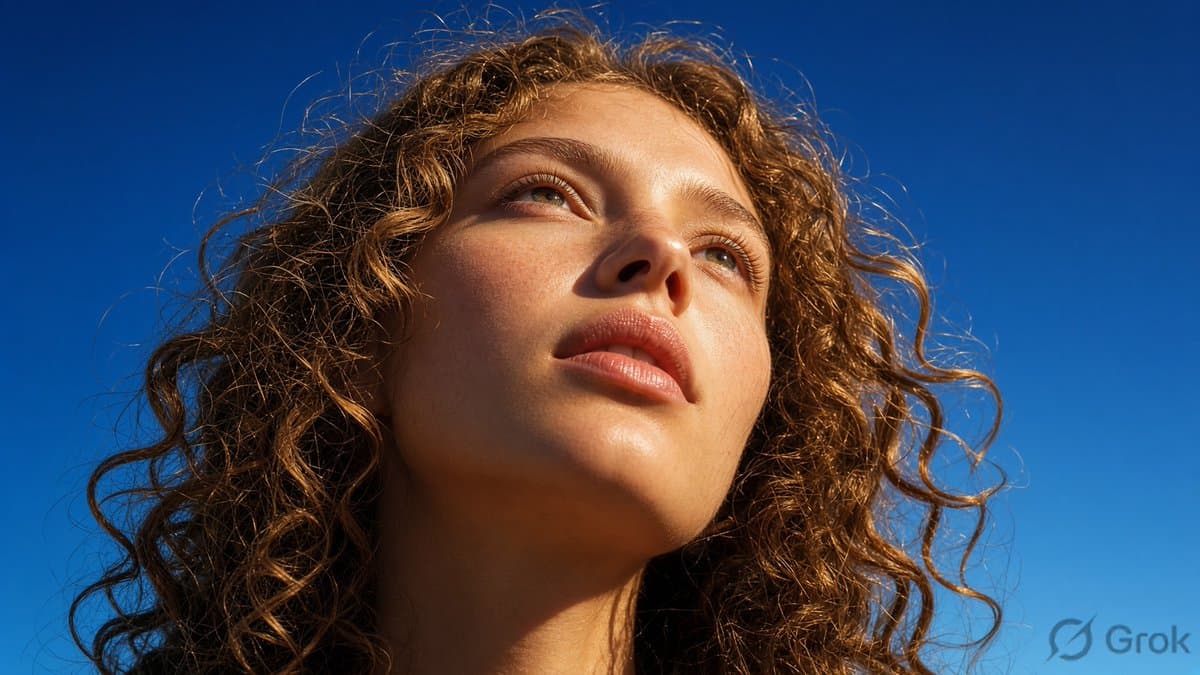
CharaspowerAI framed the output as a “Real photo? Nope.” test, using a bikini portrait to point at Image 2.0's photorealism. AIwithSynthia's samples pushed the same direction with a close-up portrait, tennis player, night train, and cafe scene.
The strongest prompts did not ask for generic realism. minchoi's market image specified Toronto, summer 2006, a 3:2 ratio, a young girl in denim overalls, a smoothie, background blur, and the look of a mid-2000s digital camera print.
The paparazzi prompt used a different camera recipe: Karl Marx in a Mall of America parking lot, luxury shopping bags, motion blur, flash glare, and partial overexposure.
Product shots and one-shot web builds
carolletta turned a sci-fi visual exploration into a Minimalist Futurist New Art Deco product line: bicycle, scooter, abstract object, and wheeled boots. The attached product renders are cleaner evidence than another claim about “ideation.”
bennash took a webpage image generated by Grok, fed it to Cursor with Grok 4.5, and prompted “build this website.” The linked [MoveVital page][link:20:0] came out as a fitness landing page with workouts, programs, nutrition, community, pricing, and trial calls to action.
The setup was not a blank machine. bennash said he first installed an empty React Router 7 framework with shadcn components, with no pages and no routes, then Cursor and Grok wrote the rest of the page from one prompt.
Templates and API status
ozansihay said the new Grok image-generation model was available through Grok, but he had already used his monthly quota. In replies, he said the update was only for the image model, not the video model, in one reply and another reply.
The consumer launch added templates for common production jobs:
- Photo Edit
- Product Color Change
- Editorial Product Poster
- Reimagine
- Photo Collage
- Mascot Maker
- BG Removal & Change
- E-Commerce Photos
- UGC Photos
- Professional Headshot
- Icon Maker
- Character Sprite
- Props & UI Kit
- Emoji Creator
- Merch Maker
API access is the caveat. xAI's launch post says Image 2.0 API access is coming soon, while the general Imagine API page already advertises image and video generation, editing, restyling, up to 2K resolution, 10 images per request, and pricing from $0.02 per image. xAI's models page prices grok-imagine-image-quality at $0.05 per image, and the image generation docs use that model slug in examples rather than a named grok-imagine-image-2.0 slug.