
Invideo Agent Two adds project memory for 1-minute short-film assets
Creator demos show Agent Two carrying character sheets, locations, scripts, images, video, and audio through a one-minute sci-fi sequence. The stated goal is less re-explaining between shots and more continuity across scenes.
TL;DR
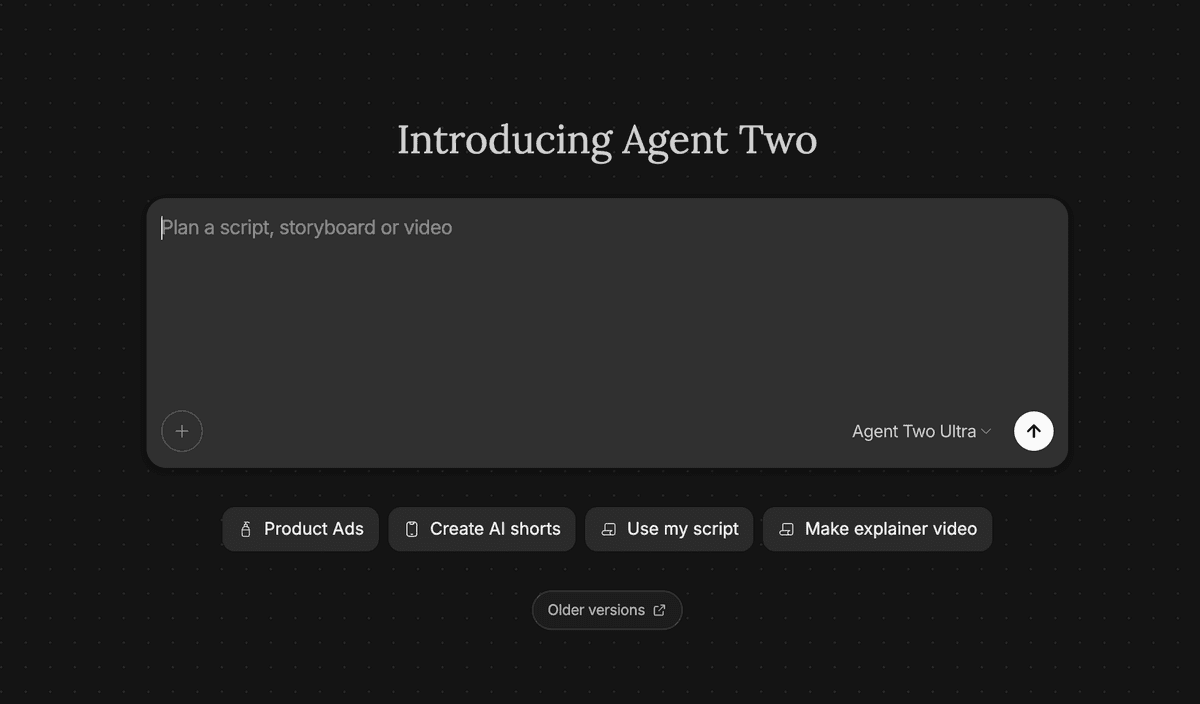
- Agent Two is already surfaced on Invideo's homepage, and creators can feed it character sheets, location sheets, images, videos, audio, and a detailed script, according to CharaspowerAI's setup post.
- The strongest demo is a 57-second sci-fi lab sequence built shot by shot around a scientist, a small alien creature, and a mutation beat, which CharaspowerAI's main demo frames as a continuity test.
- The workflow starts with reference assets before generated motion: the scientist sheet, the creature pass, and the location pass became the visual foundation for later scenes.
- The practical upgrade is project memory: CharaspowerAI's memory note says the agent carried the scientist, creatures, alien planet, lab, and script forward so directing could move to story, continuity, pacing, and cinematic direction.
- Agent Two lands after an Agent One creator pattern where the human directs, the agent executes, and the human reruns weak shots, a loop techhalla's earlier Agent One run described during a batch workflow.
The live Invideo homepage places Agent Two inside a Context, Scenes, Final production flow and says agents store a project's full context in long term memory. Invideo's persistent-memory explainer defines that memory as scripts, character sheets, locked style rules, prior decisions, world plates, and shot breakdowns. Its Agent One FAQ says the same agentic workflow can run script breakdown, character sheets, storyboards, shot generation, voices, music, model routing, and multi-agent orchestration.
Homepage access
CharaspowerAI said Agent Two is available from the Invideo homepage, then listed the context creators can bring into a project.
That input stack is production-bible material:
- Character sheets
- Location sheets
- Images
- Videos
- Audio
- A detailed script
The Invideo homepage corroborates the placement: its hero animation labels Agent Two as the active agent moving through Context, Scenes, and Final. The same page says Invideo agents store full project context in long term memory so clips stay consistent.
Project memory
Invideo had already documented persistent memory for its agent stack before these Agent Two demos; the new videos show that memory being pushed through a longer, asset-heavy short. The persistent-memory FAQ splits the system into three layers:
- Context window: what fits in one prompt.
- Retrieval: what the agent pulls in on demand.
- Persistent memory: what stays loaded for the production, including characters, world, style rules, and prior shot decisions.
CharaspowerAI's Agent Two run maps onto the third layer: by the time scene work began, the agent had the scientist, creatures, alien planet, laboratory, and script in context. The result was a workflow focused on story, continuity, pacing, and cinematic direction instead of rebuilding the world for each shot.
Asset bible
CharaspowerAI built the short from reference assets before asking Agent Two for the sequence.
The asset pass broke into three jobs:
- Scientist: Dr. Elias Vorren's appearance, personality, outfit, and cinematic style were refined until the character sheet could anchor later scenes.
- Creatures: the lab specimens, original Pixling, and mutated Pixling each got a silhouette and personality inside the same scientific universe.
- Locations: the alien planet and laboratory set the mood range, from mysterious exterior world to cold, sterile experiment space.
Invideo's character-sheet FAQ describes the same pattern at the system level: a short identity spec gets stored in context and reused on downstream prompts, with sheets locked before video generation.
One-minute lab sequence
The attached video in CharaspowerAI's main demo runs 57,083 ms, long enough for continuity drift to become visible. It tracks a scientist watching a glowing alien creature in a glass unit, then cuts between his face and the specimen's mutation.
In a follow-up, CharaspowerAI described the result as a complete one-minute sequence with consistent characters, connected environments, and real narrative progression.
Length is the move: a connected minute forces the tool to carry faces, lighting, creature design, lab geography, and story tension across multiple generations.
Director loop
The predecessor workflow was already a review loop. In techhalla's Agent One demo, the input was a photo, a reference, and about forty notes, with the creator directing shot by shot.
The loop looked like this:
- Batch: techhalla let Agent One run while away, then watched the result, killed two shots, gave notes, and ran it again, per the batch note.
- Stills: the stills pass used cycling prompts as references, generated matching decathlon event stills, and locked a face with NB Pro plus a photo.
- Transitions: the transition pass added intermediate frames, an opening, and a final shot using the character sheet and prior stills as references.
- Motion: the final handoff animated the sequence with Seedance 2.0 at 1080p using the creator's own prompt structure as a reference.
Agent Two's creator demos keep that direction loop and move more of the continuity burden into remembered project context.
Model stack
Agent Two sits on top of a model stack, not a single generator. The Invideo homepage says paid plans include access to 200-plus image, video, audio, and music models, including Seedance 2.0, Veo 3.1, Kling 3.0, Nano Banana Pro, and ElevenLabs music.
The same page says creators can describe a scene while Invideo's agents help choose an AI model and write the prompt for each shot. That matches techhalla's earlier workflow, where Agent One handled stills and transitions before the final 1080p Seedance 2.0 animation pass.