
Creators run MiniMax H3 locally in ComfyUI
Creators render open-weight MiniMax H3 locally in ComfyUI with timed prompts, then upscale 15-second shots to 4K in Topaz.
TL;DR
- A 15-second H3 shot can finish as a 4K deliverable: in GlennHasABeard's soap-petal clip, the render runs locally in ComfyUI before a Topaz upscale.
- Sound is being written as timecode. GlennHasABeard's glass-mushroom clip locks notes, taps, and droplets together, while his wallpaper test uses a continuous crackle to set the peel's pace.
- Frame control comes from stating an invariant and an ending: GlennHasABeard's cloud-slice test tells the model the slices never become bread, and his chair-and-shadow clip specifies where the shadow must land.
- The local workflow is a batch rhythm. GlennHasABeard's reply about batching prompts reports roughly one clip an hour, while his RTX 3060 reply puts one 15-second generation at a little under an hour.
ComfyUI's official H3 walkthrough lays out local text-to-video, image-to-video, and reference-to-video workflows with native stereo audio in the same generation pass. The ComfyUI-ready H3 package is separate from the original MiniMax weights, while fal's model gallery lists a hosted MiniMax H3 image-to-video route.
Timed audio prompts
The useful move in these clips is treating the sound line as a tiny performance score, with a locked camera and only a few events to keep in sync.
The mushroom sequence makes three seven-count tracks agree, as GlennHasABeard's post describes:
- Seven rising notes.
- Seven finger taps.
- Seven falling drops.
A wallpaper prompt assigns one continuous crackle to the full peel; GlennHasABeard's wallpaper test calls a sound with duration a speed instruction. The frost experiment holds crackle until second 11, then gives one exhale and one drip, according to GlennHasABeard's frost test.
Frame invariants and end states
The prompts also name what must remain true in the frame, and what the final image must be.
Three prompt patterns recur:
- State an identity constraint. The cloud slices must stay cloud and never become bread in GlennHasABeard's test.
- State the final frame. The shadow's edge has to reach the chair legs in his chair-and-shadow prompt.
- Replace an invisible change with visible cues. A coffee going cold becomes thinning steam and a pale skin spreading from the edge in GlennHasABeard's coffee clip.
The chair test never shows the lighthouse casting that shadow. The off-screen cause gives the 15-second frame a larger implied scene.
Batch rendering on a local PC
The production loop is built around unattended renders rather than a live editing session.
GlennHasABeard says he loads a week's worth of prompts onto his local PC and gets about a clip an hour; he says the schedule leaves more time for larger projects in that reply. A separate RTX 3060 reply places a 15-second generation at a little under an hour.
His workstation post lists an Intel i7-8700K, 32 GB of RAM, and an RTX 3060 with 12 GB of VRAM. After two weeks of getting H3 running locally, he described ComfyUI as "a lot" in a setup reply.
Character sheets and reference video
H3's reference workflows are also being used to turn a single design asset into an ad-like sequence.
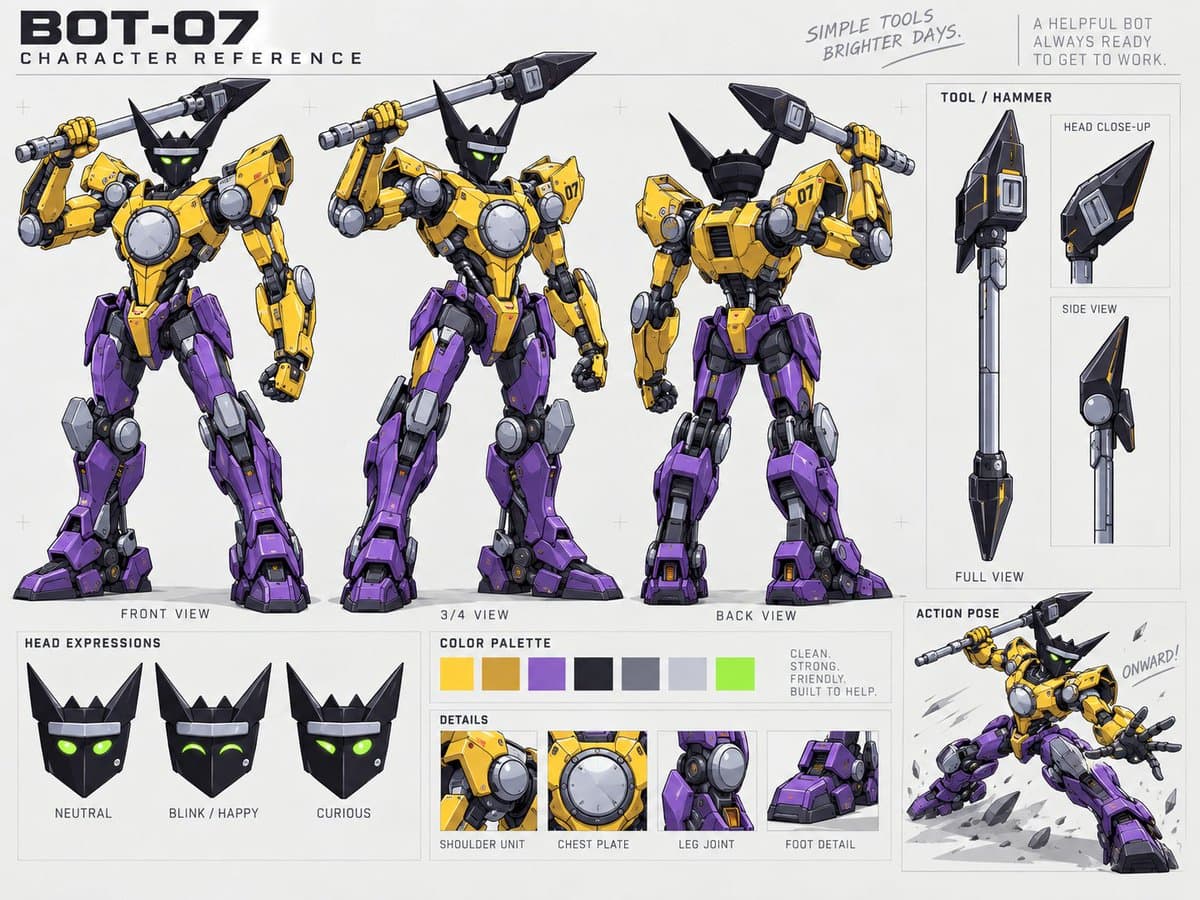
CharaspowerAI used one character sheet with H3 for a cinematic game-character reveal. kaigani says a character reference sheet sent through Hailuo's MiniMax H3 produced an 1980s-style toy commercial with a live-action toy version in kaigani's post.
The paired prompt asks for both clips from the animated program and live-action action-figure gameplay, according to kaigani's follow-up.