
OJO reportedly turns one prompt into an editable fintech site prototype
A creator reports that OJO used supplied references to create a product strategy, wireframe, and editable responsive fintech landing page from one prompt. The prototype included live site sections and could sync to Figma.
TL;DR
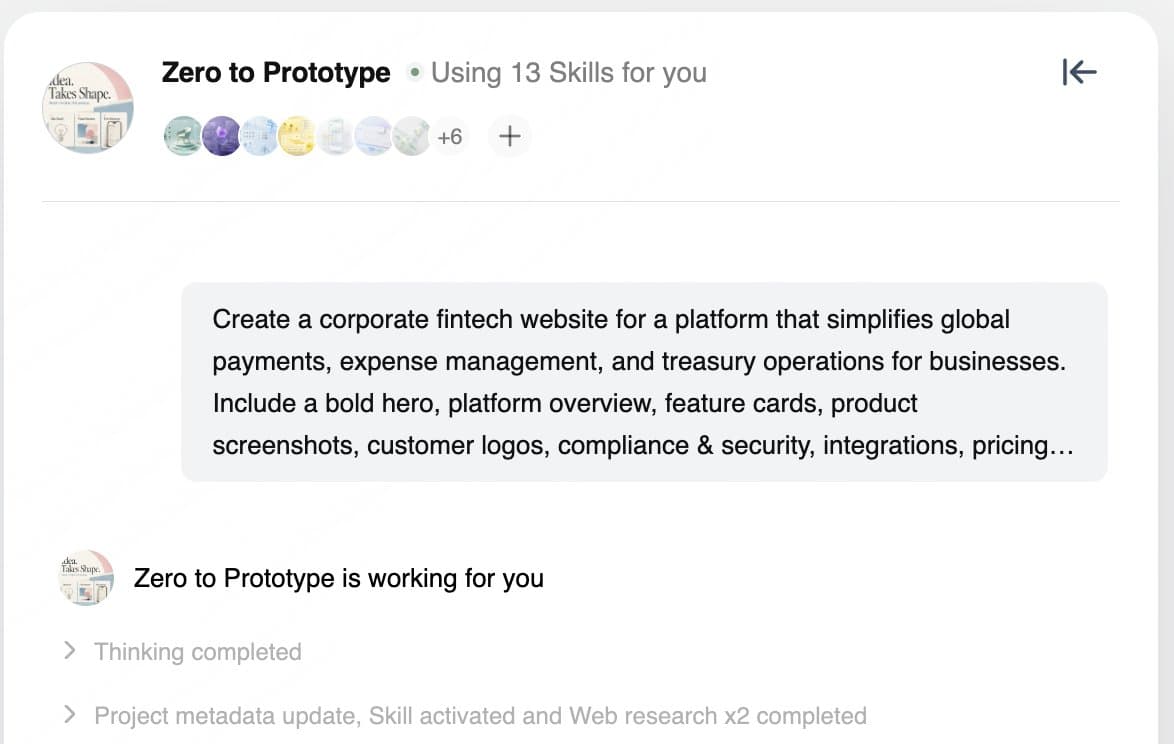
- A creator says OJO turned a detailed fintech brief into a landing-page prototype in roughly 10 minutes, according to egeberkina’s opening test.
- The system reportedly turned the request into product strategy, a PRD, page structure, and a user journey before it generated UI, per egeberkina’s workflow breakdown.
- A reference review produced three visual directions and a user selection step before wireframing, egeberkina’s process report says.
- The claimed handoff includes local CLI sync, Figma export, and connections to Cursor, Claude Code, and Codex, as egeberkina’s handoff post describes.
OJO’s official workflow guide maps a fuller sequence from context and page structure through prototype review, while the supplied test began with one unusually detailed prompt. The official site lists OJO as private beta, and its public Design Skills repository names Codex and Claude Code among the coding agents its reusable UI and UX skills target.
One fintech brief
In egeberkina’s full prompt, the requested project was a corporate site for a business platform covering global payments, expense management, and treasury operations. The brief specified:
- A hero, platform overview, feature cards, product screenshots, customer logos, compliance and security, integrations, pricing, FAQ, and contact section.
- Stripe, Adyen, and Airwallex as visual references.
- An enterprise-grade, polished, trustworthy interface with structured layouts, subtle animation, premium type, and restrained gradients.
Three visual directions
OJO reportedly studied those references, proposed three visual directions, and waited for a choice before it generated the site structure and wireframe, egeberkina’s process report says. That inserts an explicit art-direction decision into the run.
The company’s guide likewise describes a process that clarifies the scenario and page structure before a first prototype.
Strategy and PRD
Before the UI pass, egeberkina’s breakdown says OJO decomposed the request into four planning artifacts:
- Product strategy.
- Product requirements document.
- Page structure.
- User journey.
Infinite canvas
The creator reported keeping strategy, PRD, UI, prototype, and revisions in a single canvas, with agent conversation beside editable work, in egeberkina’s canvas walkthrough.
The controls listed in egeberkina’s follow-up were:
- Select and edit individual areas.
- Switch generation styles.
- Adjust layouts.
- Iterate visual details.
Responsive prototype
The reported output included:
- Hero and feature cards.
- Workflow and case studies.
- Pricing and FAQ.
In egeberkina’s prototype post, the creator describes it as a clickable, scrollable prototype across desktop, tablet, and mobile, rather than a static visual. OJO’s workflow guide separately documents direct element editing and responsive previews.
CLI, Figma, and coding agents
egeberkina’s handoff post reports three routes out of the canvas:
- Sync the prototype locally through the CLI.
- Export it to Figma.
- Connect the project to Cursor, Claude Code, or Codex for development.
The official guide confirms Figma export and continuing implementation through Codex and other development tools.
Skills and Direct Mode
A separate egeberkina’s Skills post claims OJO has more than 300 specialized skills across product strategy, market research, UX, copywriting, and prototyping, plus support for uploaded design guidelines.
The same thread describes a Direct Mode test that used a long brief for an animated 3D fintech site, including scroll-driven particle, globe, pipeline, card, and data-visualization scenes, with almost no manual tweaking reported.