
Seedance users report blurred faces passed storyboard filters
David Comfort reported that blurred photorealistic faces were accepted where normal faces were rejected, then shared storyboard prompts using setting, style, character, audio, and panel references. He later said blocking may have resumed.
TL;DR
- Seedance accepted a blurred photorealistic face after rejecting the clear version, according to DavidmComfort's blur test and his rejected-face follow-up.
- The reusable workflow is a five-part stack: Seed Audio dialogue, non-photoreal character sheets, a rough storyboard, a no-character setting plate, and Seedance 2.0 assembly, as DavidmComfort's workflow note laid out.
- The strongest prompt treated images and audio as named production inputs, with DavidmComfort's full prompt assigning a storyboard, room plate, two character sheets, and exact dialogue audio.
- The boundary looked unstable: the 49-panel filmstrip test did not really work in DavidmComfort's experiment, while his later reply said Seedance had started blocking faces again.
- Another creator reported a different route: Uncanny_Harry's reply said Seedance was unlocked with a business account, with audio mixed from Seed Audio, Seedance generated sound, and Epidemic Sound.
DavidmComfort's blur test got a rejected photoreal face through by covering the face. The full Seedance prompt is the keeper: storyboard panels, a real room plate, two character sheets, and audio all addressed as separate inputs. The 49-panel filmstrip experiment is the useful failure, because it shows where reference packing stopped behaving like shot control.
Blurred faces
DavidmComfort first reported that blurring a face appeared to get past Seedance's content filter. In the same thread, he posted the rejected version and floated a painterly character sheet as a way to restore identity after the face blur, via his character-sheet note.
The same pattern appeared in a later storyboard run. DavidmComfort's photoreal storyboard test said blurred faces worked for photorealistic storyboards, then his later reply said Seedance had started blocking faces again.
Five-part dialogue pipeline
The clean workflow note came before the stricter blur test. DavidmComfort described a lip-sync conversation stack using Seed Audio, Seedance 2.0, style transfer, and storyboards in his initial experiment.
The pipeline in his workflow note breaks down cleanly:
- Generate the conversation in Seed Audio with reference voices.
- Generate character sheets, but keep them non-photoreal because photoreal sheets were being blocked on fal in his run.
- Generate a rough cartoon storyboard to create cuts.
- Generate a setting and style reference image without characters.
- Put the assets together in Seedance 2.0.
He attached the supporting assets as separate artifacts:
- A different style pass in his alternate result.
- Character reference sheets in his reference-sheet post.
- The storyboard in his storyboard post.
- A GPT-image 2 setting plate in his setting-reference post.
DavidmComfort said the stack solved lip-syncing, two-way conversation with cuts, style transfer, and consistent characters in his wrap-up.
Panel prompt
The prompt in DavidmComfort's full prompt treated the generation like a miniature production package, with each input assigned a job.
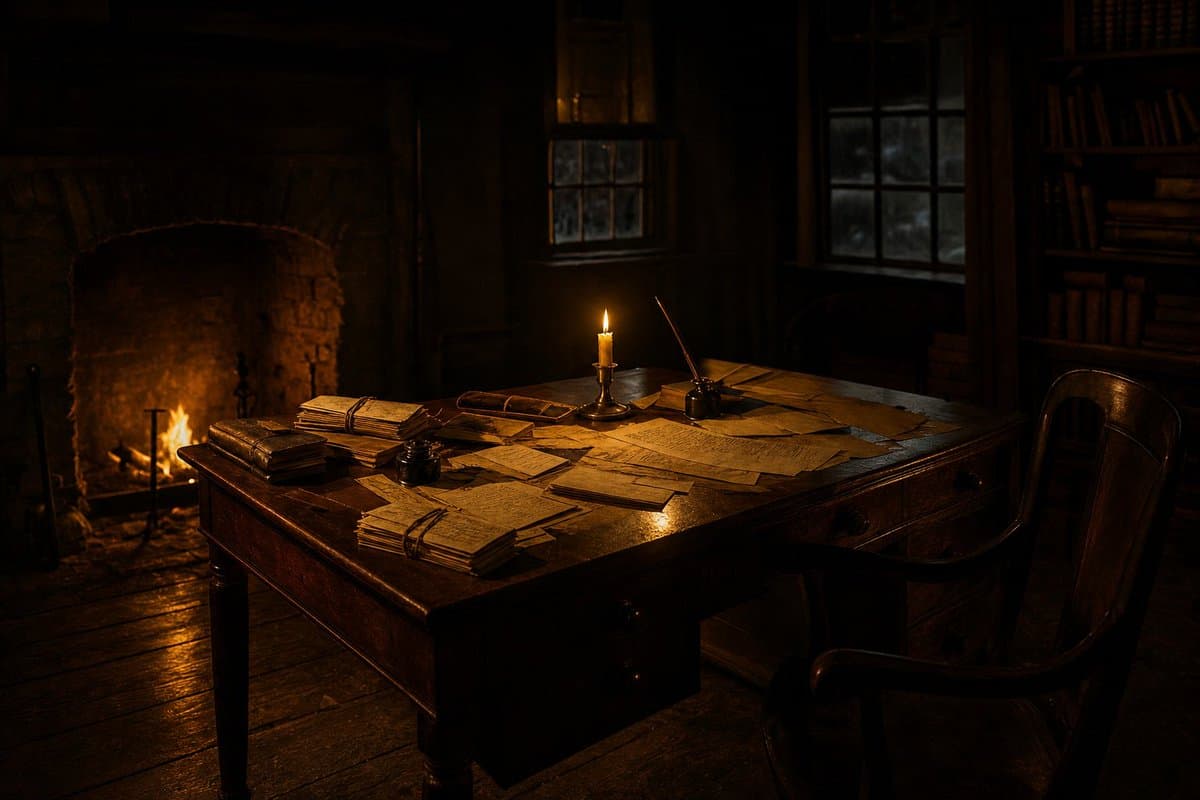
@Image1: source frame and eight-panel storyboard for the shot order.@Image2: the real room, Governor Hutchinson's candlelit study.@Image3: Thomas Hutchinson character sheet.@Image4: Samuel Adams character sheet.@Audio1: exact spoken line, vocal tone, and lip-sync target.- Edit constraints: 15 seconds, photoreal, hard editorial cuts, no morphs, exactly two people, no duplication.
The faces in the storyboard were blurred, but the prompt asked Seedance to reconstruct the final photoreal faces from the character sheets.
49-panel filmstrip
DavidmComfort also tried a larger control object: a 49-panel storyboard cut into a filmstrip and used as a video reference for Seedance. He called the test unhinged and said it did not really work in his experiment.
The follow-up assets were one filmstrip clip, a second filmstrip clip, and a style and setting reference. The failed run is still useful as a boundary marker: a long packed storyboard did not translate into controllable shot sequencing in that test.
Business account variant
DavidmComfort asked another creator how a film was getting photorealistic, consistent characters without being blocked, and whether it used Seedance, ElevenLabs, or Seed Audio in his question.
Uncanny_Harry replied that Seedance was unlocked with a business account. The sound mix used Seed Audio, Seedance generated sound, and Epidemic Sound, according to Uncanny_Harry's reply.
Threshold Studio
DavidmComfort's broader setup was not just manual prompting. In his app post, he said he had built a video creation app and had Claude Code working on it, which made experimenting faster.
The screenshot in his app post shows a Threshold Studio interface with:
- A left-side episode list.
- A 16-beat timeline.
- A beat editor with Story, Stills, and Motion panels.
- A Stills model selector showing Nano Banana 2.
- Motion controls that mention end frames and lip-sync settings.
- Action buttons for Add beat, Director, Create, and Output.
A second interface screenshot, DavidmComfort's platform screenshot, shows a project titled "17. The Cheapest Tea in the World" with a storyboard timeline, cast sheets, blocking board, setting plate, and Seedance render panel. He later posted a short Boston Tea Party documentary in his documentary post.