
Claude Code 2.1.90 adds NO_FLICKER fullscreen renderer
Claude Code 2.1.90 adds an experimental NO_FLICKER fullscreen renderer with mouse support and virtualized scrolling. The release also fixes rate-limit loops and resume regressions, so update if you want the new UI while watching for selection and table-rendering bugs.
TL;DR
- Anthropic's new NO_FLICKER mode uses a virtualized viewport and mouse event handling, which Boris Cherny's launch thread introduced as an experimental renderer and his follow-up post described as moving rendering control into the app layer.
- The official Fullscreen rendering docs say the mode runs on the terminal's alternate screen buffer, only renders visible messages, and keeps memory usage flat in long conversations, while another Anthropic engineer highlighted the fixed input box and mouse support.
- The official v2.1.89 release introduced
CLAUDE_CODE_NO_FLICKER=1, while the v2.1.90 rollout thread bundled 19 more CLI changes a day later. - In the 2.1.90 changelog thread, Anthropic says it fixed a rate-limit dialog loop that could crash sessions, a
--resumeprompt-cache regression, and auto mode ignoring explicit boundaries like "don't push". - Early reaction from Textual author Will McGugan and the first GitHub bug reports suggests the new TUI is already usable, but table wrapping, selection, and mouse-wheel handling still have sharp edges.
You can read the docs, skim the full v2.1.90 release notes, and compare the live demos in Anthropic's launch clip and Wes Roth's walkthrough. The odd bit is timing: the renderer officially appeared in v2.1.89, then 2.1.90 landed less than a day later with cleanup work, onboarding, and safety fixes that make the new UI easier to live with.
Fullscreen rendering
Anthropic is calling the mode "fullscreen rendering," but the docs mean fullscreen in the vim sense, not a maximized window. The app takes over the terminal drawing surface, pins the prompt at the bottom, and replaces the old scrollback-heavy rendering path with a virtual viewport.
According to Cherny's explanation, Claude Code now hooks keyboard and mouse events directly and virtualizes the visible viewport. The official docs add the practical claim: only visible messages stay in the render tree, so conversation length stops driving memory growth.
Alternate screen buffer tradeoffs
The big architectural choice is the terminal's alternate screen buffer, the same trick used by vim, htop, and other TUIs. That buys smoother redraws, in-app scrolling, clickable URLs, click-to-expand tool output, and auto-copy text selection, according to the fullscreen docs.
It also changes a few muscle-memory defaults:
Cmd+fand tmux search stop seeing the conversation until you enter transcript mode and write it back to native scrollback.- Mouse selection becomes app-managed, not terminal-managed.
- Wheel scrolling depends on terminal mouse reporting, and Anthropic added
CLAUDE_CODE_SCROLL_SPEEDbecause some terminals emit one notch at a time. CLAUDE_CODE_DISABLE_MOUSE=1keeps the flicker-free renderer but gives native text selection back.
2.1.90's cleanup pass
The renderer announcement got the attention, but 2.1.90 is mostly a cleanup release. ClaudeCodeLog's changelog thread and the official v2.1.90 release notes list three buckets of changes.
- Onboarding:
/powerupadds interactive lessons with animated demos. - Correctness: auto mode now respects explicit boundaries,
--resumeno longer forces a first-request prompt-cache miss for deferred tools and custom agents, and the rate-limit dialog loop no longer crashes sessions. - Performance and safety: large SSE frames now process in linear time, long SDK transcripts avoid quadratic slowdowns, and PowerShell permission checks were hardened against several bypass and hang cases.
The pace is also notable. ClaudeCodeLog's metadata post measured less than 24 hours between 2.1.89 and 2.1.90, plus another 1,018 prettified lines and 14 prompt-file changes.
Early rendering bugs
The fastest feedback came from Will McGugan, who builds Textual. His first pass praised the decision to go full TUI, then immediately pointed out broken table wrapping.
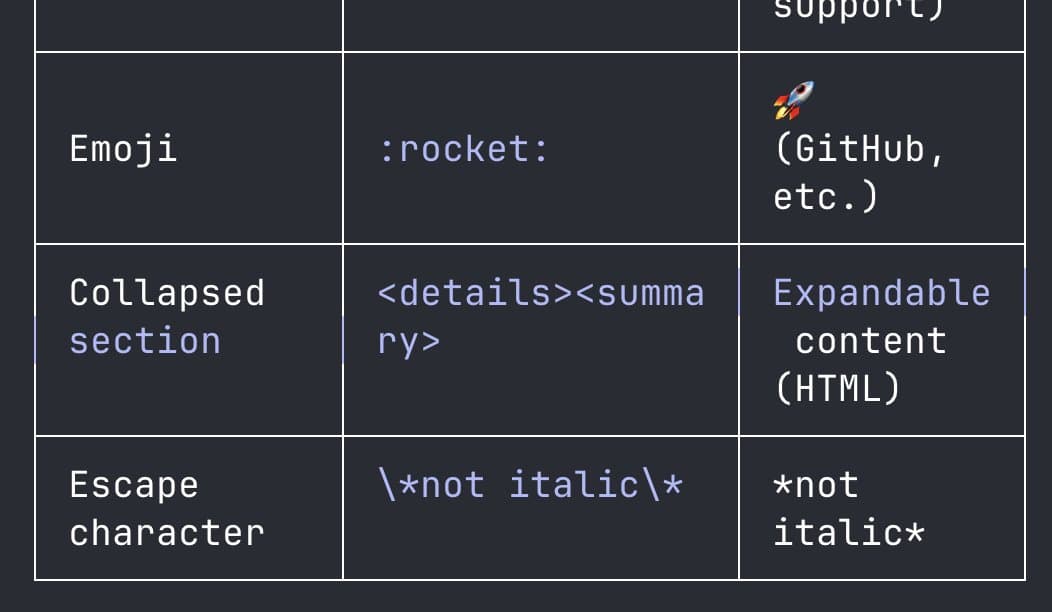
He followed with a screenshot in a second post showing style highlights leaking onto table borders, and a resize demo where text selection stays in screen coordinates after the window changes size. On GitHub, issue #42297 reported mouse-wheel events being dumped into the input field as raw control data in Ghostty. Those bugs are exactly the kind of weird terminal-state problems you only find once people start dragging, resizing, and scrolling for real.