
Hermes Agent adds self-hosted Mem0 and headless desktop connections
Hermes Agent can now self-host Mem0, and the desktop client can attach to headless Hermes instances or start one with the hermes desktop command. The change expands always-on memory and remote control setups outside a laptop session.
TL;DR
- Hermes Agent now supports self-hosted Mem0, so the memory client can point at your own server instead of
api.mem0.ai, according to Teknium's self-hosted Mem0 post. - The desktop app can attach to a headless Hermes instance, and Teknium's CLI reply adds that
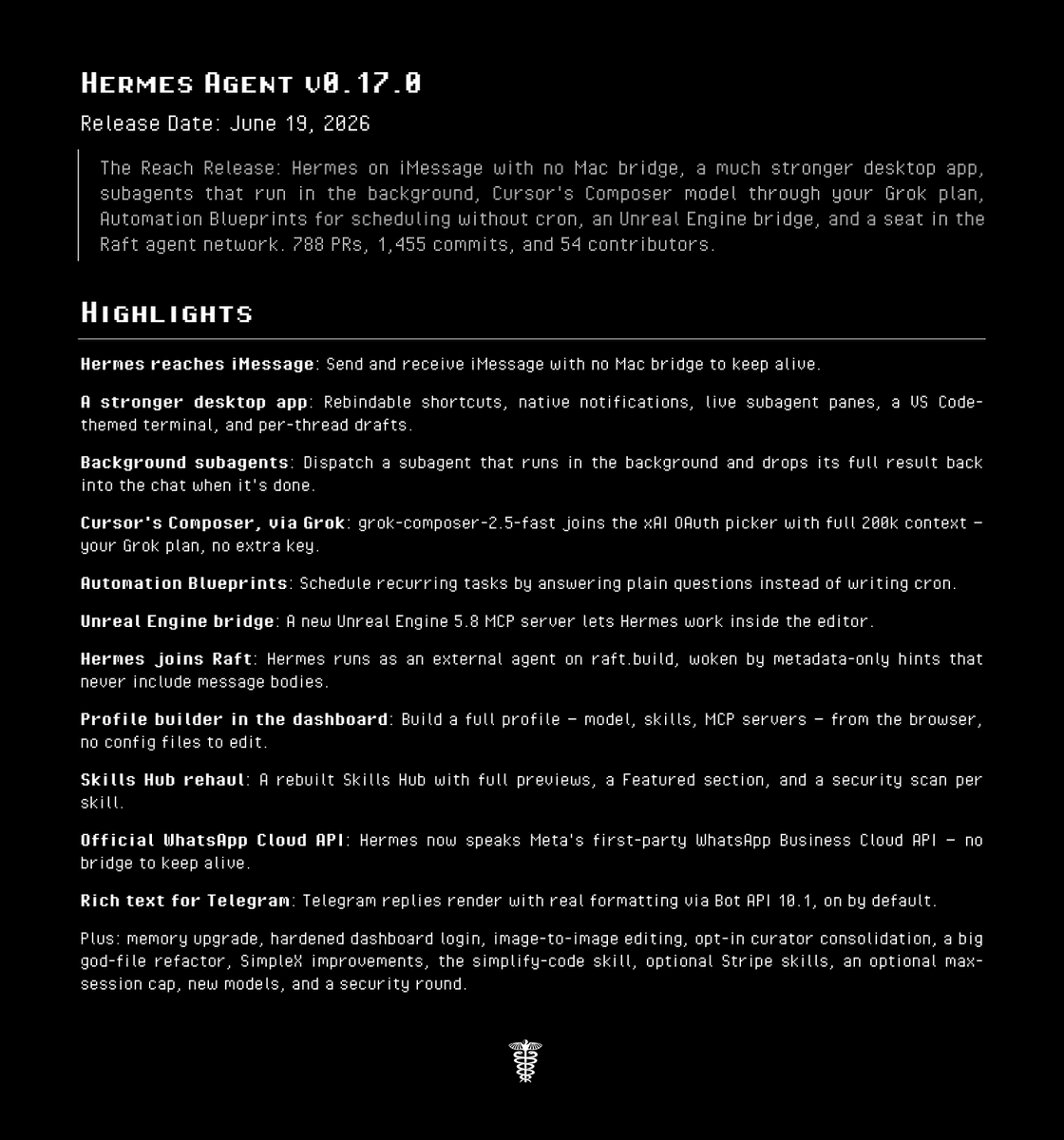
hermes desktopcan also spin one up locally. - NousResearch's v0.17.0 announcement frames these changes as part of the Reach Release, with full release notes linked from the launch thread.
- raunakdoesdev's usage note describes the practical split already emerging: a cheap always-on AWS Hermes instance for remote tasks, with Codex still handling more in-the-loop laptop work.
Reach Release
The release thread points to full release notes, while Teknium's PR link post suggests the self-hosted Mem0 work landed as a concrete code change rather than a vague roadmap item. You can also jump straight to the Quickstart Guide, which Nous used to explain the newer setup paths around Hermes Agent.
Self-hosted Mem0
The headline change is simple: Hermes can now use Mem0 without the hosted dependency. Teknium's self-hosted Mem0 post and its attached graphic say the SDK can be pointed at a custom host, with MEM0_HOST=http://localhost:24220 or a host key in mem0.json.
That matters for teams already treating Hermes as long-lived infrastructure, because the memory layer no longer has to sit behind Mem0's cloud endpoint.
Headless desktop
Hermes desktop also got a more server-friendly shape. In Teknium's headless reply, Teknium says the desktop app can connect to a headless Hermes instance, and a follow-up reply from Teknium says hermes desktop can start it from the CLI as well.
Always-on agent setups
The clearest real-world use case came from raunakdoesdev's AWS setup post, which describes running Hermes on an always-on AWS instance, messaging it remotely over Slack, and keeping laptop-based Codex for tighter interactive work.
That lines up neatly with the two shipping changes here:
- self-hosted memory for persistent context, per Teknium's Mem0 post
- desktop attachment to headless instances, per Teknium's headless reply
- local startup from the CLI with
hermes desktop, per Teknium's command reply
Blank Slate
The same release window also introduced Blank Slate mode. NousResearch's Blank Slate announcement says a fresh setup can start with just a provider, model, file operations, and terminal, while the attached setup graphic limits the model-facing tool surface to six tools: read, write, patch, search, terminal, and process.