
Kimi Work launches desktop agent with 300 local swarms and WebBridge
Kimi Work launched for macOS and Windows with up to 300 local agents, WebBridge browser control, finance data tools, and a memory system. It matters because the app bundles multi-agent desktop automation locally instead of routing the workflow through a hosted IDE.
TL;DR
- Kimi_Moonshot's launch thread says Kimi Work is a desktop agent for macOS on Apple Silicon and Windows that can run up to 300 local agents in parallel.
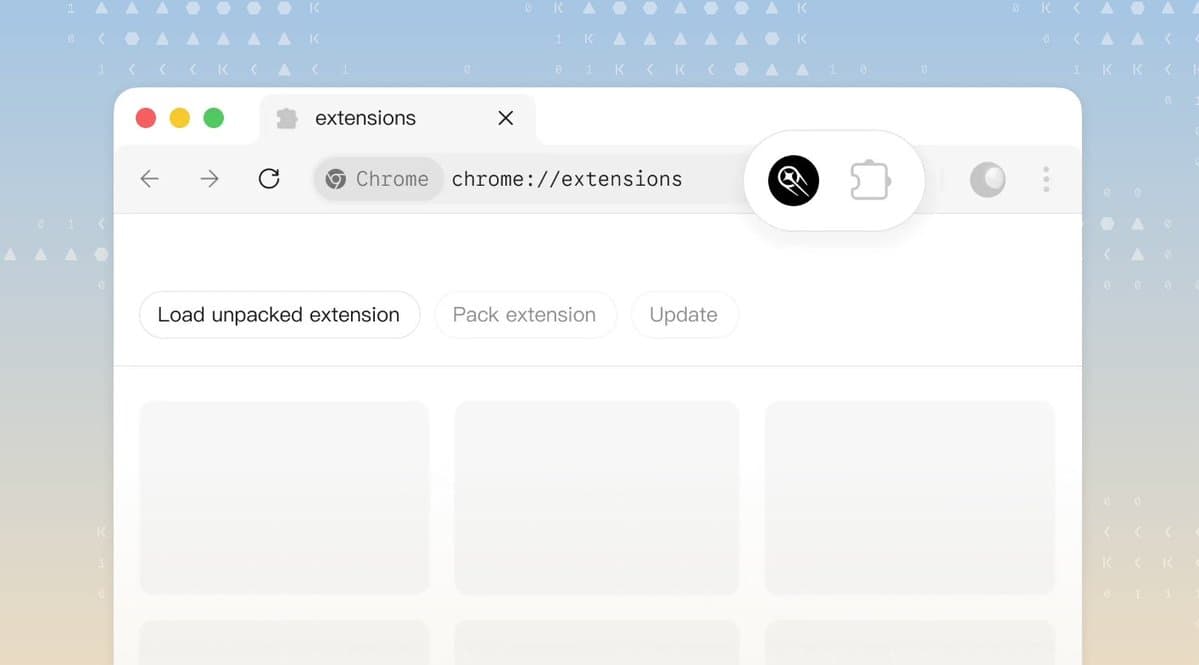
- According to Kimi_Moonshot's launch thread, browser automation comes through WebBridge, which can search, scroll, click, type, and complete tasks in the user's browser.
- The official Kimi Work product page adds two pieces missing from the tweet summary: a built-in cron engine for scheduled jobs and local Python execution.
- The official WebBridge page says the browser bridge pairs a local service with a browser extension and drives Chrome or Edge through Chrome DevTools Protocol.
You can browse the product page, inspect the separate WebBridge feature page, and even find a community guide noting that Moonshot appears to be rolling Kimi Work out through staged testing rather than a wide public launch.
Local agent swarm
Kimi's core pitch is a local agent shell, not another hosted chat tab. The official product page describes Kimi Work as a desktop agent that mounts local folders, runs in the background, and coordinates multiple specialized agents before turning results into PowerPoint decks or Excel sheets.
The launch thread puts the ceiling at 300 parallel agents on the user's machine, while testingcatalog's demo post shows the same swarm framing in the shipped app.
WebBridge
WebBridge is split into two parts on the official docs: a browser extension, plus a local service that receives agent commands and drives Chrome or Edge through Chrome DevTools Protocol. That gives Kimi access to the user's existing logged-in browser session without moving page content off-device, according to the WebBridge FAQ.
The current capability list is concrete:
- click, fill, navigate, screenshot, and read pages, per the WebBridge page
- browse across tabs and extract data, per the Kimi Work product page
- package repeated browser workflows into a reusable skill, per the WebBridge page
Finance tools and guardrails
Moonshot is also positioning Kimi Work as a finance desktop before it tries to be a general everything agent. Kimi_Moonshot's thread lists Yahoo Finance, World Bank, and Binance as built-in tool sources, while the official product page says the deeper market-data integrations cover A-shares, Hong Kong stocks, and US equities.
The product FAQ adds two operational details that matter more than the launch copy. Kimi Work defaults to an "Ask before acting" mode before it modifies files or runs code in local directories, and its scheduler can trigger LLM calls plus Python or shell jobs on a daily, hourly, or conditional basis. The same FAQ says overnight runs rely on a "Keep Computer Awake" setting, which is a very desktop-native answer to the usual cloud-agent promise.