
Z.ai launches ZCode with GLM-5.2, BYOK, and 1.5x Coding Plan quota
Z.ai released ZCode as its official desktop environment for GLM-5.2, with multi-agent project work, long-running tasks, code review, and clients for macOS, Windows, and Linux. GLM Coding Plan subscribers get a 1.5x quota inside ZCode, while other developers can bring existing subscriptions or API keys.
TL;DR
- Zai_org's launch post positions ZCode as the official desktop environment for GLM-5.2, with native clients for macOS, Windows, and Linux.
- The launch terms in Zai_org's launch post give GLM Coding Plan subscribers a 1.5x usage quota inside ZCode, while WesRoth's summary says developers can also connect existing GLM subscriptions or bring their own API keys.
- kimmonismus' launch overview describes ZCode 3.0 as an AI-native IDE built around multi-agent collaboration, long-running coding tasks, code review, and deployment flows.
- Setup looks intentionally low-friction: LangChain's demo post walks through downloading the client, selecting GLM 5.2, and pasting an API key.
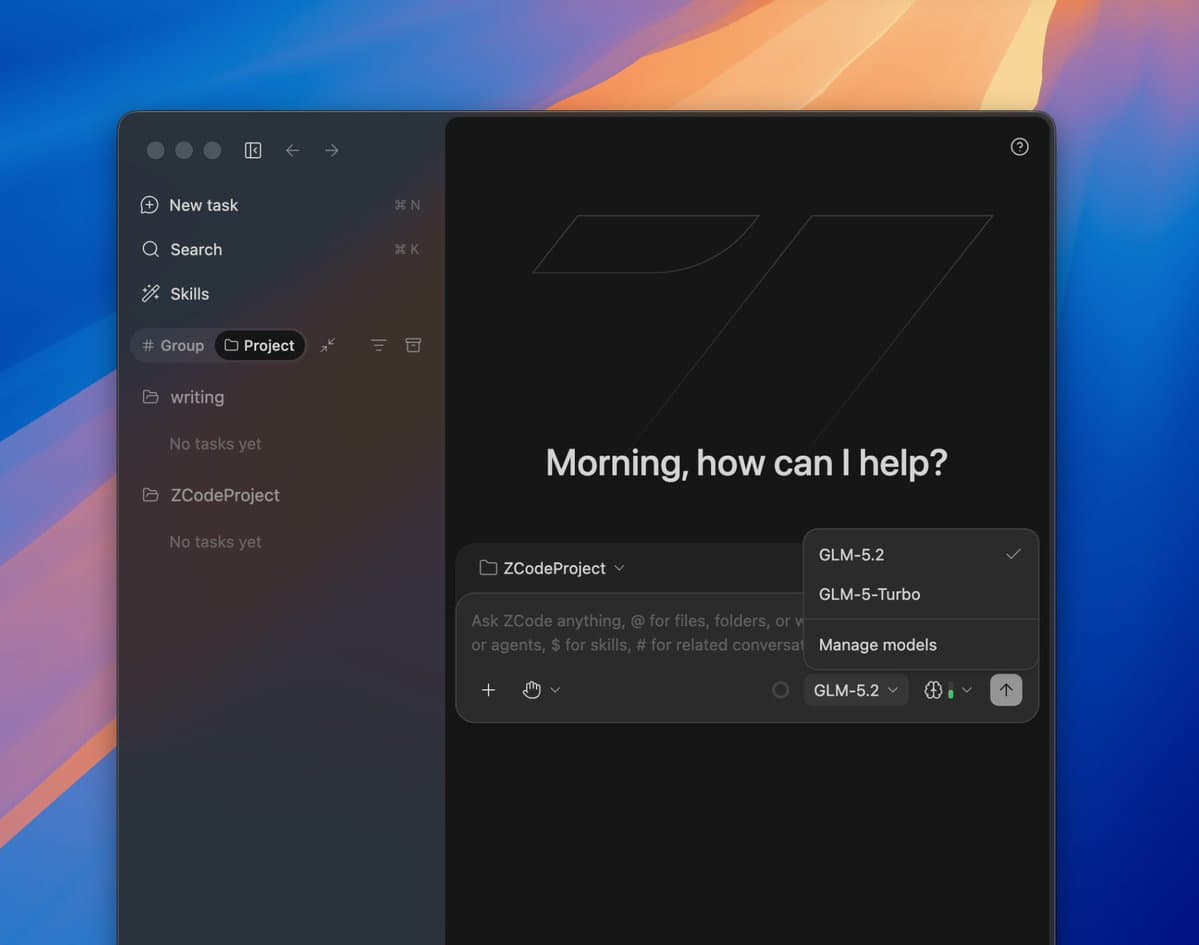
You can grab the download link from the launch post, open the full changelog from Z.ai's thread, and kimmonismus' screenshot already shows the product's shape: a task list on the left, an agent feed in the middle, and a progress panel with git state and goal tracking on the right.
ZCode desktop client
Z.ai shipped ZCode as a standalone desktop IDE instead of folding GLM-5.2 into a web console. WesRoth's summary and Zai_org's launch post both frame cross-platform support as day-one, with macOS, Windows, and Linux clients available immediately.
The packaging matters because Z.ai kept access flexible. Zai_org's launch post gives Coding Plan users a quota bump inside ZCode, while WesRoth's summary says the client also accepts existing GLM subscriptions and BYOK access.
Multi-agent task flow
The launch pitch is broader than autocomplete. According to kimmonismus' launch overview, ZCode is meant to cover planning, coding, review, and deployment, with support for long-running autonomous tasks and multi-agent collaboration.
The screenshot in kimmonismus' screenshot surfaces the core UI pieces:
- A task queue for project-level work
- A central agent log that explains what the model is doing
- File-level change summaries
- A progress panel with git changes, branch name, and checklist state
- A goal box that marks larger tasks complete
That lines up with WesRoth's summary, which emphasizes complex repo understanding, continuous changes across larger codebases, and built-in code review.
Access model and setup
The cleanest launch detail is the access model. aibuilderclub_'s reaction post called out that ZCode does not force a full stack switch, and the official posts back that up with three paths: Coding Plan quota, existing GLM subscriptions, or API-key access.
The first-run flow in LangChain's demo post is similarly simple:
- Download the client
- Select GLM 5.2
- Paste an API key
That demo also hints at some branding overlap. LangChain's post refers to the client as "dcode," while Zai_org's launch post introduces the shipped product name as ZCode.
Remote control surfaces
One launch detail appears only in the secondary coverage: kimmonismus' launch overview says ZCode supports remote control through Telegram, WeChat, and Feishu. That is a different posture from the usual desktop-only coding IDE pitch, and it suggests Z.ai wants long-running agent sessions to stay reachable outside the editor.