
Adobe Firefly supports Boards and Kling 3.0 in five-location concept workflow
An Adobe Firefly ambassador published a five-location workflow that starts in Boards, transforms landmark shots with Edit Image and animates them in Kling 3.0. The breakdown shows how moodboards, partner models and location prompts can drive a consistent multi-scene concept series; use it as a template for similar pipelines.
TL;DR
- In AllaAisling's thread opener, the whole project is framed as a repeatable four-step pipeline: moodboard in Firefly Boards, generate the base image with Nano Banana Pro, transform it with Edit Image, then animate it in Kling 3.0.
- Adobe's own Partner models page says GPT Image 2 can be used in Firefly text-to-image, Prompt to Edit Image, and Firefly Boards, while Kling 3.0 is available for text-to-video, image-to-video, the Firefly video editor, and Boards, which lines up almost exactly with egeberkina's workflow post and AllaAisling's Paris example.
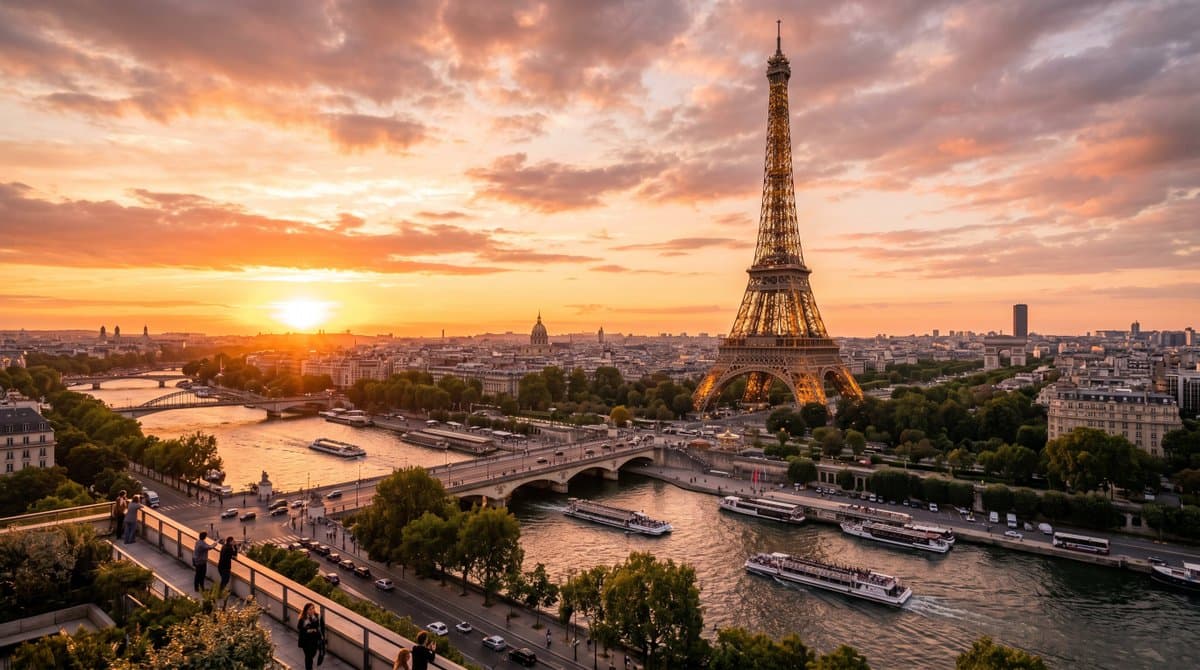
- The useful trick in AllaAisling's Paris example, AllaAisling's Rome example, and AllaAisling's Barcelona example is that the coordinates, time of day, and lighting are specified in the base prompt before the future-state transformation happens.
- egeberkina's campaign thread shows the same Firefly stack being used for a different job, starting with a visual identity board in GPT Image 2, then generating branded stills from that reference system, then cutting video and music inside Firefly.
You can trace the official surface area in Adobe's Boards overview, the partner models matrix, and the Generate soundtrack guide. The weirdly useful part is how little of the workflow depends on one model. AllaAisling's opener swaps models by stage, and egeberkina's campaign thread uses the same pattern for brand work instead of environment concepts.
Firefly Boards
Adobe's About Firefly Boards page positions Boards as a place to explore early ideas, build moodboards, develop storyboards, and create pitch materials. The What's new in Firefly page also places partner-image models, partner-video models, collaboration, linked documents, and presets under the same Boards workflow.
That matches the role Boards plays in the landmark thread. It is not the image generator in the middle of the pipeline, it is the place where the visual language gets locked before generation starts.
AllaAisling repeats that setup across five scenes:
- Paris: vines, moss, canopy light, no people AllaAisling's Paris example
- Rome: flooded ruins, underwater light, harsh reflected sun AllaAisling's Rome example
- Barcelona: solarpunk gardens, solar canopies, calm overcast light AllaAisling's Barcelona example
- London: post-apocalyptic decay, wet pavement, failing city lights AllaAisling's London example
- Bavaria: biopunk valley, mist, soft artificial glow below the castle AllaAisling's Bavaria example
The landmark recipe
The thread is basically a template for multi-scene concept work. Each location uses the same sequence, with the creative differences pushed into the moodboard, the before prompt, and the after prompt.
The recipe is consistent across the series:
- Pick a real landmark and pin it with coordinates.
- Generate a present-day establishing shot with lighting baked in.
- Run a year-2100 transformation while keeping the landmark recognizable.
- Add a short animation prompt that only describes motion.
That last split matters. In AllaAisling's Rome example, the image prompt handles the submerged Colosseum, while the animation prompt only adds rising water, wave motion, reflected light, and a passing fish. In AllaAisling's London example, the still establishes the ruined tower, while the motion layer is just rain, falling stone, splashes, and a flickering light.
Prompt structure
The strongest craft choice in the thread is the separation between scene facts and future-world changes.
Each setup starts with a plain location render, then mutates it:
- Coordinates first: Paris, Rome, Barcelona, London, and Bavaria all start from exact lat-long pairs, not vague city names Paris coordinates post, Rome coordinates post, Bavaria coordinates post.
- Lighting first: golden hour in Paris, harsh midday in Rome, overcast morning in Barcelona, rainy night in London, early mist in Bavaria Paris lighting prompt, London lighting prompt.
- Transformation second: each after-prompt introduces one dominant future condition, overgrowth, flooding, solarpunk urbanism, abandonment, or a high-tech valley Barcelona future prompt, Bavaria future prompt.
- Recognition constraint last: every after-prompt explicitly says to keep the landmark recognizable Paris example.
That structure is why the series feels coherent even though the moods swing from hopeful to catastrophic. The continuity comes from geography and camera conditions, not from forcing one aesthetic across every city.
A second Firefly campaign
The other useful evidence in this pool is that the same stack already shows up in a completely different format: brand campaign building.
In that thread, egeberkina starts with a long GPT Image 2 prompt for a fictional sportswear identity system, then uses the visual identity board as a reference image for product and scene generation egeberkina's identity-board prompt and egeberkina's reference-image prompt. After that, the stills move into Kling 3.0 inside Firefly and get stitched in the Firefly Video Editor egeberkina's video-edit step.
The structure is nearly identical to the Europe-in-2100 project:
- board first
- still generation second
- motion third
- final assembly inside Firefly
The difference is the anchor. AllaAisling anchors on geography and landmarks. egeberkina anchors on a visual identity system.
Access and model mix
Adobe's partner models matrix makes the stack explicit. GPT Image 2 is listed for Firefly text-to-image, Prompt to Edit Image, and Boards. Kling 3.0 is listed for text-to-video, image-to-video, Firefly video editor, and Boards. Adobe's Boards help page says anyone with an Adobe account can access Boards, but premium features and partner models require a qualifying subscription and generative credits.
The last step in the campaign thread also maps to an official Firefly feature Adobe is actively documenting. Its Generate soundtrack for an uploaded video guide says Firefly can inspect an uploaded clip, draft a prompt from its vibe, style, purpose, energy, and tempo, then let the user refine that prompt before composing the music. That is exactly the kind of finishing pass egeberkina's soundtrack step adds after the visuals are already cut.
One more clue about where Adobe wants this to go sits outside the ambassador demos. In Adobe's Claude connector announcement, the company describes Claude orchestrating multi-step workflows across Firefly, Photoshop, Illustrator, Premiere, Lightroom, Express, InDesign, and Stock. The landmark thread looks small next to that pitch, but it already shows the same idea in miniature: one project, several tools, one consistent visual system.