
CharaspowerAI uses Firefly Boards to build a haunted hotel campaign
Adobe ambassador CharaspowerAI used Firefly Boards to compare logo concepts and refine staff character sheets for a haunted hotel campaign. The workflow established consistent references before video production.
TL;DR
- CharaspowerAI assembled branding, hotel designs and character sheets in Firefly Boards before making video, according to the campaign walkthrough.
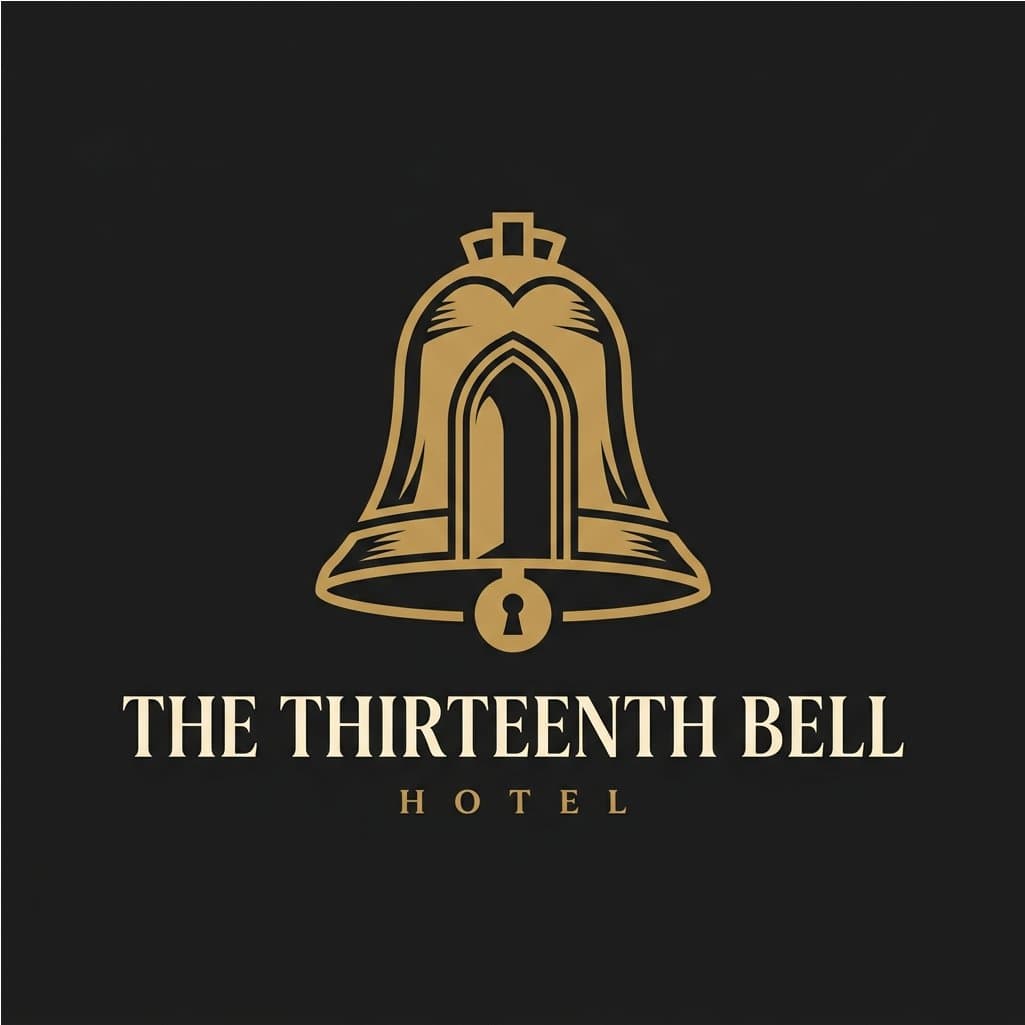
- A bell-shaped doorway beat three other logo concepts in the branding breakdown.
- The staff needed haunted faces and immaculate uniforms after early iterations produced costumes too distressed for a luxury hotel, as CharaspowerAI explained.
A clock-key and a moth both made the logo shortlist. Adobe’s video documentation also describes an eyedropper that selects a board image as an opening- or closing-frame reference.
THE THIRTEENTH BELL
CharaspowerAI, who also shared a Tesla Roadster feature-tour short, created the fictional hotel campaign as an Adobe Firefly Ambassador collaboration and labeled it #Ad.
Keeping the references together helped the creator catch inconsistencies and spend less time searching for assets. Adobe’s image guide confirms that Boards can hold imported imagery alongside generated images.
Four logo directions
CharaspowerAI compared four concepts side by side:
- Bell-shaped doorway
- Monogram
- Clock-key
- Moth
The bell-shaped doorway won, neatly connecting the hotel’s name and entrance in one symbol. The brief called for something credible on a luxury hotel sign, with a slightly unsettling detail.
Five staff, spotless uniforms
The hotel’s cast covered five jobs:
- Hotel director
- Bellhop
- Housekeeper
- Chef
- Bar manager
Early iterations pushed the horror into torn, dirty uniforms. The strongest art-direction choice was restoring immaculate outfits while leaving the faces haunted.
The character sheets stayed together in Boards for comparison before becoming video references.
From character sheets to video
CharaspowerAI also published a standalone hotel film running about 30 seconds, separate from the longer walkthrough.
Adobe’s Boards video guide documents the available handoff into motion:
- Model selection: Boards supports Firefly and partner video models; available settings depend on the selected model.
- Frame references: With Firefly Video, Sample from canvas selects an existing image for First frame or Last frame. Supplying both establishes the clip’s opening and ending images.
- Repeatability: Reusing the same seed, prompt and control settings can generate similar clips.
These are Adobe’s documented controls; CharaspowerAI’s campaign posts do not specify which video model was used.