
Tran Mau Tri Tam releases editable Glass UI Figma file with Glass Button 2.0
Tran Mau Tri Tam publishes the full editable design from a viral Glass UI post in the Figma community, then follows with a Glass Button 2.0 example. Designers can copy the exact blur, shadow, and opacity setup instead of reverse-engineering it from screenshots.
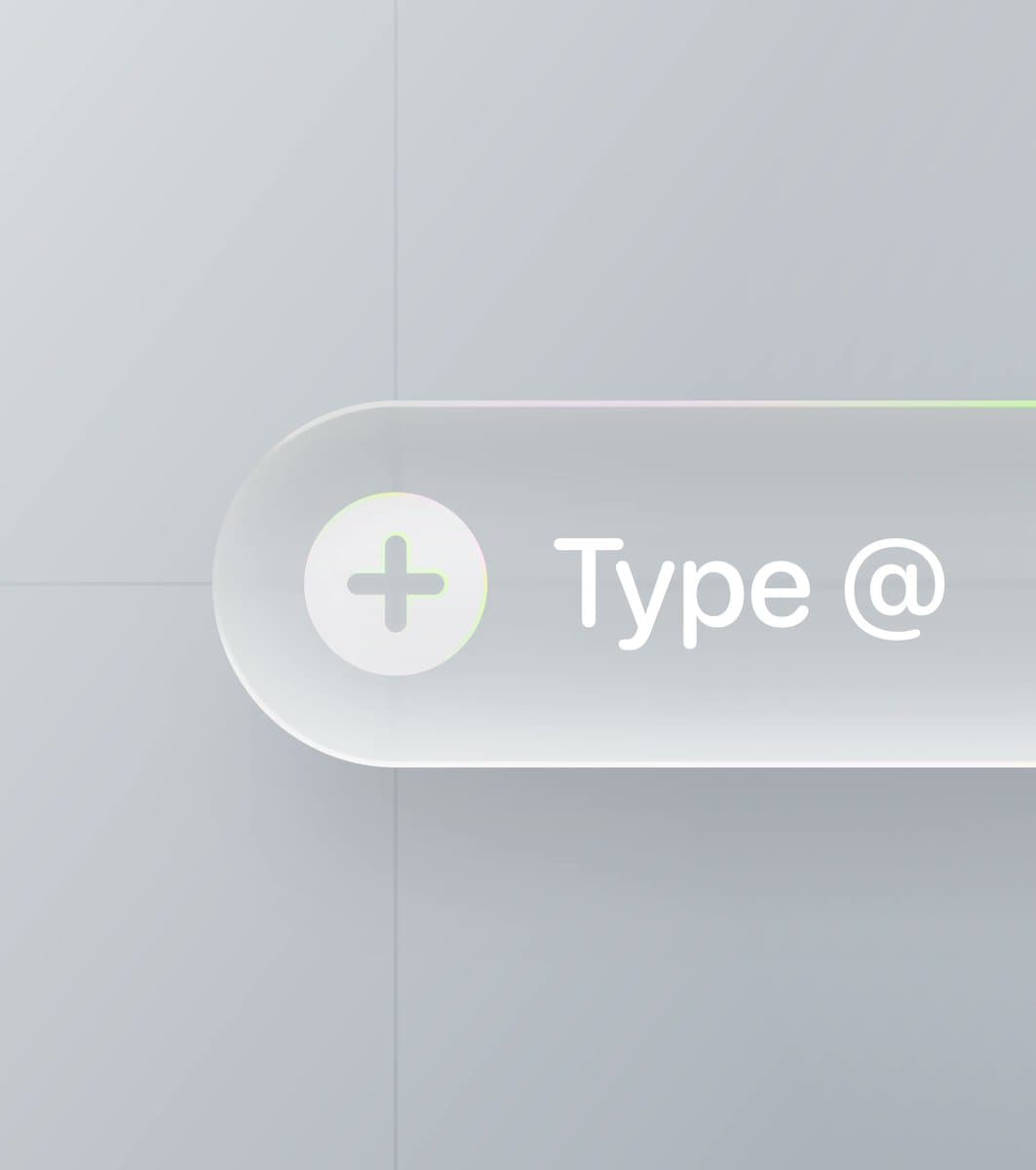
TL;DR
- tranmautritam's viral post turned a simple recipe, blur, shadow, and opacity, into a shareable Glass UI reference, then pointed readers to editable Figma files instead of another screenshot thread.
- In tranmautritam's Figma Community follow-up, he linked the paid Ask AI - Glass Input file, which Exa surfaced as a fully customizable glass input resource published on Figma Community.
- Later that day, tranmautritam's Glass Button 2.0 post added a second paid file, Glass Button 2.0, built as a fully layered, editable vector button with stacked shadows, inner glows, and glass effects.
- The appeal was not subtle: CharlesPattson's reaction post called glass on the web "the greatest invention since the drop shadow," and the clip helped show why this style is suddenly everywhere.
You can jump straight from the viral X post to the Ask AI - Glass Input file, then to Glass Button 2.0. The odd bit is that the first community link resolves to an older file titled Ask AI - Glass Input, while the same creator used a later post to publish a dedicated Glass Button 2.0 asset. Meanwhile, CharlesPattson's demo clip shows the broader obsession spilling from Figma mockups into live web UI.
Viral glass recipe
Tran Mau Tri Tam's June 7 post was tiny on copy and big on timing: "Blur + shadow + the right opacity" was the whole pitch. That landed because it translated a trendy visual style into three knobs designers can actually tune.
CharlesPattson's response supplied the missing context. The glass look was already moving from static comps into interactive web surfaces, with motion and lighting doing as much work as the blur itself.
The editable Figma file
Instead of leaving people to reverse-engineer layers from a screenshot, Tran linked an editable Ask AI - Glass Input file. Exa's read of the page describes it as a paid Figma Community resource from Tran Mau Tri Tam with a customizable glass input, handcrafted icon work, and the usual glass stack of inner shadow, drop shadow, stroke, and fill settings.
That makes the post more useful than the average style thread. The value is the layer stack itself, not the finished button.
Glass Button 2.0
A few hours later, Tran published Glass Button 2.0 as its own Figma Community file. Exa surfaced three concrete details from the listing:
- fully layered and editable vector elements
- 100% vector components
- handcrafted construction for study and reuse
The file was listed at $2, the same small-paywall move as the earlier asset, which turns the thread from inspiration bait into a low-friction teardown.
11 stacked effects
Two days before the viral June 7 post, Tran had already framed the trick more explicitly: one glass button used 11 effects layered together, including drop shadow, inner shadow, glass, and more. That earlier post matters because it reveals the real pattern behind the aesthetic, a single translucent look built from many small effect decisions, not one magic blur slider.