
Glif adds synced motion graphics for uploaded talking-head videos
Glif shipped a skill that analyzes an uploaded video and generates titles, visualizations, and motion graphics in sync with the speaker. Try it for lectures and book promos if you want styled edits without manual compositing.
TL;DR
- Glif shipped a captioning and motion-graphics workflow where, as fabianstelzer's launch clip put it, you can upload a recorded video and get titles, visualizations, and motion graphics timed to the speaker.
- On Glif's own Add Captions use-case page, the company describes the feature as "Dynamic Motion Graphics Captions," with animated infographics, counters, and data viz synced to spoken words, which lines up with fabianstelzer's demo.
- The prompt surface is deliberately simple: fabianstelzer's follow-up says users can upload a video, describe the style, add a reference, and let the agent handle the edit.
- The same agent setup is already being used for adjacent creative work, including the book-promo example in fabianstelzer's Julian Jaynes ad, which hints that Glif is treating talking-head polish as one more reusable skill rather than a separate editor.
You can see the official caption tool page, skim Glif's broader creative agent docs, and trace the product logic back to the Glif 2.0 changelog, where skills became reusable instruction packs for specific creative workflows.
Dynamic Motion Graphics Captions
The official Add Captions page frames this as an upload-first workflow for talking-head videos. Its featured effect is "Dynamic Motion Graphics Captions," which Glif says can turn a talking-head clip into SpaceX-style animated infographics, counters, and data visualizations synced to the words being spoken.
That is a more specific promise than generic auto-captioning. The tweet demo from fabianstelzer is selling timing and visual treatment together, not just subtitles.
Prompting Style Instead of Keyframing
The interaction model is plain English. According to fabianstelzer's upload instructions, you upload the clip, tell the agent you want motion graphics, optionally describe the style or provide a reference, and it does the edit.
Glif's own docs intro uses the same framing across the product: talk to the agent, let it choose tools, and get a finished multimodal output. For creators making explainers, lessons, or commentary videos, that moves the control surface from timeline editing to prompting.
A Fast Path for Promo Videos
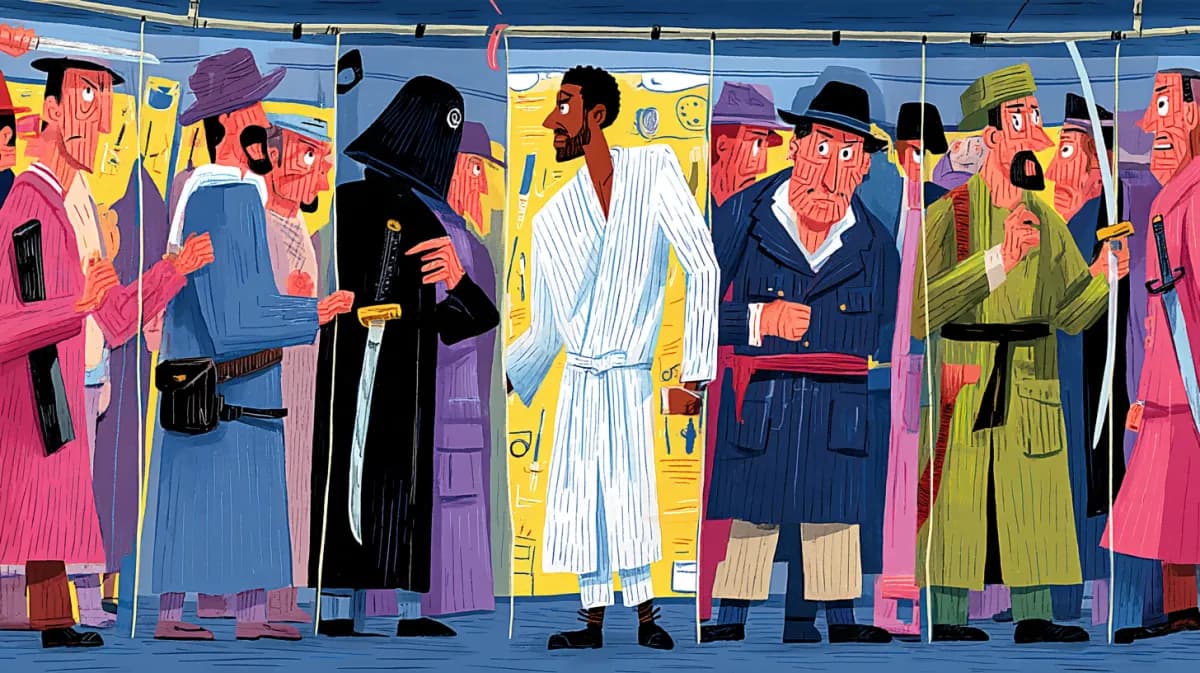
Earlier the same day, fabianstelzer's Julian Jaynes ad showed Glif generating a short book ad from a single prompt with a specific art direction, "ancient greek style" and "classy." That example is not the talking-head feature itself, but it shows the same pattern: brief creative direction in, styled video out.
Together, the upload demo and the promo spot make Glif look less like a one-off caption toy and more like a lightweight motion-design layer for people who would rather specify a look than composite it by hand.
Skills
Glif's March 2026 changelog explains why this feature fits the product so neatly. In Glif 2.0, the company replaced per-bot configuration with skills, described as reusable instructional payloads that tell the agent how to use tools for a specific creative workflow.
That matters here because the new motion-graphics behavior was introduced in fabianstelzer's post as a new skill, not as a separate app. The changelog says skills can be selected at the start of a chat and activated mid-conversation, which suggests Glif is packaging editing logic, style handling, and tool choice into stackable workflow presets rather than exposing a traditional video UI.