
Practitioner thread reports in-house brand generators for blooms, badges, and logo variants
A running thread collects custom AI tools that generate blooms, vector connectors, onboarding badges, atmospheric visuals, and logo variations for brand work. Teams can use these generators to keep brand systems consistent while speeding repetitive design production.
TL;DR
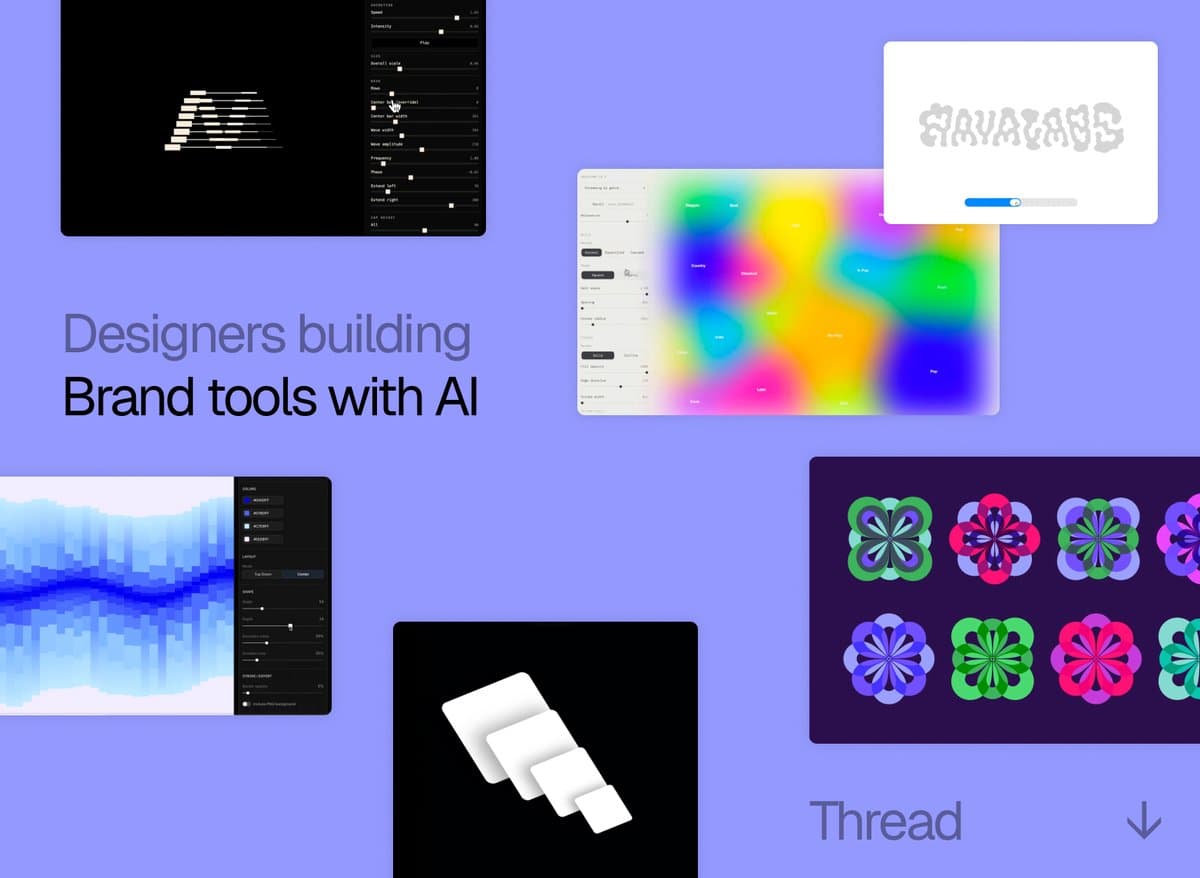
- 0xCharlota's thread opener frames the shift clearly: designers are using AI to build custom generators for textures, patterns, and key visuals, instead of asking models for one-off finished assets.
- The examples in 0xCharlota's bloom-generator post, 0xCharlota's vector-connector post, and 0xCharlota's atmospheric-visualizer post all point at the same workflow, narrow internal tools for repeatable brand moves.
- 0xCharlota's onboarding-badge example, 0xCharlota's logo-explorer example, and 0xCharlota's logo-slider example show these tools creeping into identity work, onboarding flows, and logo exploration, not just background decoration.
- Adjacent product moves matter here: CharaspowerAI's Higgsfield post highlighted direct SVG generation inside Figma, while OpenAI's Figma partnership post says Codex can now move designs into and out of the Figma canvas.
You can scan 0xCharlota's running thread, jump to Jessica's bloom generator example, and compare it with the logo exploration tool. The broader tooling backdrop is getting more editable, not less: Higgsfield's Figma plugin page keeps generation inside Figma, and Lovable's design-systems docs describe enforcement for reusable brand components across projects.
Brand generators
The most useful sentence in the thread is that designers are "not generating finished assets, but building the generator." That is the actual workflow change.
Instead of prompting for a single hero image, teams are packaging a brand move into a tiny internal tool. In 0xCharlota's thread, those moves are described as on-demand textures, patterns, and key visuals that can be regenerated without drifting off-brand.
That makes the thread read less like inspiration and more like a pattern library for creative ops. The common structure is simple:
- pick one repeatable visual decision
- turn it into a constrained interface
- let non-designers or fast-moving designers use it without rebuilding the logic each time
Patterns and blooms
The bloom generator and pattern generator are the cleanest examples because both turn ornamental work into a reusable system.
In 0xCharlota's bloom-generator post, Jessica's client work is presented as a custom generator for a specific branded visual language. In 0xCharlota's pattern-generator post, the idea is even more explicit: build a tool for one family of outputs, then keep pulling new variants from the same logic.
This is the part many AI design demos still miss. The win is not infinite variety. The win is bounded variety.
Badges and logo variants
The thread gets more interesting when the same pattern moves from backgrounds into identity systems.
The examples cluster into three jobs:
- Onboarding artifacts: 0xCharlota's onboarding-badge example describes a custom badge flow that turns setup into a branded interaction.
- Logo exploration: 0xCharlota's logo-explorer example uses a custom tool to test logo arrangements faster than doing the rectangle work manually.
- Symbol expansion: 0xCharlota's card-symbol-compositions post shows a card symbol being expanded into multiple compositions from the same core element.
Even the smaller posts fit the same shape. 0xCharlota's paper-airplanes loader example treats a loading state as a bespoke micro-tool opportunity, while 0xCharlota's logo-slider example turns "make the logo more fun" into an adjustable control instead of a static mockup.
Editable assets in Figma
The thread lands differently because the surrounding tool stack is getting better at editable output.
According to CharaspowerAI's Higgsfield post, Higgsfield for Figma can generate SVGs directly inside Figma, which removes the usual vectorization and cleanup step for icons, illustrations, logos, and UI assets. Higgsfield's plugin page describes the plugin as seven generation and editing tools that run inside Figma and FigJam, including image generation, video generation, expand, relight, and angle changes.
figma's Codex post points at the adjacent code path. In OpenAI's official partnership post, the companies say the Figma MCP Server connects Codex to Figma, Figma Make, and FigJam so teams can generate designs from code and turn Figma files back into implementation.
That matters to this thread because a brand generator is more useful when its output stays editable, inspectable, and close to the production canvas.
Brand control as infrastructure
The Lovable example in 0xCharlota's Lovable example pushes the thread from clever experiments toward in-house systems for consistency.
Lovable's brand-control post says teams can pull code, files, and context from earlier projects across the same workspace, so a landing page or component pattern can be reused instead of recreated from memory. Lovable's design-systems docs add a stricter layer: reusable component libraries, automatic setup verification, and adherence checks that catch raw colors or custom components that drift away from the system.
Taken together, the thread's examples suggest a new default for brand work:
- generator for repeated visual motifs
- constrained controls for logo and onboarding variants
- editable output inside Figma
- enforcement layers for cross-project reuse
That is a more specific, and more practical, story than "AI made some cool brand art."