
Intangible adds drawable Motion Paths for 3D scene animation
Intangible now lets creators draw and edit splines on scene geometry, attach objects, and animate progress along a route. Objects can orient to travel direction using the same spline system as roads and populators.
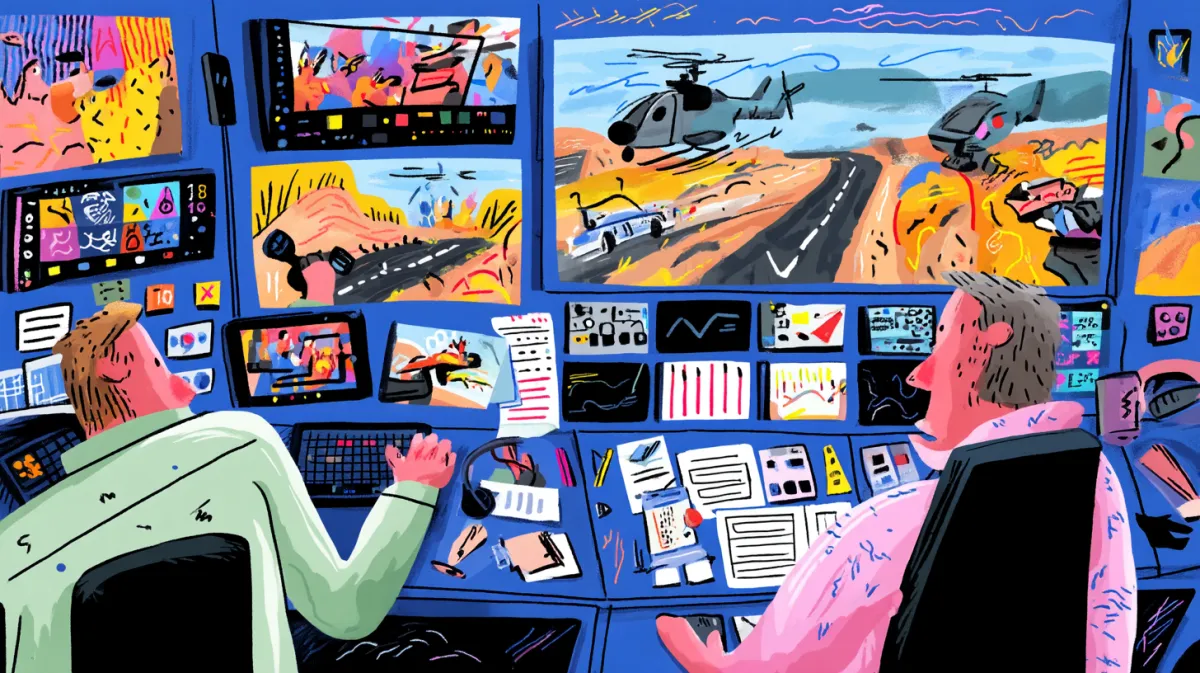
TL;DR
- Motion Paths gives Intangible creators an editable route on scene geometry, with a moving object following the spline they drew, as hasantoxr's Motion Paths post demonstrates.
- The Compose-mode workflow supports freehand routes and point-by-point pen work, then lets creators reopen a spline for edits, according to hasantoxr's drawing walkthrough.
- Dropping an object on a path parents it to the route, while travel-direction orientation handles turns and banking, as shown in hasantoxr's attachment demo.
- Paths share the spline engine used for roads and populators, and remain editable from both Build and Compose, hasantoxr's spline-engine explanation says.
- Video From Animation uses the scene's authored keyframes as its motion source, rather than asking the video model to invent movement, according to hasantoxr's rendering note.
Intangible's animation documentation defines one shared timeline per scene, with shots acting as windows into it. Its existing Spline populator guide uses curves to distribute roads, fences, and other repeated assets, while the Video From Animation guide passes authored scene movement into video generation.
Motion Paths
Motion Paths makes a drawn spline a piece of scene control. A creator puts the route directly on the geometry, then adjusts that route rather than rerolling the move.
- Select the object that will move.
- In Compose mode, choose Draw motion path from the toolbar.
- Draw freehand or place control points with the pen tool.
- Double-click the spline to return and edit it.
Parenting and orientation
Dragging an object onto a path snaps it into place and parents it to the spline. The first attachment also creates a default move across the shot.
- Enable travel-direction orientation for a car to face into corners or an aircraft to bank with its route.
- Keyframe the object's progress along the path, rather than separately keyframing its rotation.
- Edit the spline when the route changes.
The shared spline engine
Motion Paths runs on the same spline system as roads and populators, hasantoxr's spline-engine explanation says. The tool keeps paths editable in Build and Compose, so a route can change alongside the scene or during shot work.
The official animation guide says object, camera, and character keys all live on the scene timeline, while individual shots show only their span of that timeline.
Previs and action beats
hasantoxr's use-case list puts four production uses on the table:
- A stunt beat, such as a car drifting or a jet passing through a canyon.
- A crane, dolly arc, or follow shot that would otherwise need a physical rig and crew.
- Vertical-specific movement, from an aircraft approach to a product moving through a retail set.
- A clean previs pass before a shoot day is booked.
Video From Animation
The path does not repair geometry, framing, or animation decisions. The creator supplies the route and keyframes, which become the motion source when rendering through Video From Animation, hasantoxr's rendering note says.
Intangible's Video From Animation documentation says the model receives the animated 3D scene, including camera and subject motion. The same guide offers Direct Render for output that skips the AI model entirely. Motion Paths is live, according to hasantoxr's release post.