
InVideo Editor agents add synchronized sound effects to a trailer
Creators describe using InVideo Editor with GPT-6 Astra to turn raw footage into edits while retaining control over story and style. In one test, the editor added atmosphere, impacts, transitions, and synchronized effects to the edit.
TL;DR
- InVideo Editor puts AI work on an editable browser timeline, a workflow described in MayorKingAI's post and in InVideo's September launch announcement.
- A four-minute trailer received a conversational sound-design pass for atmosphere, impacts, transitions, extra layers and picture-synced effects, according to CharaspowerAI's trailer test.
- Useful agent feedback can state the intended audience effect, as AIwithSynthia's calendar-scene example does by asking an edit to make a deadline harder to ignore.
- Connected creative stacks are moving the same feedback loop outside the editor: _VVSVS's MCP film workflow sent per-shot notes from a custom site back to Astra as JSON.
The official launch post says the manual editor is free, while its editing-instruction guide asks creators to identify the footage to change and the material to preserve. In a separate build, rainisto connected Astra to BeatBandit, Runway and a Premiere bridge, then had the system review results and patch only the broken parts rainisto's workflow description.
Browser timeline
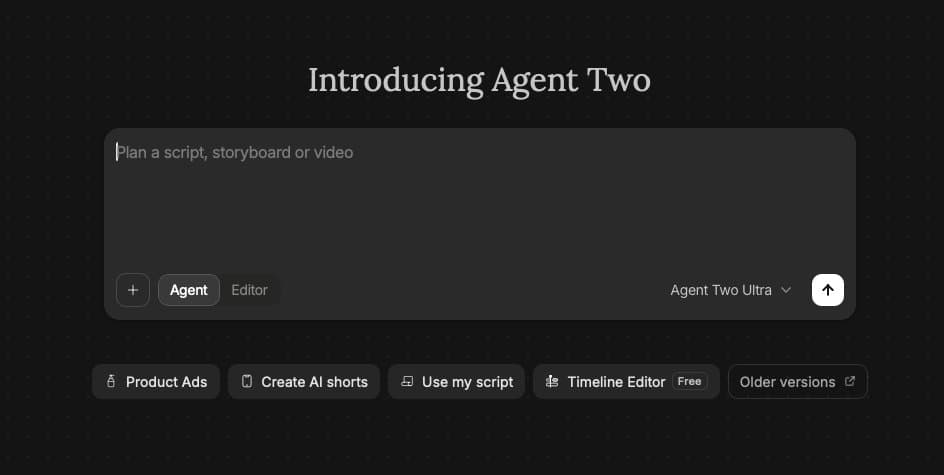
InVideo describes Editor as a browser-based, multitrack editor where an assistant takes plain-language direction, works on footage and returns changes to the timeline. The company says the free manual editor and the agent-assisted workspace share that editable project surface in its Agentic Video Editor overview.
AllaAisling used the tool for cuts, effects, sound and grading, while describing story, timing, emotion and style as decisions left to the creator.
Sound design pass
CharaspowerAI started with a four-minute cinematic trailer that already had music, ambience and sound effects, then asked the agent to analyze the full edit and push the sound design further.
- More atmosphere
- Better impacts
- Stronger transitions
- Extra sound layers
- Tighter synchronization with the picture
The creator reported that the result stayed layered and editable: sounds could be replaced, the mix adjusted through conversation, or the timeline fine-tuned manually.
The edit brief
CharaspowerAI's setup sequence begins by importing video, audio, music, effects and existing project assets, then placing them on the timeline before creating an agent.
InVideo's instruction guide breaks the brief into five pieces:
- State the editing task.
- Give the intended length.
- Name the clips or section involved.
- Identify what must remain unchanged.
- Review the updated cut in the Monitor and timeline, then make manual adjustments.
AIwithSynthia supplied a compact version of that logic: the calendar scene's job was to make a deadline harder to ignore, and the edit request named that purpose.
MCP production loop
_VVSVS said a short film made through Flora's MCP integration with Astra began with initial images, then used a custom website for shot-level feedback. Exported JSON went back to Astra for the next update; the creator also specified preferred models, Seedance character references, multi-shot blends and edits cut to music peaks.
rainisto described a second, more technical loop:
- Astra orchestrated BeatBandit MCP and Runway MCP.
- It planned shots, ran them, reviewed the results and created patches for broken sections instead of rerunning the entire generation area.
- A custom Premiere UXP bridge wrote edits into Premiere, then let Astra inspect later manual edits and add missing pieces.