
Promptsref AI Image Editor adds one-click cyberpunk GIFs and RGB Shift controls
Promptsref rebuilt its AI Image Editor so uploads can become cyberpunk or RGB-shift GIFs in one click, then added new SREF guides and an effect tab. The release turns style demos into a reusable post-processing workflow instead of one-off prompt threads.
TL;DR
- Promptsref rebuilt its AI Image Editor so uploaded images can be turned into animated cyberpunk or RGB-shift GIFs with one click, according to the rebuilt-page post and the launch demo.
- The tool is no longer just a prompt showcase: a follow-up post says a previously popular prompt has been moved into an AI Effect tab, making the look reusable without repasting long instructions.
- In the product walkthrough, Promptsref shows an RGB Shift - Wave effect set to 30 frames at 50ms, plus brightness and contrast controls for secondary edits after generation.
- The launch is being paired with fresh style-guide content: Promptsref's roundup frames the week around new distinctive SREF looks, while posts on SREF 189007273 and SREF 621218381 pitch concrete art directions those edits can feed into.
What changed in the editor
Promptsref's rebuilt-page post says the editor now accepts image uploads and can generate an RGB-split cyber-style GIF in a single click, with the initial rollout described as completely free. In the interface shown in the walkthrough, the GIF module sits inside an Image adjustment panel and exposes a named preset — RGB shift - Wave — with 30 frames at 50ms, followed by Download GIF and Clear buttons. The same post says users also get brightness and contrast controls, which makes this more of a post-processing tool than a one-off text-to-image trick.
The separate launch demo adds a second fast path: a Cyberpunk GIF option that transforms a still portrait into a glitching neon animation from a menu click. That matters because the product now has at least two reusable motion looks — RGB split and cyberpunk — applied after upload rather than rebuilt from scratch with prompting.
Why this matters for creative workflow
The bigger shift is packaging. In the AI Effect tab update, Promptsref says a prompt that unexpectedly took off has been organized into an effect tab so users no longer need to re-enter it manually. Paired with the massive magazine-cover prompt disclosed in the prompt-heavy example, that suggests the company is turning long-form aesthetic recipes into clickable presets.
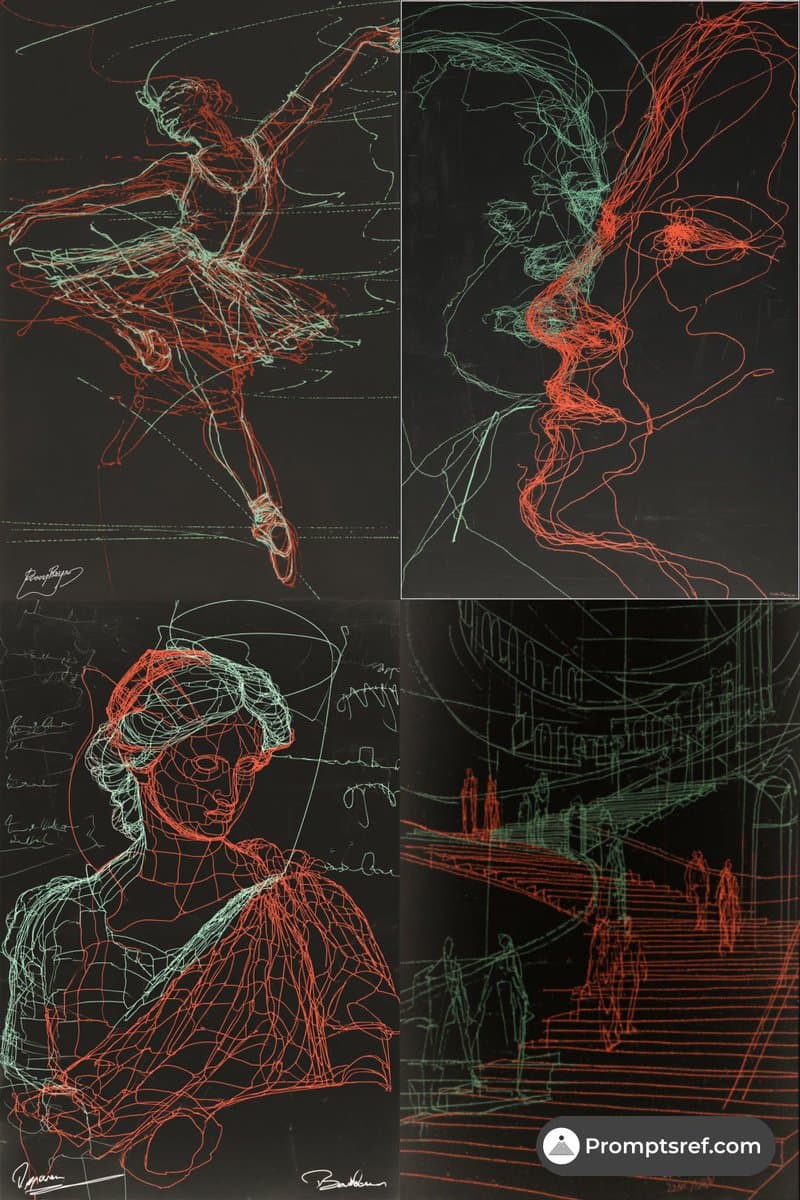
Promptsref is also surrounding the editor with style references instead of isolated demos. The posts for SREF 189007273 and SREF 621218381 map specific looks to use cases like sci-fi UI, album covers, fantasy key art, and immersive worldbuilding, while the site's popular-SREF analysis points users toward a broader library of repeatable styles. The result is a cleaner workflow: generate or upload an image, apply a canned motion effect, then browse adjacent SREF guides for the next visual direction.