
Codex Voice Mode supports hands-free trackers, email, reminders, and scheduling
Allie Miller described using Codex Voice Mode for trackers, email, reminders, scheduling, and document work. Min Choi’s ElevenLabs setup shows a browser agent that listens, streams replies, and handles interruptions.
TL;DR
- Voice moved from dictation into agent control: OpenAI now puts ChatGPT Voice inside Work and Codex on desktop, and Allie Miller used it for paragraph review, list triage, client-email checking, Slack/email sweeps, reminders, and scheduling, according to Miller's workflow post.
- The strongest workflow is ambient hypertasking: Miller edited while the agent found docs and left it to make an Instagram thumbnail while she got water, a pattern she called “voice-enabled” hypertasking in the same post.
- The limits are still very visible: appshots, multi-monitor confusion, 90-minute shutoff, weaker smaller-model runs, and audio cross-talk all showed up in Miller's notes.
- Voice-agent retrofits are getting tiny: Min Choi's ElevenLabs build used SDKs, a WebSocket URL, an LLM wrapper, a WebRTC token, and a browser start call, then sized the whole thing at about 100 lines in his demo thread.
- Creative writing is already going hands-free: Dan Shipper said he organized interviews, built a timeline, wrote, edited, and revised a Codex history by voice without touching keyboard or mouse in his couch-writing post.
OpenAI's release notes say ChatGPT Voice is now available in Work and Codex in the desktop app, with natural interruption and task coordination through the selected experience's tools and permissions. The ChatGPT Work and Codex help page frames Work as the longer-task agent and Codex as the software-development surface. ElevenLabs' Speech Engine quickstart reduces a voice agent to a browser, ElevenLabs, your server, and an LLM sequence; its WebRTC token docs expose GET /v1/convai/conversation/token for real-time sessions.
Codex Voice Mode as an ambient assistant
Miller's examples read less like dictation and more like a live producer sitting beside the work:
- “Take a look at this paragraph.”
- “What else is on my list?”
- “I'm going to edit this while you find that doc.”
- “Download my latest IG reel, make a good thumbnail for it.”
- “Check against the list while I start on the script.”
- “Find me time” for a 30-minute nail-painting slot before filming.
- “Check Slack, email, our Fireflies sweeps” for missed items.
The buried LP capital call in Miller's same workflow post is the useful detail: voice works best when the assistant can inspect the messy surfaces where obligations actually live.
Voice plus computer use
Miller described pacing or rocking in a chair while talking to Codex Voice Mode with computer use, calling the feel “a mix of Minority Report and a very decent AI chief of staff” in her computer-use post.
Her daily loop in a follow-up was concrete:
- Morning: check project trackers, last conversations, and email for priorities and blockers.
- During the day: ask whether the current work is goal-aligned and which teammate is most blocked.
- End of day: ask what one high-leverage task can still ship in 20 minutes.
- Background actions: set computer reminders, review work, open apps, and check projects.
OpenAI's ChatGPT Work launch post says Work can take action across apps and files, stay with a project for hours, and turn a goal into finished work. Voice turns that surface into something closer to walking around with a production headset.
Appshots and rough edges
Miller's notes keep the hype honest. The interface changes the work rhythm, but the computer-use layer still needs tight task framing.
- Computer use was “decent” only for controlled, discrete steps.
- Live document editing was weak, and Miller said it once read her calendar wrong after navigating to the wrong date.
- Usage limits pushed her to a smaller model, “5.6 terra medium,” with weaker responses.
- The session seemed to shut off after about 90 minutes.
- Multiple monitors made it unclear what the agent could see.
- Appshots made location-specific prompts necessary, because the agent was not reading the full screen like a screenshot.
- Miller sometimes said “hello?” just to check whether it was still present.
- Dictation, self-talk, or video audio could confuse it into thinking she was addressing the agent.
The sharpest UI problem in Miller's main post was speech collision: when she wanted to dictate a Slack message, the assistant also heard the dictation unless she muted her side first.
Voice writing
Dan Shipper said he spent a morning writing a definitive history of Codex from his couch, including interview organization, timeline building, drafting, editing, and revision, all through ChatGPT for Work's voice mode in his post.
Every's internal reactions in Shipper's screenshot thread added three useful creative patterns:
- Outlining a piece while taking out the garbage and loading the dishwasher.
- Planning while toggling between tasks and waiting for the agent to report completion.
- Live write-alongs getting better because the writer can keep moving while the assistant holds context.
Peter Yang's dark-patterns post caught the other side of the same shift: voice made him notice that he sometimes preferred brainstorming with the agent over the human in the room.
ElevenLabs Speech Engine
Min Choi demoed an agent that listens, talks, streams replies, and handles interruptions in real time. ElevenLabs' Speech Engine page says the product adds voice on top of an existing chat agent while leaving the agent's LLM, RAG, and architecture untouched.
The setup in Choi's thread is the builder version of the same ambient interface:
- Install
@elevenlabs/elevenlabs-jsand@elevenlabs/react, per Choi's SDK step. - Point Speech Engine at
wss://yourdomain.com/ws; Choi said local testing works with ngrok and no phone number or telephony provider in the WebSocket step. - Wrap the existing LLM call; the transcript can go to OpenAI, Claude, Gemini, or a custom model, per the LLM wrapper step.
- Mint a short-lived WebRTC token server-side, which Choi's token step showed with
getWebrtcToken({ agentId: engineId }). - Start the browser call with
conversation.startSession({ conversationToken: token }), as shown in the browser session step. - Choi put the whole integration at “around 100 lines” with no replatforming in his final setup note.
The official Speech Engine quickstart matches that shape: browser audio goes to ElevenLabs, transcripts hit the server over WebSocket, the server calls the LLM, and streamed text chunks return to ElevenLabs for speech.
Persistent cloud computer
Peter Yang mapped the next missing piece: in his understanding, ChatGPT Work can authenticate with apps like Gmail, Google Drive, and Slack through plugins, run scheduled tasks in the cloud, and browse public websites, but its cloud browser cannot sign into accounts or reuse existing browser cookies and sessions, according to his breakdown.
Yang's wanted version in the same post had three parts:
- A secure environment that preserves projects, files, tools, and working state between tasks.
- A persistent browser profile where the user signs into specific sites once.
- Plugins when available, and an authenticated browser when plugins are not enough.
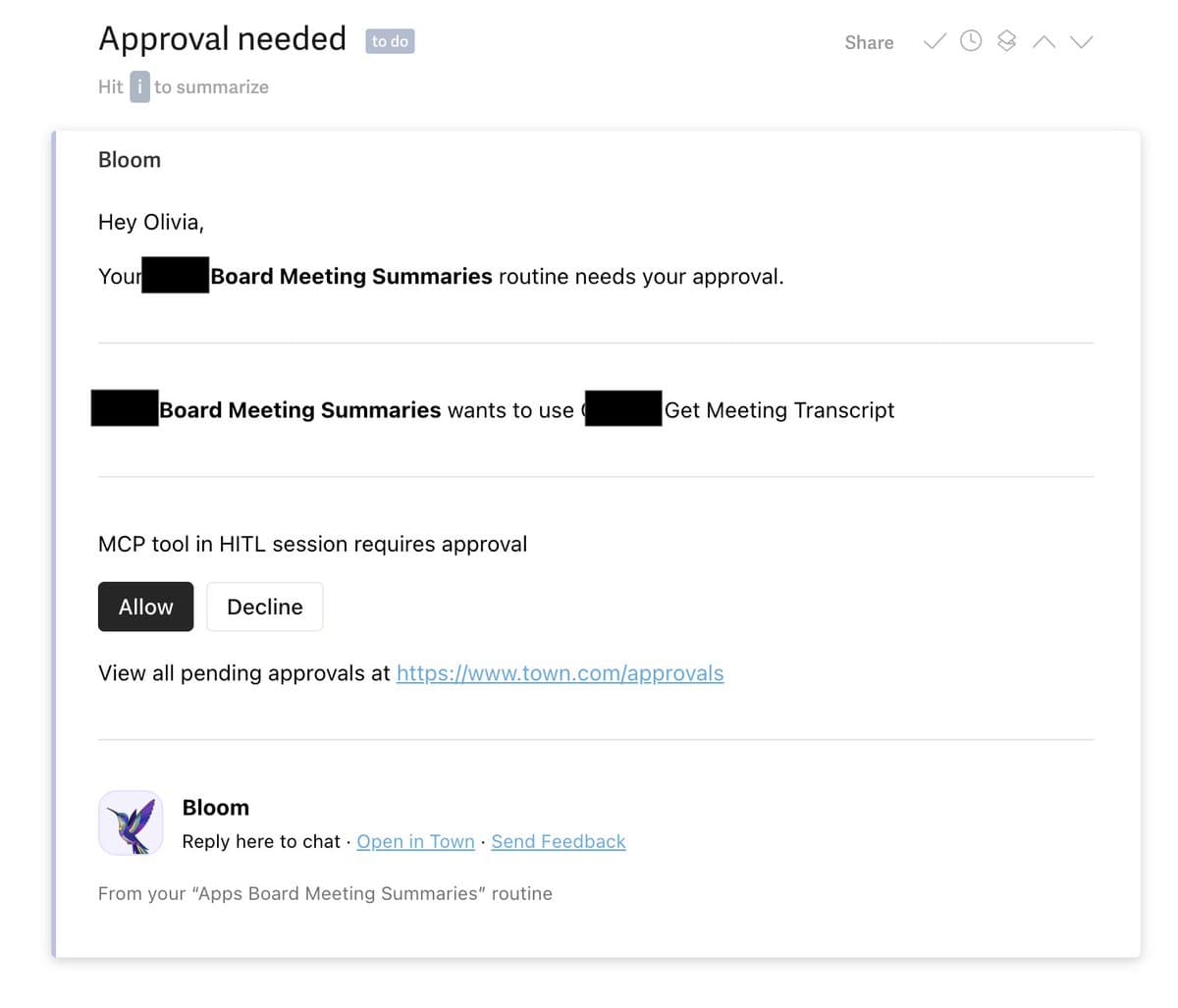
A different version of that push model showed up in Omoore's TownAI example: an automation set up a month earlier read his calendar, identified a Board call, and sent a transcript-review email five minutes after the meeting.