
Curious Refuge introduces 4-step archive restoration workflow with GPT Image 2
Curious Refuge published a four-stage restoration workflow that runs old footage through Seedance 2.0, GPT Image 2 still remastering, style rematching, and a final Topaz Astra pass. Apply it as a repeatable pipeline for archive cleanup instead of relying on a one-shot prompt.
TL;DR
- Curious Refuge turned a one-off restoration prompt into a four-stage pipeline, with CuriousRefuge's overview post laying out Seedance 2.0, GPT-Image 2, a second Seedance pass, and Topaz Astra as separate jobs.
- In CuriousRefuge's Step 1 post, the first Seedance run handles stabilization, cleanup, and a camera-style shift, with a prompt that asks for Sony FX30-like 4K footage while keeping scene content unchanged.
- CuriousRefuge's Step 2 post extracts 3 to 8 stills and runs them through GPT-Image 2 as image edits, which matches OpenAI's image generation guide for iterative high-fidelity editing.
- CuriousRefuge's Step 3 post uses those remastered stills as references in a second Seedance pass, which lines up with ByteDance's Seedance 2.0 launch post describing mixed image and video inputs for reference-driven editing.
- The last polish comes from CuriousRefuge's Step 4 post, which sets Topaz Astra 2 to Creative 0 and Sharpen 2, even though Topaz's Astra quick start says the tool is built for creative upscaling, not traditional archival restoration.
You can read ByteDance's launch post for the input limits behind the trick, check OpenAI's image editing docs for why the still-remastering step works as an iterative edit loop, and compare that with Topaz's own Astra 2 docs, which explicitly frame the final pass as creative texture generation. The workflow is useful because each tool is doing a different kind of cleanup, and CuriousRefuge's demo clip makes the handoff visible.
Restoration stack
Curious Refuge's thread is really a division-of-labor map. Instead of asking one model to restore, relight, sharpen, and preserve identity in one shot, CuriousRefuge breaks the job into four passes.
That split matches the tools' native behavior:
- Seedance for the first video cleanup and stabilization.
- GPT-Image 2 for high-resolution still remastering.
- Seedance again for reference-image style transfer back onto motion.
- Topaz Astra for the final texture and sharpness pass.
Seedance cleanup
In CuriousRefuge's Step 1 post, the prompt asks Seedance 2.0 Omni to make the source clip look like it was shot on a Sony FX30, upscale it to 4K, remove dirt and distortions, stabilize motion, and avoid adding or removing scene elements.
ByteDance's official Seedance 2.0 launch post says the model supports text, image, audio, and video inputs, plus up to 9 images and 3 video clips as references. That makes the first pass less like pure generation and more like guided video editing.
Curious Refuge also notes in the same post that the prompt may need several iterations before the footage improves. That is the first useful reality check in the thread.
GPT-Image still remastering
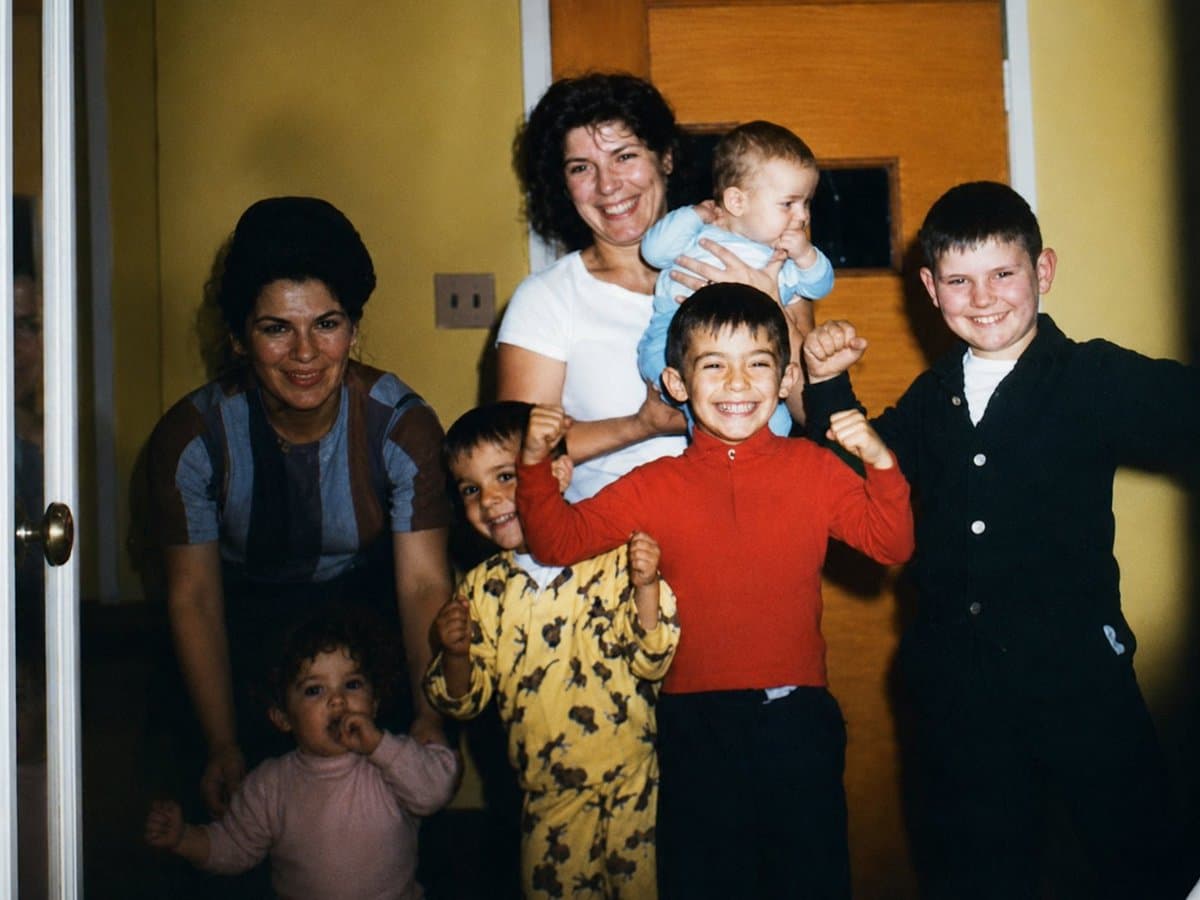
CuriousRefuge's Step 2 post turns the video problem into a still-image problem. The workflow saves 3 to 8 PNG frames, especially frames that clearly show faces, then asks GPT-Image 2 to turn each one into a high-resolution photo that looks like it was taken yesterday on a Canon EOS R6.
OpenAI's image generation guide describes GPT-Image 2 as an image editing model with multi-turn, high-fidelity edits. That is almost exactly how Curious Refuge is using it here: not to invent a new scene, but to push selected frames toward a cleaner photographic baseline.
The face-selection note matters because the second Seedance pass depends on those stills as visual anchors.
Reference-image rematch
The third pass is the clever bit. In CuriousRefuge's Step 3 post, the team uploads the Step 1 video together with the remastered stills and tells Seedance to make the video match the quality and style of the reference images exactly.
That maps directly to ByteDance's Seedance 2.0 product page, which pitches the model around multimodal reference and editing control. Curious Refuge is using image references as a style-and-quality target, then asking Seedance to propagate that look across motion.
It is a nice hack for a common restoration problem: a single frame can often be cleaned further than a whole clip, but that quality boost usually falls apart when motion re-enters the scene.
Topaz Astra finish
Curious Refuge ends with a very specific Astra recipe in the final post: Creative mode, Astra 2, Creative set to 0, Sharpen set to 2.
That choice is more interesting after reading Topaz's docs. The Astra 2 model page says the model is built for creative diffusion-based upscaling that adds new texture and detail, while the Astra quick start says it is not designed as a traditional archival restoration tool.
So the pipeline ends by borrowing a GenAI upscaler for a restoration-adjacent job. Curious Refuge is not presenting Astra as a forensic cleanup tool. They are using it as a controlled finishing pass after the heavier preservation work already happened upstream.