
CharaspowerAI builds the ORAGE CLOS perfume campaign in Firefly Boards
CharaspowerAI develops the fictional ORAGE CLOS perfume campaign in a sponsored Firefly Boards breakdown. Product images guide film shots after logo, bottle and packaging choices establish the visual identity.
TL;DR
- ORAGE CLOS is a fictional perfume campaign; CharaspowerAI built its visual direction in Firefly Boards as part of a paid Adobe collaboration.
- A cut through the logo’s first O becomes a shared motif for the cap and box, as CharaspowerAI explains.
- Bottle and packaging images guided the product shots; CharaspowerAI used text prompts for the landscapes.
The bottle’s broad front leaves room for the film’s strangest reveal: an entire storm inside the perfume. Adobe’s Boards workspace holds moodboards, storyboards, images and video on an infinite canvas.
The cut in the O
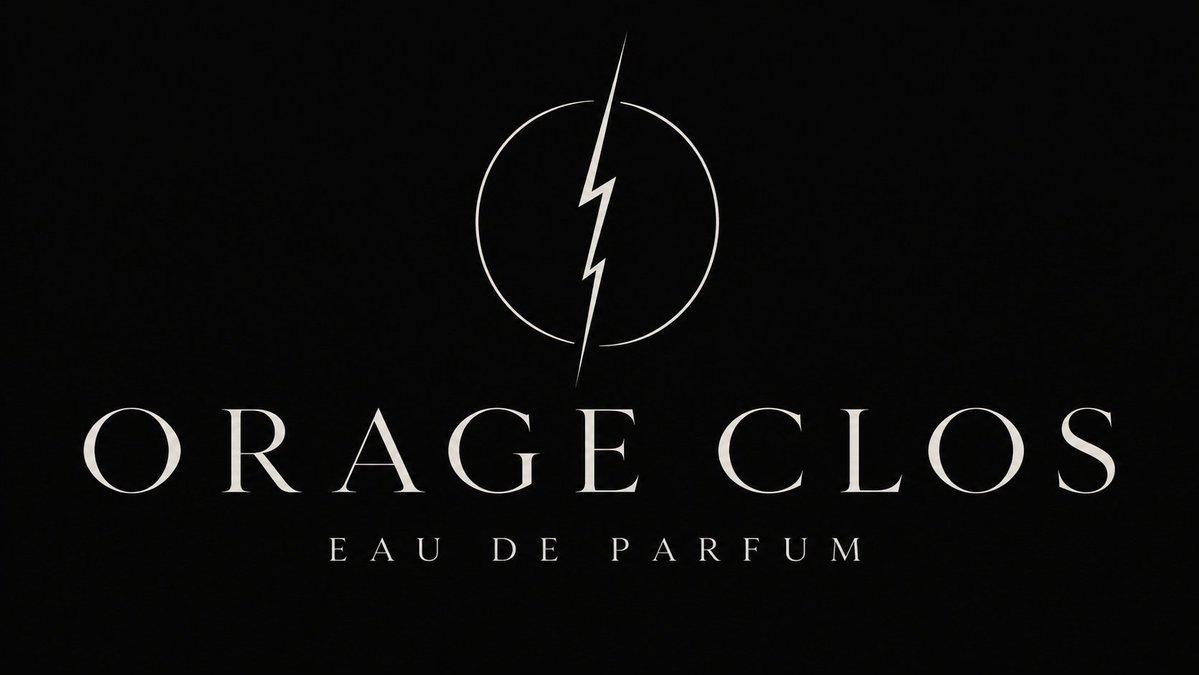
Four logo directions ranged from storm-inspired symbols to a restrained wordmark. CharaspowerAI chose serif lettering and carried a diagonal detail across three assets:
- Logo: a fine cut through the first O.
- Cap: a silver inlay.
- Packaging: a line across the box.
That repeatable cut is the campaign’s sharpest piece of art direction.
Four bottle silhouettes and four boxes
After exploring four silhouettes, CharaspowerAI chose a rectangular bottle with thick beveled glass, amber liquid and a black stone cap.
Four packaging concepts followed. Keeping the logo, bottle and box together in Boards let the creator compare materials and judge whether they felt like one luxury product.
From glass desert to bottle reveal
The film progresses through four beats:
- Glass desert.
- Suspended ocean wave.
- Amber thunderstorm.
- Bottle reveal.
The production split follows the subject: bottle and packaging images guided the product shots, while text prompts described the landscapes. Glass, silver and amber supplied the palette across the sequence.
CharaspowerAI organized the references in Boards before moving into video, keeping the visual direction visible as the project changed medium.
Scent in pixels
In a separate post, michaelmicasso captioned a red-and-blue pixel-art camera lens trailing blue vapor “/follow-the-scent.”
Boards reference controls
Boards can reuse a canvas image in four ways, according to Adobe’s documentation:
- Describe image: generate a detailed description as a starting point for a prompt.
- Use as style references: align generated images with the selected image’s style.
- Use as composition reference: guide the generated image’s layout and structure.
- Extract sub-prompt: select automatically generated prompt fragments to add to the text prompt.
Adobe also documents importing and generating videos in Boards, including generation with non-Adobe models. These are available controls, rather than a list of steps CharaspowerAI demonstrated.
CharaspowerAI leaves the video model and exact landscape prompts unspecified in the film breakdown.