
Freepik adds image-to-3D scene navigation from GPT Image 2 frames
A short workflow paired GPT Image 2 art with Freepik 3D Scenes to turn flat frames into explorable environments and adjustable camera angles. The result looks useful for previs and shot framing, but the demo stays at prototype-level geometry.
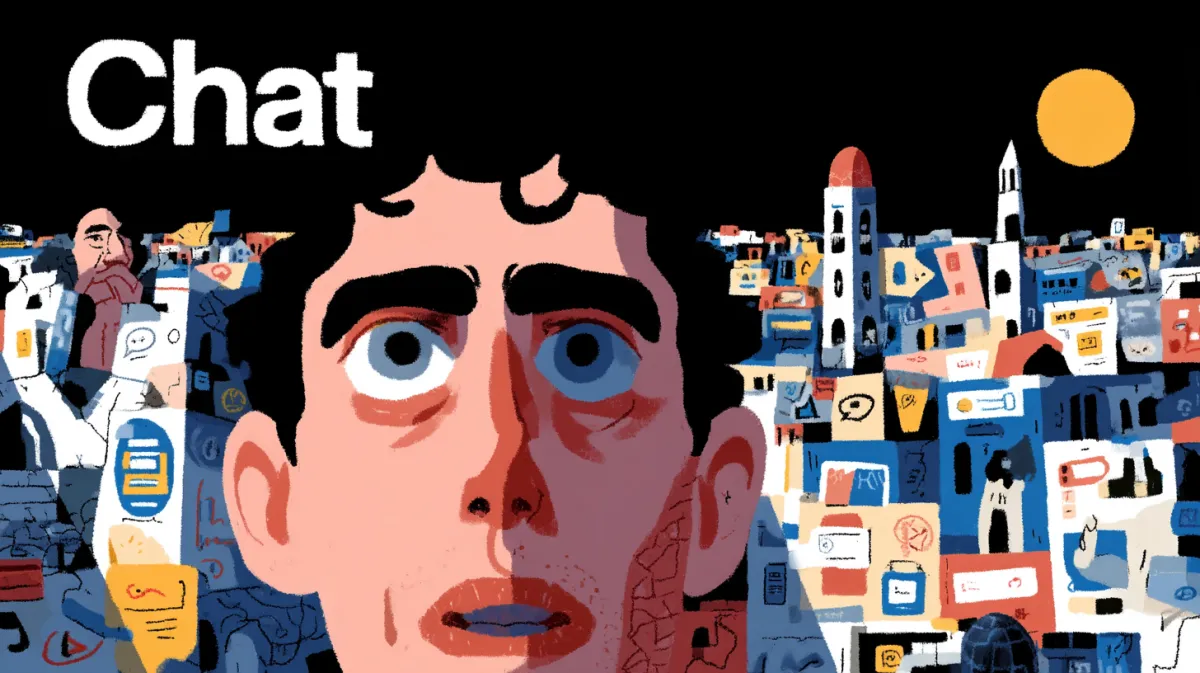
TL;DR
- CharaspowerAI's opening demo shows a flat GPT Image 2 frame turning into a navigable 3D walk-through in minutes, then moving like a lightweight previs scene.
- In the setup screenshot, the workflow runs through Freepik's 3D Scenes tool: upload an image, generate a scene, then move inside it.
- The final step clip makes the practical use case clearer than the hype: place a camera inside the generated environment and export a framed shot.
- The result in the demo video looks fast and creatively useful, but the scene still reads like prototype geometry rather than production-ready worldbuilding.
CharaspowerAI's opening demo is the whole hook, a static frame becomes a fly-through. Then the Freepik UI screenshot shows where the trick actually happens, and the final clip shifts from wow-demo territory into shot selection.
Freepik 3D Scenes
The thread's clearest reveal is that the 3D step is not custom code. CharaspowerAI's second post points straight at Freepik's 3D Scenes tool, with an upload box, quality selector, and a one-click "Generate 3D scene" flow.
The screenshot also shows what Freepik returns: an explorable room-like reconstruction and an exterior interpretation of the source image. That makes the workflow less like full 3D authoring and more like instant scene conversion from a single frame.
Prototype geometry
The opening clip sells the effect fast, but it also shows the current ceiling. The environment reads as a navigable approximation of the source image, good enough for spatial mood and motion, not a clean asset build with reliable geometry.
That tradeoff is probably why the demo lands for previs. You get camera movement, depth, and a sense of route through the scene without modeling the set from scratch.
Camera placement
The last post adds the most concrete workflow detail: once the scene exists, you can move through it, place the camera, and export a chosen frame. That turns the feature from a novelty conversion into a framing tool.
For AI artists and directors working from generated stills, the interesting bit is not the fake 3D itself. It is the ability to test alternate angles from the same image-derived environment, then pull out a new shot without rebuilding the scene elsewhere.