
Luma adds Seedance 2.0 Mini for same-canvas video iteration
Luma added Seedance 2.0 Mini so creators can generate and refine fast video passes inside the same canvas. The model is already being used for motion transfer, character swaps and rough iterations before higher-cost renders.
TL;DR
- Luma has added Seedance 2.0 Mini inside its own canvas, with LumaLabsAI's launch post pitching fast generation and refinement without leaving the workflow.
- Early hands-on posts are converging on one strong use case: according to underwoodxie96's test, Mini is especially good at character replacement and simple motion transfer when a reference video preserves the movement.
- Creators are already splitting the workflow by pass quality. In magnific's tutorial, Seedance 2.0 Mini handles fast 3D-style iteration, while a later 4K pass does the polished cinematic render.
- The prompt patterns are getting unusually specific. koldo2k's control-video thread locks camera movement with a reference clip, while AIwithSynthia's GTA storyboard post uses Seedance to turn a nine-panel image grid into fake gameplay.
You can jump straight to Luma's create page, browse a low-cost motion-transfer demo, and steal full prompt blocks from a Blender control workflow or a robot short built from a storyboard.
Same-canvas Seedance
Luma's actual product change is small but useful: LumaLabsAI's announcement says Seedance 2.0 Mini is now available in Luma, with generation and refinement happening in the same canvas.
The company immediately paired the launch with a finished example. In LumaLabsAI's dinosaur short, Anurag Tiwari builds a tiny narrative world around a lonely dinosaur sharing ice cream, which is a better proof point than a benchmark for this kind of tool.
Cheap control passes
The most concrete third-party report came from underwoodxie96's test, which said Mini works well for two narrow jobs:
- Character swaps inside an existing shot.
- Simple motion transfer from a reference video.
They also put a number on it: Seedance 2.0 Mini starts at $0.07 per second on their platform, which helps explain why creators are using it for rough passes instead of saving every shot for a premium render.
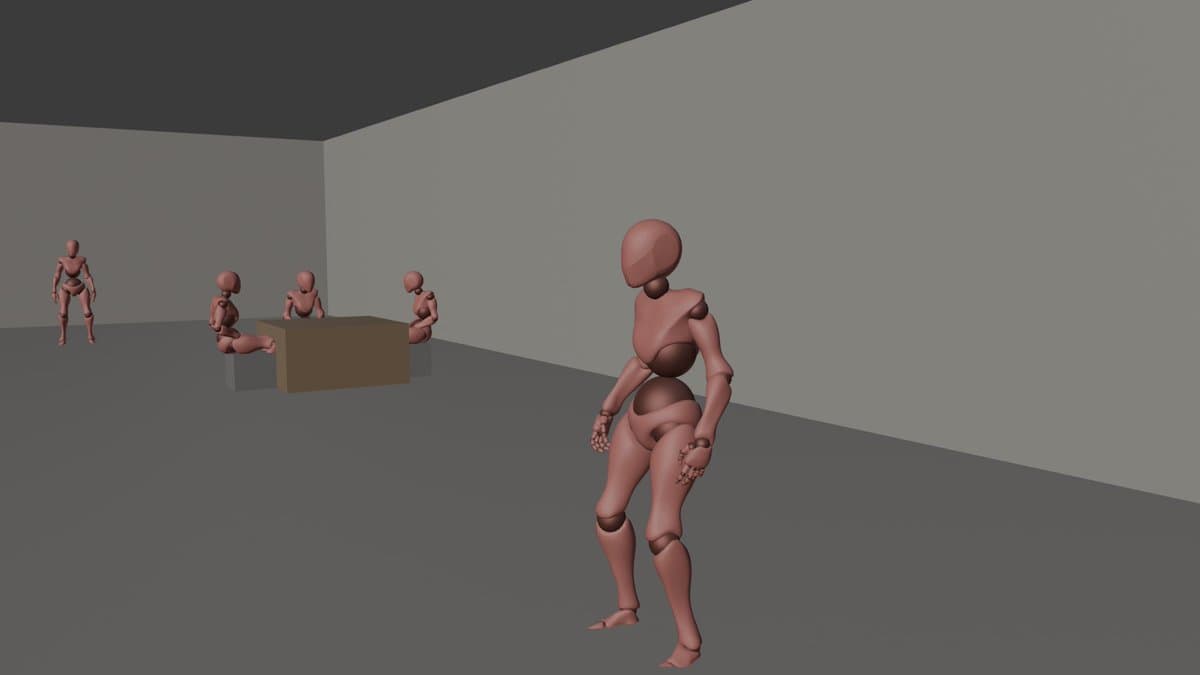
Magnific's workflow turns that into a repeatable pattern. Its Blender-style demo uses Mini for quick low-poly previs, then a follow-up post sends the same motion into Seedance 2.0 4K for the final live-action look.
Prompt grammar is becoming the product
A lot of the value here is not the model alone, but the control language creators are wrapping around it. koldo2k's thread starts with a reference video, adds a still frame for world context, and then locks the shot with instructions like "reproduce the camera movement from the reference video with perfect accuracy."
That same pattern shows up in more storyboard-heavy work. MayorKingAI's robot prompt breaks a 15-second clip into timed beats, camera moves, sound cues, and quality anchors after generating the source storyboard in GPT Image 2. AIwithSynthia's GTA concept does something similar with a nine-panel gameplay board, complete with HUD elements, mission prompts, and a fixed protagonist design.
Mini is already the scratchpad
The wider creator chatter is treating Mini less like a final renderer and more like a sketch layer. Artedeingenio's yarn animation used Midjourney for the look and Seedance 2.0 Mini on TopviewAI for motion, while a follow-up reply from the same creator said there was "not much difference" between Mini and the regular version.
A roundup from minchoi's workflow thread shows where that scratchpad role is spreading: Blender action blocking, 3D previz to anime, K-pop dance clips, product ads, J-horror, and story sequences. For a low-cost model slot, that is a lot of surface area very quickly.