PromptsRef expanded its image-to-prompt tool with Claude Sonnet 4.6 analysis, natural-language output, and a Generate button that jumps straight into image creation. The workflow turns reference photos into reusable scene descriptions for Midjourney and Nano Banana without JSON-only prompts.
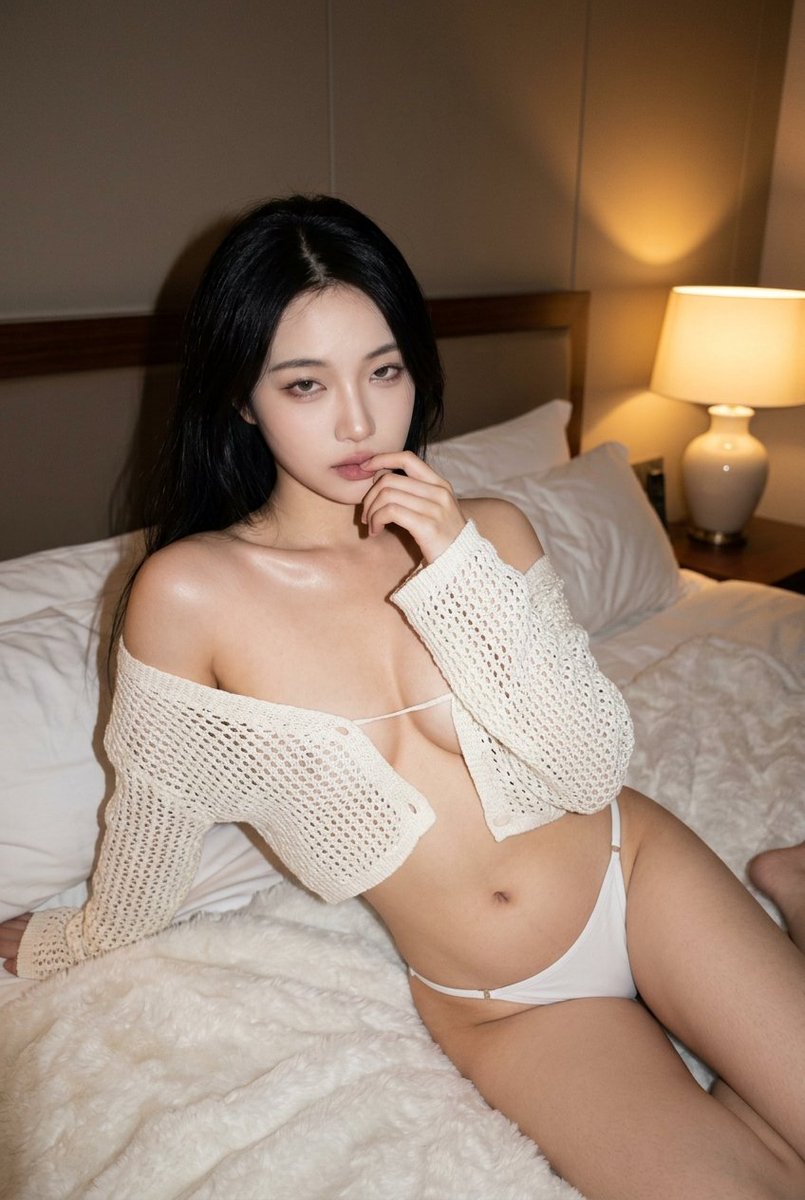
The useful reveal list is pretty simple: Claude mode produces unusually granular shot breakdowns from a single reference image Claude analysis demo, PromptsRef now exports those results as plain English as well as JSON Natural-language prompt option, and the handoff into generation means you can go from found image to testable variants in one pass on the same site Generate button and model handoff. For creators, that is the difference between a prompt toy and an actual workflow.
PromptsRef's official Image-to-Prompt page still describes the product in broad terms, upload an image, wait a few seconds, copy the prompt. The tweet demo shows what changed in practice: a model picker set to Claude Sonnet 4.6, plus a far more detailed read of the source image than most reverse-prompt tools bother with.
The output does not stop at subject recognition. It breaks the frame into expression, hair, body, pose, clothing, accessories, camera angle, lens feel, lighting, depth of field, background objects, mood, must-keep constraints, avoid lists, and negative prompts Claude analysis demo. If you work from references a lot, that structure matters because it separates what is essential from what is accidental.
The smartest product choice here is not JSON. It is the escape hatch from JSON. In a follow-up tweet, PromptsRef says it now provides a natural-language version after the structured analysis so the result can be used across more image models Natural-language prompt option.
That matters because most creators do not want to manually translate nested fields like must_keep, avoid, and negative_prompt into something they can paste into a generator. The natural-language block keeps the useful specifics, camera height, tungsten lamp direction, clothing details, composition bias, while stripping away the machine-readable wrapper. That makes the output portable to tools that respond better to prose than schema.
PromptsRef also added a Generate button right above the completed analysis Generate button and model handoff. That sounds minor, but it fixes the most annoying part of reverse-prompt workflows, the copy, switch tabs, paste, tweak, rerun loop.
On PromptsRef's AI Image Generator, the company says users can generate across multiple models in parallel and compare results instantly. The available model list includes Nano Banana Pro, Nano Banana 2, Grok Imagine Flux-2 Pro, Seedream 4.5, and GPT Image 1.5. So the site is moving from prompt library toward a full reference-to-generation stack, which fits the broader PromptsRef homepage pitch of giving creators reusable prompts, style references, and examples in one place.
For an AI designer or filmmaker, the appeal is obvious:
The strongest claim in the evidence is also the correct one: good results come from prompt quality, not whether the output is wrapped as JSON or prose Prompt detail over format. The example PromptsRef shared from a diner photo makes that clear. It captures not just wardrobe and pose, but why the image reads the way it does, low shooting angle, checkerboard wall strip, warm hard side light, Coke machine placement, slight grain, off-center composition, even the explicit list of things to avoid Structured image analysis.
That level of decomposition is useful beyond copying a look. It gives creators a checklist for remixing references without flattening them. You can keep the light and camera energy, swap the setting. Keep the pose and composition, change the styling. Keep the background contrast, drop the fashion cues. Reverse prompting gets interesting when it becomes editable analysis.
PromptsRef is not the only place doing image-to-prompt, and the official page still reads more like a utility landing page than a product release note. But this update is sharper than it looks. Claude-based analysis, plain-English export, and one-click generation together make the tool much closer to a creator workbench than a novelty converter.
If you don't like the JSON prompts, we've provided natural language prompts after the analysis, so you can apply them to more image generation models.

Image 1 is a photo I found on Pinterest. Images 2 and 3 were generated after I used this tool to analyze that image into prompts, then recreated the results with Nano Banana 2 and Midjourney. promptsref.com/image-to-promp… ```json { "subject": { "description": "Young Chinese woman, Show more


I’ve been using a secret weapon for months: turning images into JSON prompts. It helped me create a lot of image content much faster, and since many people kept asking whether I could turn it into a tool, I finally added it to my website. Right now it supports Gemini / ChatGPT


A good image doesn’t come from the format — it comes from the prompt. JSON or natural language doesn’t matter. If the description is strong, the result will be strong. People who look down on JSON prompts often think they’re just “over-engineered.” But that’s missing the point. Show more
I’ve been using a secret weapon for months: turning images into JSON prompts. It helped me create a lot of image content much faster, and since many people kept asking whether I could turn it into a tool, I finally added it to my website. Right now it supports Gemini / ChatGPT
