
Reference-led video workflows place consistent characters across scenes
Creators are using image references to place prepared characters in generated scenes and guide image-to-video shots. Higgsfield's Seedance 2.5 workflow also swaps people, backgrounds, or effects from supplied photos.
TL;DR
- Prepared images are doing separate production jobs: techhalla's paper-cutout workflow creates characters as 3:4 stills before placing them into scenes and animating them.
- Seedance 2.5 can combine a source video with replacement photos to swap a person, background, or effect, as the Seedance V2V walkthrough demonstrates.
- Character sheets can carry identity across a shot: a character-sheet test tells Wan 3.0 to take a figure's face, build, and materials from a single reference.
- Pre-set start and end frames can hold a multi-shot escalation inside one run, according to magnific's start-and-end-frame workflow.
- H3 video edits can retain an existing performance's sound: fabianstelzer's hybrid-editing tutorial morphs real footage with full audio retention.
Reference images are starting to behave like a small production department, handling casting, set dressing, and continuity in separate files. Higgsfield's Ad Multiplier skill says it preserves a source video's motion, framing, timing, aspect ratio, default audio, and untargeted text during variations. Its BITT Animation case study adds a useful production detail: generative VFX returns as a pass, then gets composited against the original plate.
The reference packet
techhalla's paper-cutout experiment starts by generating stylized character stills in Nano Banana 2, places those assets into scenes, then sends them to H3 for animation.
The examples divide a reference packet into distinct controls:
- Character: Wan 3.0 receives face, build, and material cues from one sheet in a character-sheet test.
- Location: An empty kitchen was generated once, then reused as reference for scenes set across three timelines in magnific's short-film breakdown.
- Shot action: The prompt supplies camera movement, staging, and the action happening within the locked character and location.
Video-to-video swaps
Higgsfield's Seedance 2.5 V2V recipe begins with a reference video in its walkthrough:
- Upload the source video.
- Add photos of the elements to swap.
- Describe the change in a prompt.
- Generate.
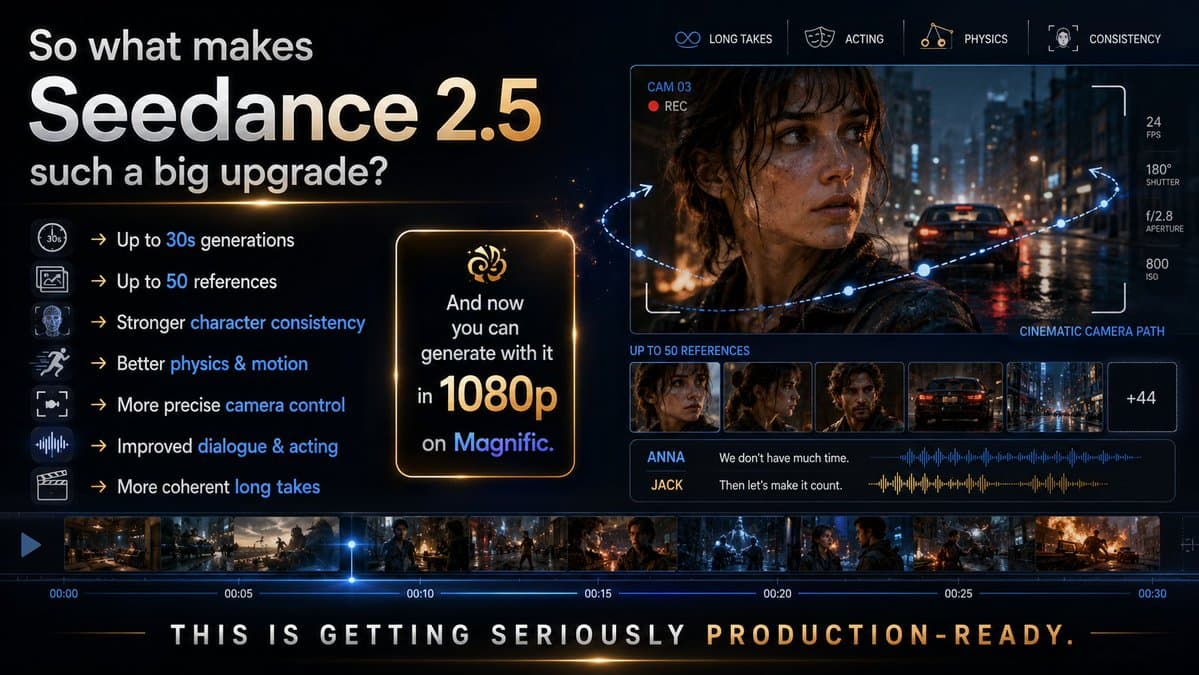
The public demo frames that as a way to replace a person, alter a background, or reproduce an effect from one photo. A Kapwing explainer describes the wider Seedance 2.5 reference pool as up to 30 images, 10 video clips, and 10 audio clips in one generation.
Timed keyframes
magnific set start and end frames before generating a 15-second fish-market-to-flood sequence, with every scene change coming from one generation rather than an edit.
The formula has four constraints, according to the accompanying prompt notes:
- Number the shots and timestamp them.
- Hold one element constant across every shot.
- Escalate one variable, rather than five.
- Put the reveal in the final two seconds.
Runway's Hailuo 3 product page exposes the same choice in its interface: attach a reference bundle, or set a first frame and optional last frame for H3 to animate between.
Audio-preserving edits
Video-to-video workflows can retain an existing performance alongside the visual change. fabianstelzer's hybrid-editing tutorial morphs real footage in Glif while retaining its full audio.
In a separate car-to-castle experiment, fabianstelzer said MiniMax H3 preserved audio and lip-sync, while his follow-up identified the method as Glif without a LoRA. Runway allows H3 reference bundles of up to nine images, three video clips, and three audio takes on its model page.