
Adobe Firefly Boards builds trainer-sandal campaign in paid partnership
In a paid Adobe partnership, a creator documented a trainer-sandal campaign made in Firefly Boards. The workflow moved from product concepts and material boards to lifestyle images and motion clips using the sandal as reference.
TL;DR
- The campaign is broken into six named outputs, which carolletta's workflow post lists from Boards direction to cinematic city stills.
- Product concept, exploded construction, and material studies each get their own prompt block in carolletta's prompt set, turning a fashion image into a compact product-design package.
- The shoe carries into a studio look through carolletta's lifestyle prompt and into a city sequence through carolletta's motion prompt, both using prior footwear imagery as reference.
- This was sponsored creative work, as carolletta's opening disclosure identifies it as a paid Adobe Firefly partnership.
Adobe's Boards documentation positions the canvas for early ideas, moodboards, storyboards, and pitch materials. A camera instruction in carolletta's city prompt starts at the footwear and rises during a walk through a chrome-and-glass city.
Six deliverables, one object
carolletta's sequence in the workflow post breaks the campaign into six production artifacts:
- Firefly Boards for direction.
- Hero product shots.
- Exploded technical views.
- Material breakdowns.
- A model look, using the sandal as reference.
- Cinematic city video stills.
The stiletto trainer concept moves from wireframes to an iridescent product reveal.
Product, exploded, materials
The three prompts in carolletta's prompt set separate the work by what must be described:
- Product brief: an athletic trainer sole fused with a high-heel sandal structure, plus aerodynamic curves, translucent and metallic materials, and an iridescent finish.
- Exploded board: floating sole, midsole, heel structure, straps, fastening system, and upper elements on white.
- Material board: polymer, mesh, moulded sole and insole, and straps arranged as a premium presentation.
Sandal reference in the studio look
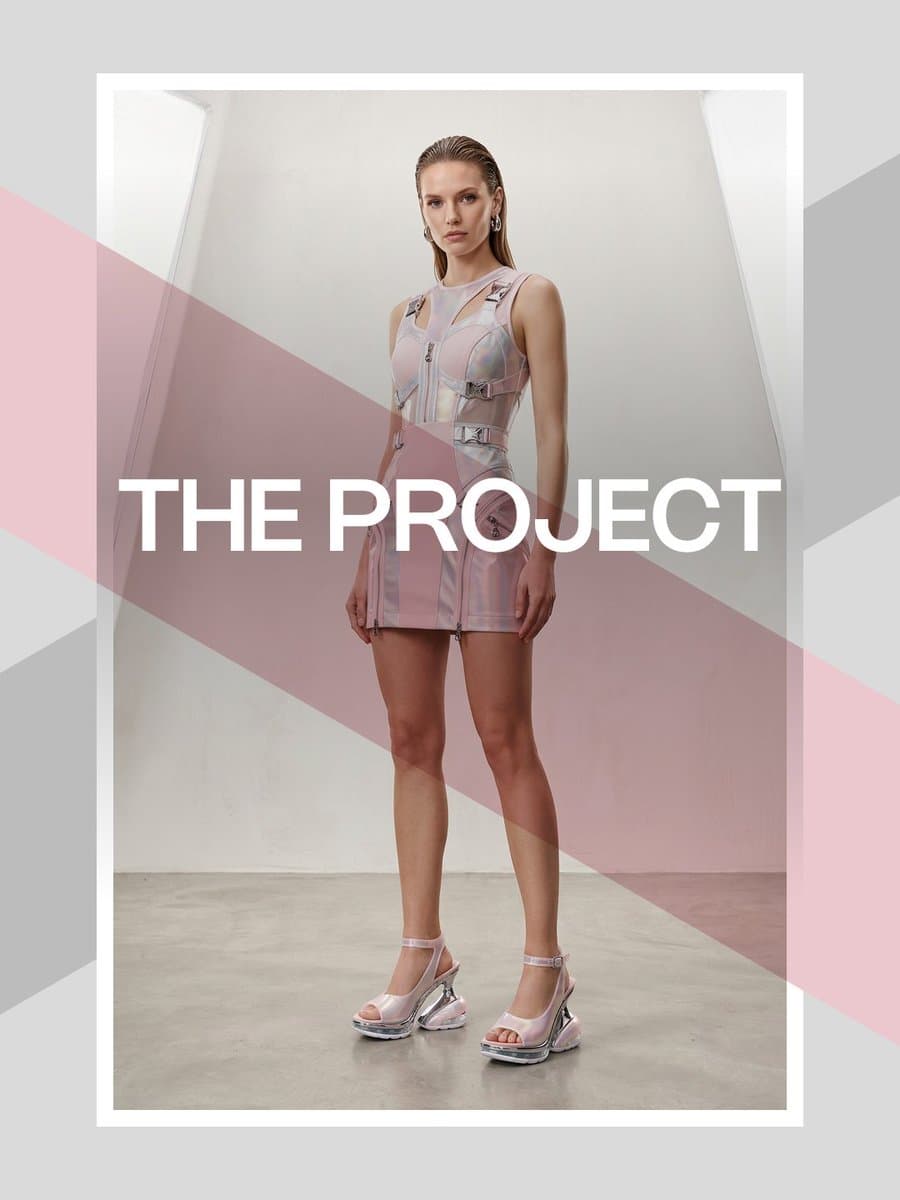
carolletta said in the lifestyle prompt that she attached the sandal as a reference, then specified its chrome heel arch, iridescent upper, and air-cushioned sole in the model brief. The same post adds the trainers as an image style reference.
Pose, reference, and camera move
The motion setup in carolletta's city prompt combines three inputs:
- A pose change using a Nano Banana preset.
- The model-and-outfit image, including the trainers, as an image style reference.
- A fashion-film prompt that moves the camera to the feet, then slowly rises during a walk.
Adobe's image-to-video guide describes animating stills and illustrations with a mix of prompts and keyframe images.
Boards, credits, and disclosure
The opening post calls the series a paid Adobe Firefly partnership in carolletta's disclosure, and the closing post repeats that ambassador relationship while linking to Firefly in the final post.
Adobe's Firefly product page says Boards can collect, collaborate on, and remix ideas with Adobe and partner models. Its Boards help page says image generation, background removal, generative fill or expand, and video generation use generative credits; premium partner-model features require an eligible Creative Cloud subscription.