
Creators report Grok Imagine adds 7-image references for image and video prompts
Creators report Grok Imagine now accepts up to seven image references for image and video prompts. Use separate uploads and @Image tags to combine characters, props, and locations into a more controllable shot.
TL;DR
- Creators report Grok Imagine now accepts up to seven image references for both image and video generation, with uploads called directly inside the prompt using
@Imagetags 7-image demo. - Early demos show the feature being used to merge separate character, prop, and location references into a single shot, including fashion composites, beach product scenes, and sci-fi launch footage reference UI rocket demo.
- A workflow shared by reference thread builds assets first, then moves into video generation where each uploaded image is assigned a role in the action, camera, lighting, and setting text.
- Results look strongest when references define distinct elements, but one creator says scale and perspective are still unreliable in some composites perspective caveat.
What shipped
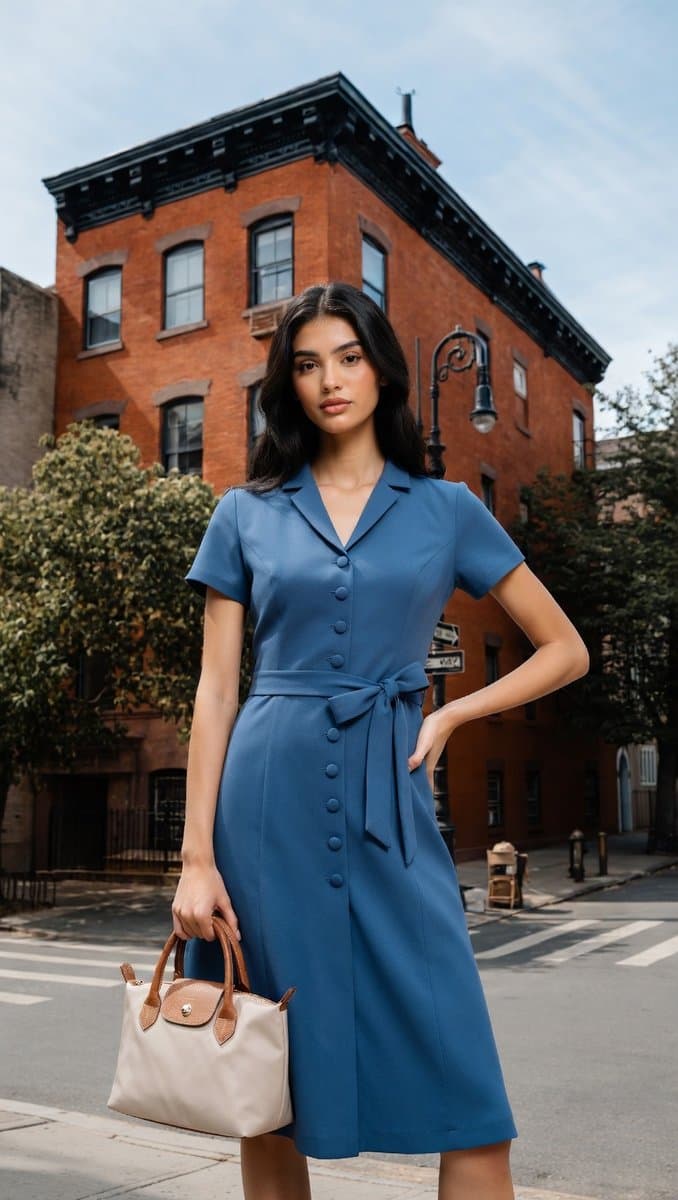
The clearest product change is in the Turkish walkthrough, which says Grok Imagine can tag up to seven images while generating either stills or video. The screenshot shows separate thumbnails injected into the prompt as @Image references, letting the model pull a dress from one source, a handbag from another, a background building from a third, and a person from a fourth.
A second UI capture from another creator demo shows the same pattern in video mode: three uploads, explicit references in the text box, and controls for 16:9 output, 480p or 720p, and 6s or 10s duration. That makes this feel less like a style-transfer toggle and more like shot assembly from modular visual parts.
What creators are making
The first wave of examples is less about a single aesthetic than about combinability. One demo frames the update as an “Omni” mashup tool for fusing very different references into one video, while another test combines three elements into a rocket-launch scene on an alien-looking landscape.
Other creators are pushing the feature into stylized motion. A stop-motion clip uses handmade clay-figure cues that read like miniature animation rather than glossy AI video. Anima Labs' creature piece describes a pipeline with Midjourney for 2D, Leonardo's Nano Banana Pro for 3D, and Grok for animation and sound, producing a dinosaur-like organism that opens dorsal ridges and releases fungal spores. Together, those examples suggest the new control layer is useful for both compositing realism and preserving niche visual languages.
How the prompting works
The most concrete recipe comes from techhalla's thread: generate or collect the character images first, build scene references separately, then upload them as individual assets instead of flattening them into one board. The prompt can then assign roles directly to each reference.
In the follow-up screenshot, the text splits the shot into fields: action, camera, lighting, sound, and setting, while calling in uploaded images with @Image tags. That structure turns references into named building blocks rather than vague inspiration. The main quality caveat so far comes from the fashion test, where repeated attempts still made the subject disproportionately large relative to the street, pointing to weak scale and perspective handling in more grounded scenes.