
Topaz Photo adds Autopilot with Noise-Aware Sharpening
A paid-partner walkthrough showed Topaz Photo's new Autopilot analyzing a portrait and recommending Denoise plus Noise-Aware Sharpening from one toggle. The feature shifts cleanup toward guided first passes, though today's direct evidence comes from sponsored creator demos.
TL;DR
- Topaz Photo's new Autopilot, shown in carolletta's sponsored walkthrough, analyzes an image after one toggle and suggests a first-pass stack instead of making you pick tools manually.
- In that same demo, carolletta's portrait example shows Autopilot recommending Denoise plus Sharpen for a portrait, with the pitch centered on faster cleanup decisions.
- AllaAisling's feature rundown says the new Noise-Aware Sharpening separates noise from detail, aiming to keep fine texture while avoiding the usual crunchy, noisy sharpening look.
- AllaAisling's post also says Face Recovery 3 now handles glasses, lashes, jewelry, and makeup at pore-level detail, which makes this update broader than a single sharpening pass.
- Direct public evidence for the rollout is thin so far: the clearest examples come from sponsored creator posts like carolletta's demo and carolletta's download link post, plus one additional creator thread from AllaAisling.
You can watch carolletta's full Autopilot walkthrough, grab the app from the Topaz download page, and compare it with AllaAisling's separate feature demo. The most concrete bits are simple: one toggle triggers analysis, the suggested stack in the portrait demo is Denoise plus Sharpen, and the other creator post frames Face Recovery 3 as the companion upgrade for detail-heavy facial fixes.
Autopilot
The new workflow hook is the toggle. According to carolletta's demo, Autopilot analyzes the image immediately, then surfaces a recommended tool stack instead of asking the editor to decide from scratch.
The portrait example matters because it is specific. In carolletta's walkthrough, the recommendation is Denoise plus Sharpen, which makes Autopilot look less like a one-click black box and more like a guided first pass.
Noise-Aware Sharpening
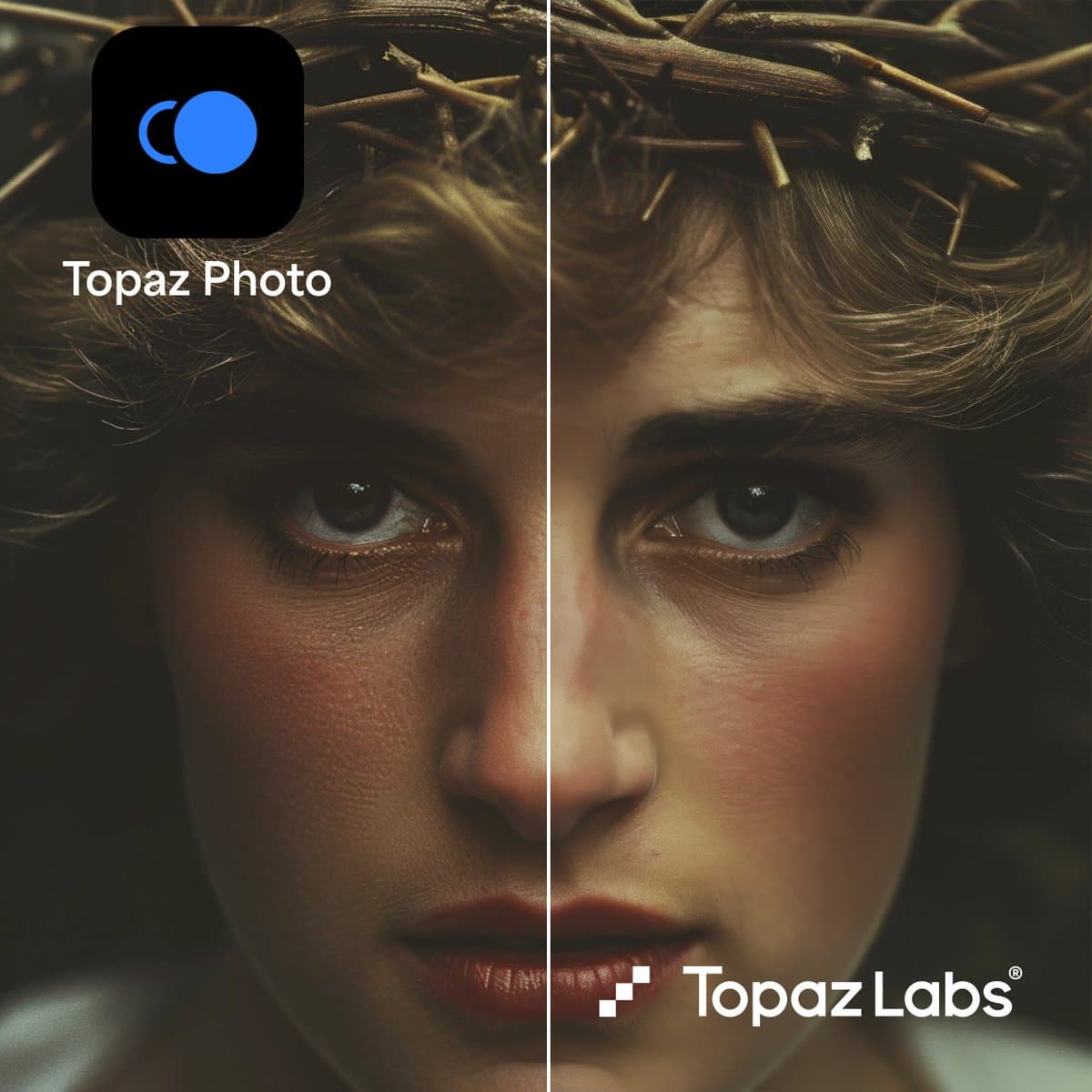
Two creator posts describe the same promise from slightly different angles. carolletta's walkthrough calls the result "real detail without boosting the noise," while AllaAisling's feature post says the system separates noise from detail so the image stays sharp without drifting away from the original.
That is a familiar pain point in photo cleanup, and Topaz is clearly aiming at it directly. The close-up framing in carolletta's clip and the longer demo in AllaAisling's post both push the same claim: sharper eyes and skin texture without the usual noise penalty.
Face Recovery 3
AllaAisling is also the only source in this evidence set to spell out the second major upgrade. The post says Face Recovery 3 now handles glasses, lashes, jewelry, and makeup, and does it at pore-level detail from any angle.
That widens the update beyond general cleanup. If Autopilot is the front door and Noise-Aware Sharpening is the headline mechanic, Face Recovery 3 looks like the precision retouching piece.
Access and evidence
The only direct product link in the evidence goes to the Topaz download page, via carolletta's post. No official blog post, changelog, or docs page appears in this evidence set.
That leaves the launch picture unusually creator-led. Both carolletta's demo and the follow-up link post disclose the Creative Partner sponsorship, while AllaAisling's post provides the only separate public description of Face Recovery 3 in the supplied material.