
Adobe Firefly supports 5-platform crops from one hero image
A Firefly workflow turned one Nano Banana 2-generated master image into X, YouTube, Instagram, Threads, and newsletter assets through conversational crops, canvas expansion, and text edits. The thread shows where the assistant saved time and where exact brand marks still needed manual replacement.
TL;DR
- In GlennHasABeard's overview, Adobe Firefly AI Assistant turns one hero image into assets for X, YouTube, Instagram, Threads, and a newsletter in about half an hour.
- GlennHasABeard's first Assistant step shows the tool reading the image, making the first crop, and narrating what it is doing, while GlennHasABeard's size-fix example shows a 1200x628 crop corrected to 1200x630 through plain-language feedback.
- The workflow only clicked after GlennHasABeard's canvas-expansion fix added extra background room around the hero image, which let later platform crops work cleanly.
- GlennHasABeard's text-and-icons step is the caveat: generative social icons looked usable, but exact brand marks still needed manual placement.
You can watch GlennHasABeard's full walkthrough, jump to the live Firefly AI Assistant page, and inspect the thread's most useful wrinkle in the canvas-expansion step, where the failed X header crop turned into a better master image for everything else.
One master image
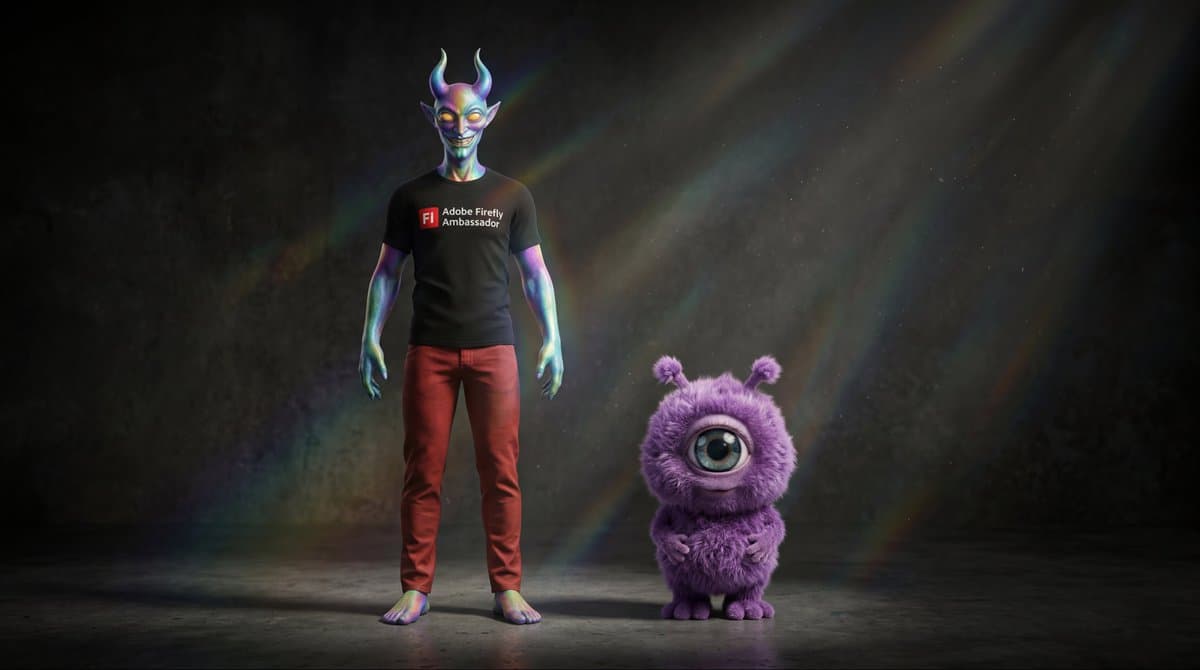
The workflow starts before the Assistant does. GlennHasABeard's setup post says the hero image was generated in Firefly Boards with Nano Banana 2 so the two characters stayed consistent, then reused as the source for every downstream asset.
That makes the thread more useful than a generic resize demo. The main input was a deliberately composed master, not five separate prompts.
Conversational crops
The Assistant interaction in the thread breaks into a few concrete actions:
- Upload the hero image and ask for a newsletter thumbnail, as GlennHasABeard's first Assistant step shows.
- Let the Assistant produce an initial crop and explain its reasoning.
- Correct small spec misses in plain language, like the 1200x628 to 1200x630 fix in GlennHasABeard's size-fix example.
- Add headlines, subheads, darker text areas, and placeholder icons through text instructions, according to GlennHasABeard's text-and-icons step.
By GlennHasABeard's multi-platform result, the same master is being adapted into X, YouTube, Instagram, and Threads formats, with square and portrait versions getting automatic sideways canvas expansion.
Canvas expansion
The most concrete lesson in the thread is the failure case. GlennHasABeard's failed X header crop says the X header kept cutting characters off because the original hero was composed edge to edge.
GlennHasABeard's follow-up fixes it with one instruction: expand the canvas, add background space, and recenter the composition. After that, GlennHasABeard's wrap-up says the Assistant could keep resizing and cropping without breaking the image.
Brand marks
The thread's sharpest caveat is also the most practical one. In GlennHasABeard's text-and-icons step, the Assistant explicitly treated social icons as generative approximations, which looked clean in the mockup but were not exact brand assets.
That splits the workflow neatly. Firefly handled the crop, canvas growth, and text placement, while official logos still sat outside the generative pass.