
Magnific launches Illusion to replace subjects in existing videos
Magnific's Illusion uses Seedance 2.5 to replace people, outfits or products in existing videos. Its demos reuse one base clip for different ads, with reference images defining each replacement.
TL;DR
- Magnific Illusion replaces people, outfits, products or a video’s overall look using Seedance 2.5, according to Magnific’s launch announcement.
- One source clip becomes three ad versions in Magnific’s demo, with reference images defining the replacements.
- Changes can cover the whole video or target a particular subject and moment, as Magnific’s mode breakdown explains.
- ChatGPT and Claude can run Illusion through MCP, with the video and references supplied in chat, per Magnific’s integration post.
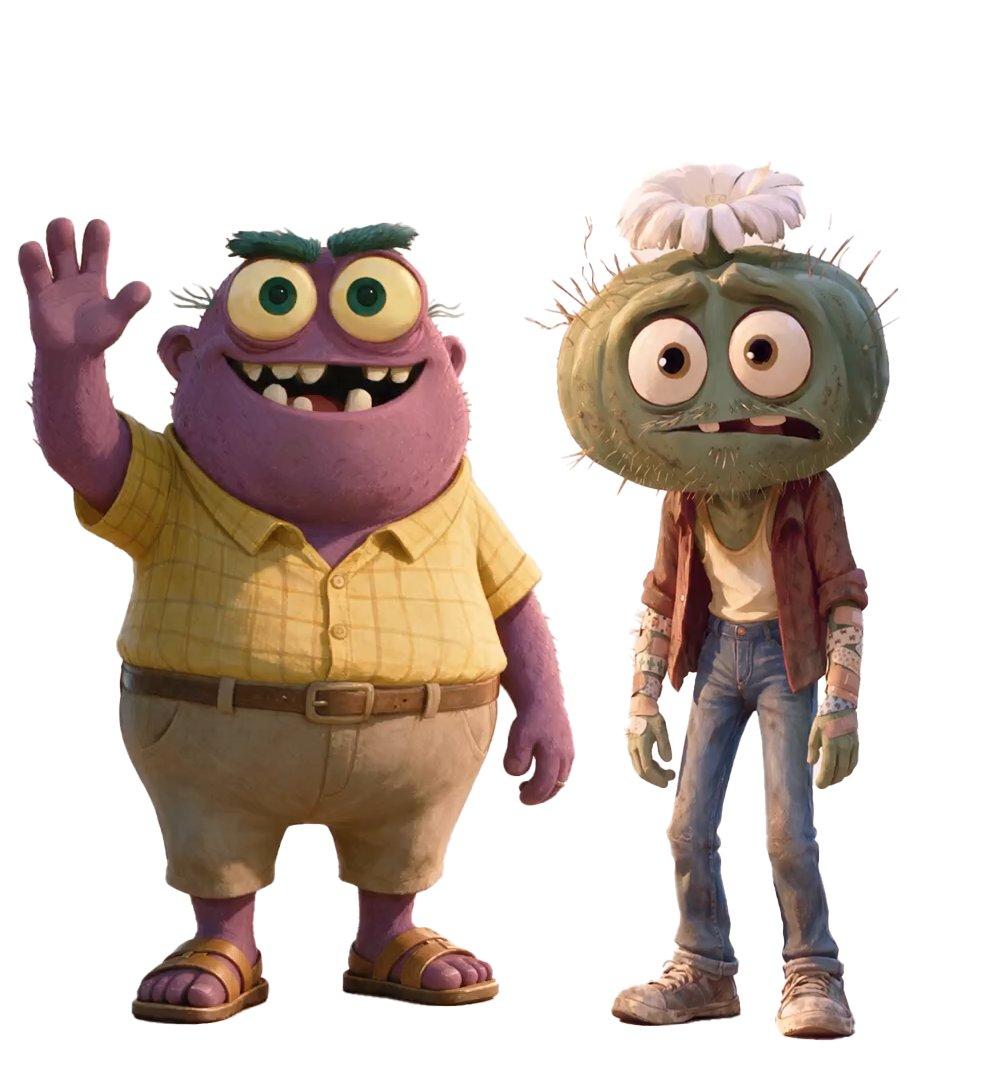
A blank white can is the clever bit of Magnific’s ad workflow: the generated prop stays visible so it can be replaced later. A fur-covered mascot needs its eyes forbidden shot by shot, while a separate fight workflow starts with an entirely synthetic green-screen stage.
Creative, Precision and Draft
Illusion accepts a source video or a template plus image references; a text prompt is optional, according to its product page.
- Creative: applies changes across the whole video, including a new overall style.
- Precision: selects which subject changes and when the replacement happens.
- Draft: generates a 480p preview. Magnific tests references and refines the direction before final generation in its Draft demonstration.
A five-shot source clip
Magnific says GPT-6.2 Astra called Seedance 2.5 through MCP to generate the source clip, using one still image as the first frame. The prompt specified an unlabelled matte-white cylinder, about 15 cm tall and 6 cm wide, kept visible and sharp throughout five two-second shots:
- 24mm, counter level: the actor plants the cylinder in front of the lens, followed by a quick push-in.
- 50mm close-up: she spins it above her fingers, with handheld tracking.
- 32mm overhead: her hand slides it across the counter and lifts it, with a snap zoom.
- 40mm medium close-up: she holds it beside her face as the camera snaps closer.
- 24mm extreme close-up: she pushes it toward the lens and rotates it, followed by a focus rack to her eyes.
The requested camera look used Kodak Vision3 500T film emulation, with warm tungsten light on skin and cool cyan light from the kitchen window.
Two references per version
Each replacement version used two images:
- Character reference: who would hold the product.
- Product packshot: a hand-sized object with a clearly readable shape, packaging and label.
Magnific generated all four reference assets for the two replacements documented in the thread.
NOLO: scale and hands
For the NOLO version, Magnific’s prompt required the original motion and edit to remain intact. It also specified three continuity constraints:
- Product scale: a slim 330 ml can, about 15.5 cm tall, wrapped by the actor’s fingers and much smaller than his face.
- Hand-only shots: the replacement actor’s hands, silver rings and blue sleeve cuff must appear even when his face is absent.
- Brand visibility: the vertical NOLO wordmark should face the camera whenever possible.
FUZZ: the eyes stay covered
Magnific repeatedly instructed the FUZZ replacement to keep the creature’s eyes beneath its fur, including in extreme close-ups: “Do not transfer the woman’s eyes or gaze.”
The final shot’s focus rack was rewritten to land on fur. Above the can, the prompt allowed only the fringe and black nose.
ChatGPT and Claude
Claude connects through a prefilled custom connector followed by a Magnific sign-in, according to the MCP connection page. Generated assets also save to Magnific’s creation history.
The ad workflow stays in one conversation: the creator supplies the clip and reference pair, the assistant calls Illusion, and another pair supplies the next variation.
One take, four worlds
Creator techhalla shared a separate Magnific workflow for carrying the same fight choreography across four worlds. Its final conversions use Kling 4.0 Omni video-to-video.
- Generate the stage: Seedream 5.5 creates a first frame depicting a green-screen mocap stage.
- Generate the choreography: Seedance 2.5 turns that frame into a single 30-second fight with no cuts.
- Build each world’s references: Seedream 5.5 produces:
- Convert the take: Kling 4.0 Omni uses the green-screen footage to drive the movement in each new setting.
Techhalla’s shared Magnific Space contains the prompts and connected workflow; opening it requires sign-in.
Chumbo fight choreography
Hands switched sides and movements ran in the wrong direction during the Chumbo fight, Magnific reported. The creators at @Cont_animation broke the action into 13 short shots, mostly overhead, and generated the full sequence in one 30-second Seedance 2.5 pass to help maintain continuity.
Their references included:
- Both characters side by side to establish scale.
- Empty sets.
- The bottle used in the action.
- Frames from earlier generations.
For the bottle grab, the direction specified “right hand, palm on the floor, back facing the camera, grip around the neck.” Movement was described from the frame’s viewpoint, including “toward the left of the frame.”
Launch limits
Illusion ships with these boundaries in its launch FAQ:
- Input: videos from 2 to 30 seconds, up to 210 MB, in MP4, MOV, WebM or M4V.
- Output: 480p, 720p or 1080p. 4K is not included.
- Plans: available in plans that include Seedance 2.5. Unlimited plans do not include Illusion at launch.
- Enterprise: unavailable at launch.
- Credits: draws from the existing Magnific account balance. The MCP FAQ also says generation through MCP consumes credits even for models otherwise offered with unlimited generation.
- Footage rights: inputs must be the creator’s own footage or videos they have the rights to use.
- Surfaces: Magnific’s Video Generator and Spaces, desktop, and the mobile app for iOS and Android.