
Topaz Labs releases Premiere panel with Astra 2 and Starlight
Topaz Labs released a UXP panel for Adobe Premiere that exposes its cloud video and image models, including Astra 2, Starlight variants, Gigapixel, Wonder 3, and Bloom. The panel keeps enhancement inside Premiere, but it requires Topaz cloud credits or a qualifying subscription.
TL;DR
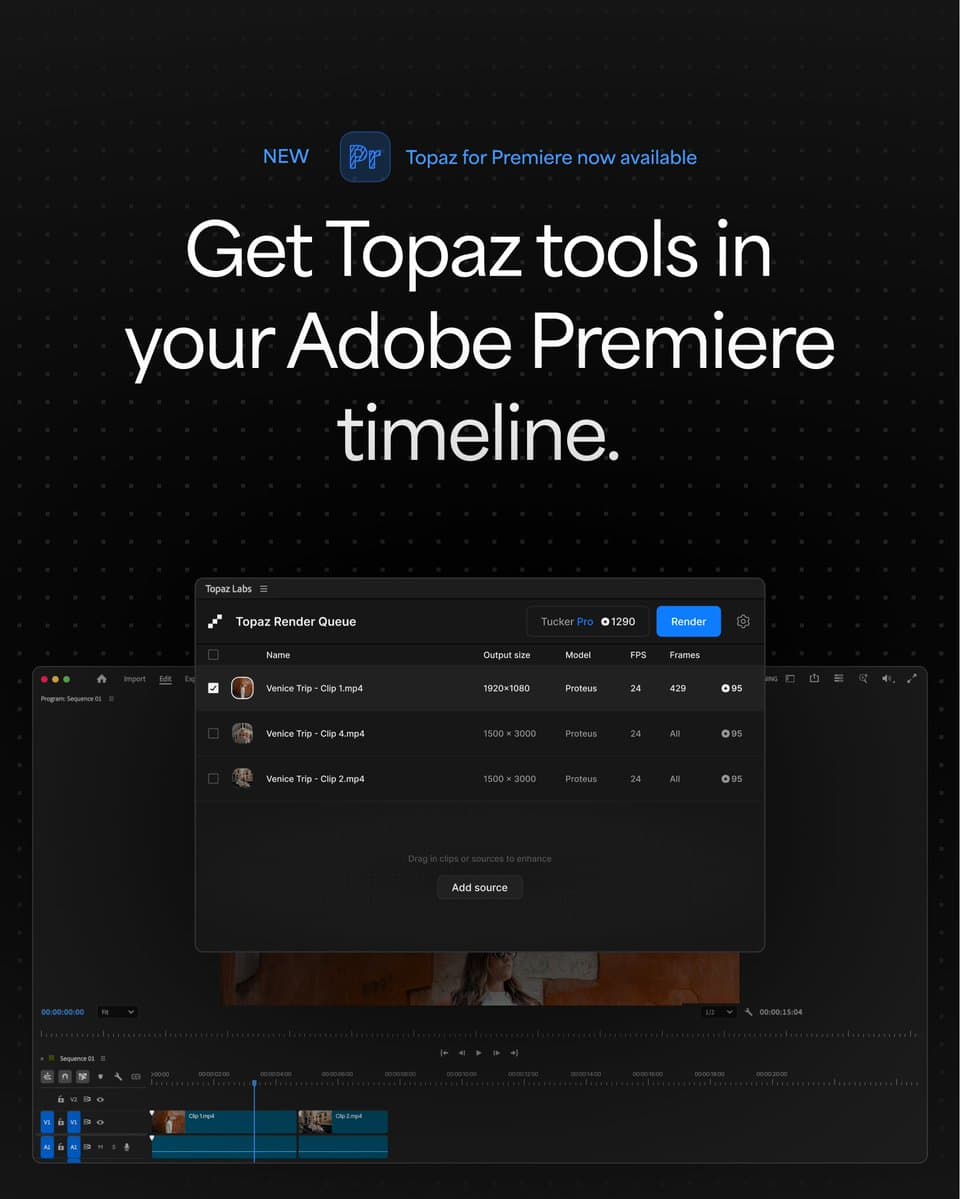
- Topaz Labs shipped a UXP panel that brings its enhancement models directly into Adobe Premiere, so editors can run Topaz jobs without leaving the NLE, according to topazlabs' launch post.
- The first panel build exposes seven video models, including Astra 2 and three Starlight variants, while topazlabs' model list also adds Gigapixel, Wonder 3, and Bloom for image work.
- Access runs through Topaz's cloud system: topazlabs' setup post says you need cloud credits, while existing Topaz Studio and Astra subscribers already get monthly credits.
- The public install path is already live through Topaz's Premiere panel page, with account setup at Topaz account and credit details on Topaz Cloud Render.
You can download the panel, check Topaz Cloud Render, and see the workflow in topazlabs' launch demo. The interesting bit is not just Astra 2 showing up in Premiere, it's that Topaz also threaded in Starlight Precise 2.5, Starlight Fast 2, Nyx, Iris, Gigapixel, Wonder 3, and Bloom through one panel topazlabs' model list.
Premiere panel
Topaz framed this as an in-app workflow, and topazlabs' launch post shows the handoff happening inside Premiere rather than through a separate Topaz desktop app.
A follow-up clip from topazlabs' reply demo shows the same pitch more clearly: timeline in Premiere, Topaz enhance panel, then the processed result back in context.
Model list
The first release is broad enough to cover cleanup, upscaling, denoising, and image generation-style tasks from one panel.
Video models
- Proteus
- Starlight Fast 2
- Starlight Precise 2.5
- Starlight Mini
- Astra 2
- Iris
- Nyx
Image models
- Gigapixel
- Wonder 3
- Bloom
The unusual part is the mix. Topaz did not ship a single flagship model into Premiere, it shipped most of its current cloud catalog there at once, per topazlabs' model list.
Cloud credits
Installation is simple, but usage is metered. topazlabs' setup post breaks it into three steps: install the UXP panel, make sure the account has cloud credits, then start enhancing in Premiere.
The same post says current Topaz Labs users with credits are ready immediately, while Topaz Studio and Astra subscribers already receive monthly credits. New users need a Topaz account, then either one-time credit packs or a subscription plan.