InVideo Money Shot builds spec ads from 6–8 stills – $25K contest targets AI creators feature image for Sun, Dec 7, 2025

InVideo Money Shot builds spec ads from 6–8 stills – $25K contest targets AI creators

Stay in the loop

Free daily newsletter & Telegram daily report

Join Telegram Channel

Executive Summary

InVideo’s Money Shot engine quietly graduated from “cool demo” to workhorse this week. Creators are turning 6–8 clean stills into 20–30‑second, product‑perfect spec spots while InVideo dangles a $25K Money Shot Challenge to flood the feeds with portfolio‑ready AI commercials. After last week’s Kling 2.6 audio frenzy and Higgsfield’s 70%‑off push, today’s story is about the unsexy edge: logos, labels, and on‑screen copy that stay glued in place across every shot.

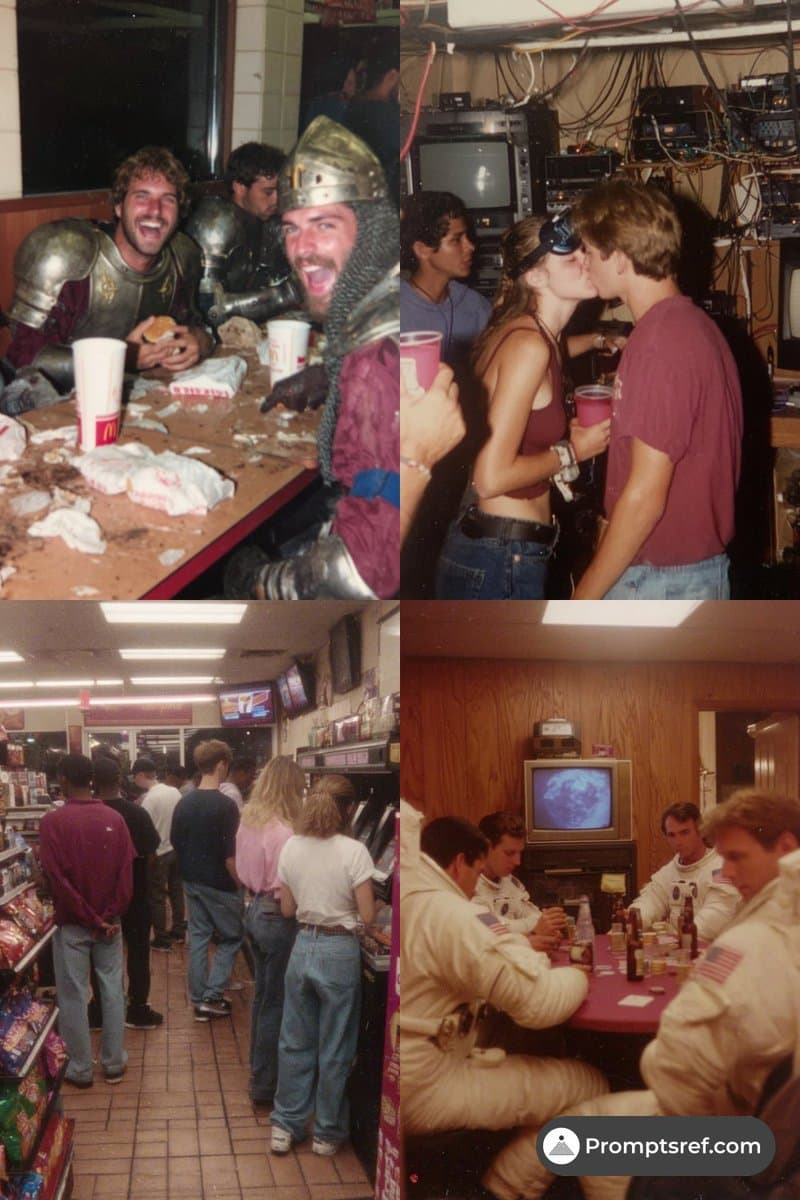
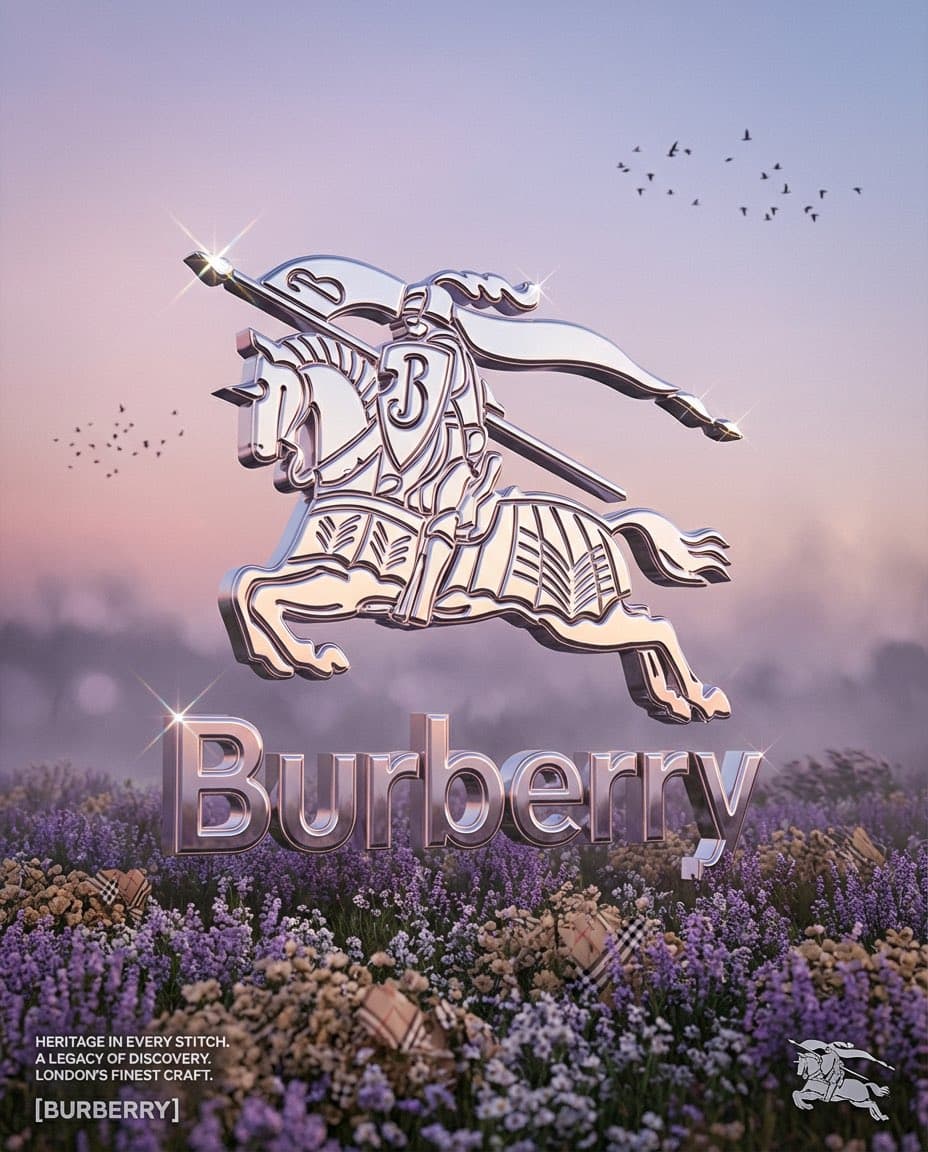
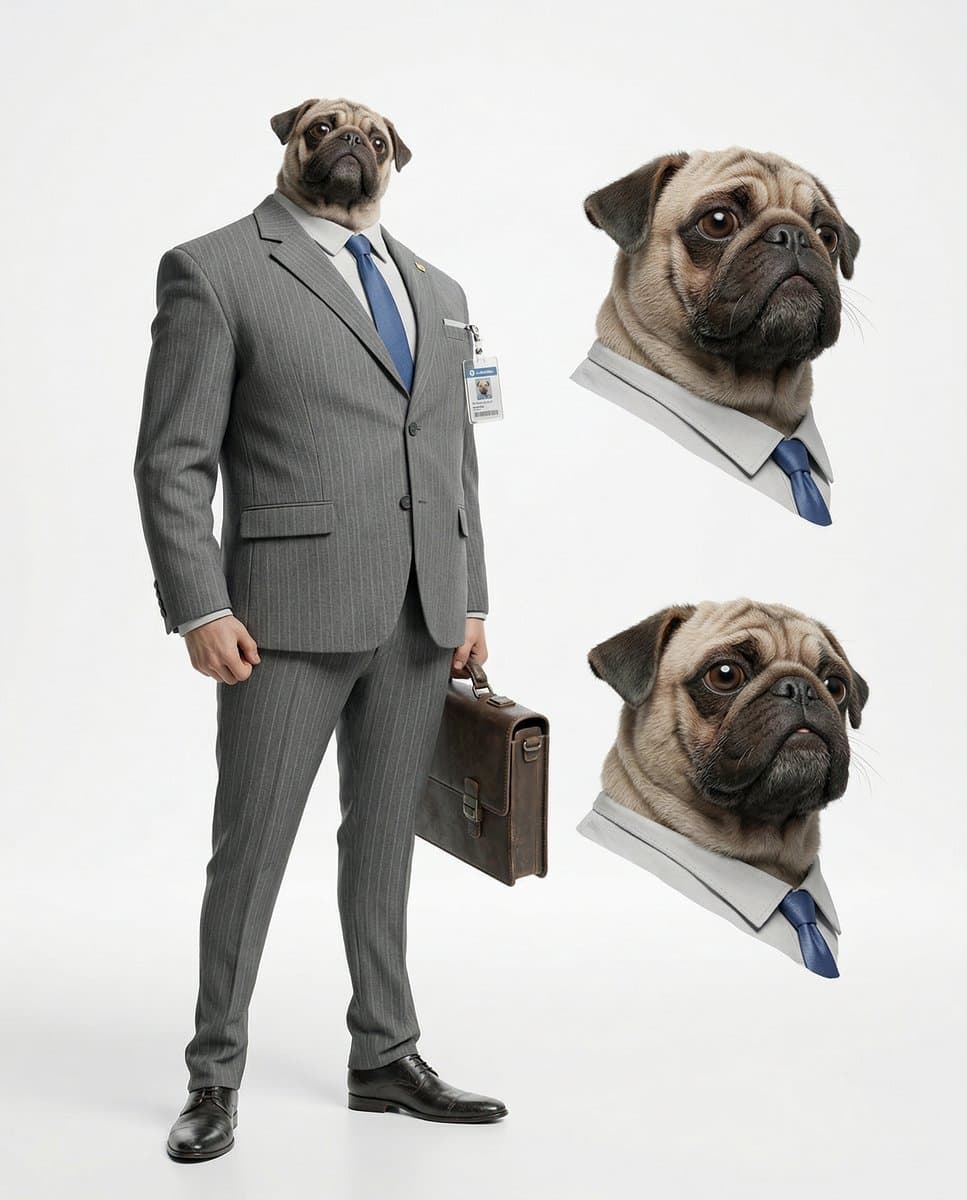
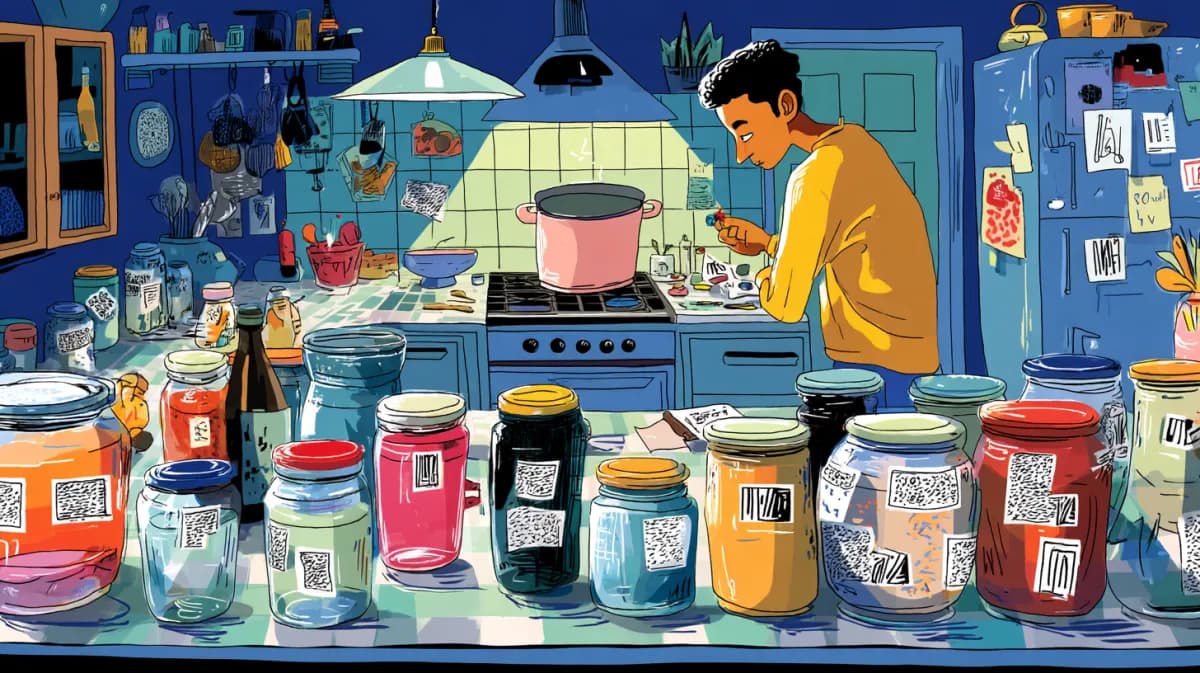
The emerging workflow is dead simple: generate a batch of clean product angles (often in Nano Banana Pro), upload them into Money Shot, pick a template like “High End Luxury” or CGI spin, then write an intent‑level brief—“ad for the Primbot 3000, a robot assistant that creates anything you prompt for”—and let the system assemble the full spot in one pass. Creators are posting split‑screen reels where old AI ads show bottles melting and text warping, while Money Shot cuts hold geometry, packaging copy, and supers with “zero text hallucinations,” even as styles swing from glossy beauty to noir reveals.

Paired with Kling O1’s edit‑style control in ComfyUI and NB Pro grid recipes for consistent characters, the pattern is clear: spec work is shifting from one‑off lottery prompts to repeatable ad pipelines. We help creators ship faster when they lean into that structure.

Feature Spotlight

Product‑perfect ads with InVideo Money Shot

InVideo’s Money Shot is trending as a turnkey way to make ad‑grade product videos with 100% logo/label/text consistency—upload angles, pick a style, prompt, and ship. Creators are already posting polished spec spots and a $25K contest just launched.

Cross‑account buzz: creators claim Money Shot finally fixes AI ad consistency (logos, labels, text) across shots. Focused on spec ads and workflows; excludes all other video tools and model tests covered below.

Jump to Product‑perfect ads with InVideo Money Shot topics

Table of Contents

📣 Product‑perfect ads with InVideo Money Shot

Cross‑account buzz: creators claim Money Shot finally fixes AI ad consistency (logos, labels, text) across shots. Focused on spec ads and workflows; excludes all other video tools and model tests covered below.

Creators lean on Invideo Money Shot for product‑perfect spec ads

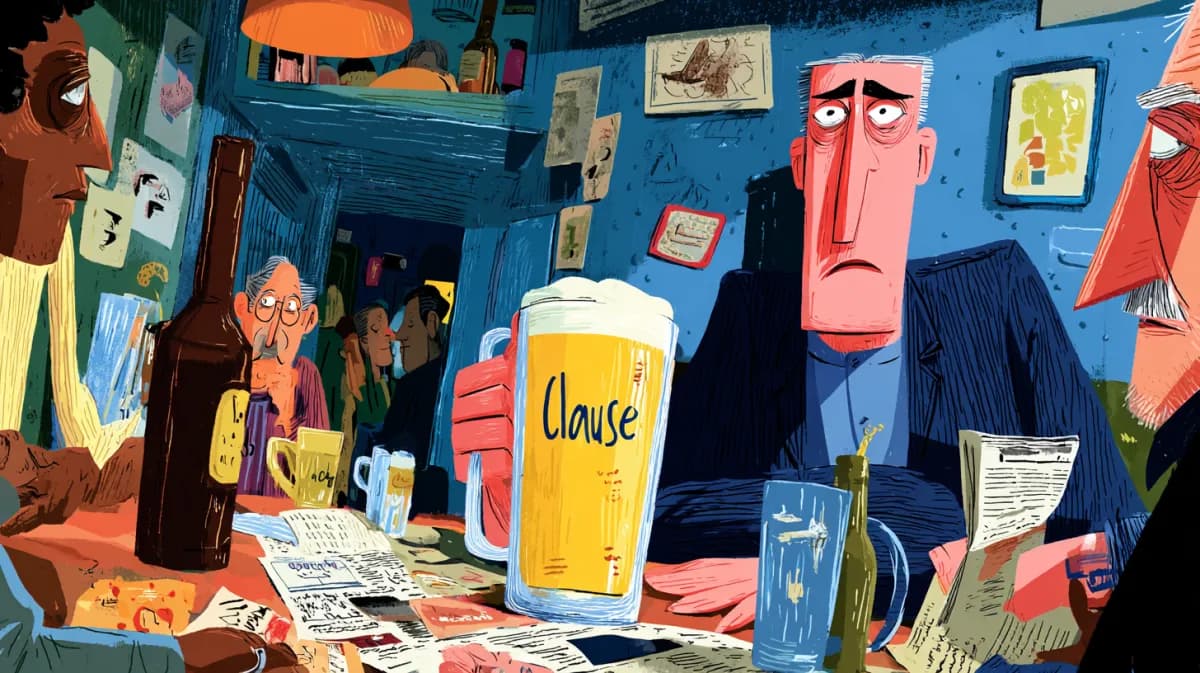
Creators are now sharing concrete workflows that turn Invideo’s Money Shot engine from a flashy demo into a practical way to crank out polished product ads with stable logos, labels, and on-screen text in a few minutes, extending the launch covered in Money Shot ads. One widely shared split‑screen reel contrasts old AI videos where bottles morph and text melts with Money Shot clips that keep a product’s shape, label, and copy locked across multiple camera angles and styles, while also emphasizing "zero text hallucinations" for packaging and supers Money Shot demo.

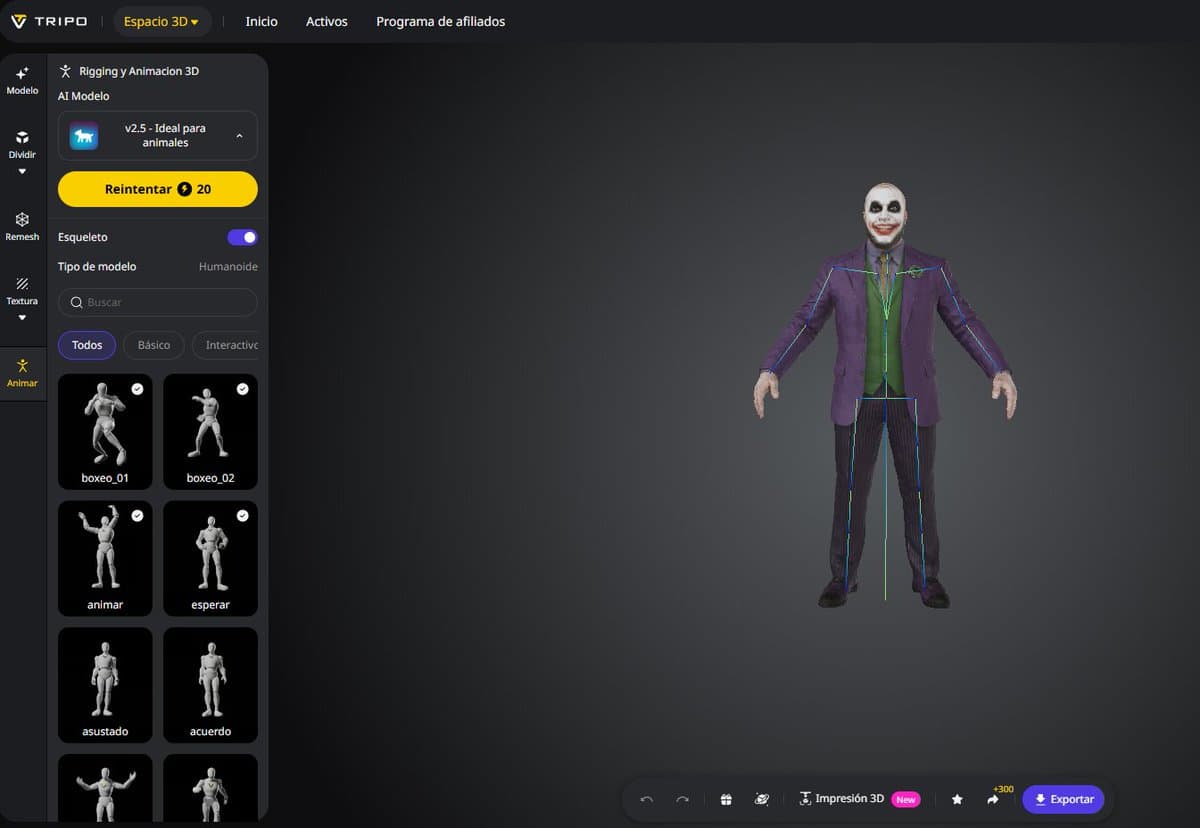
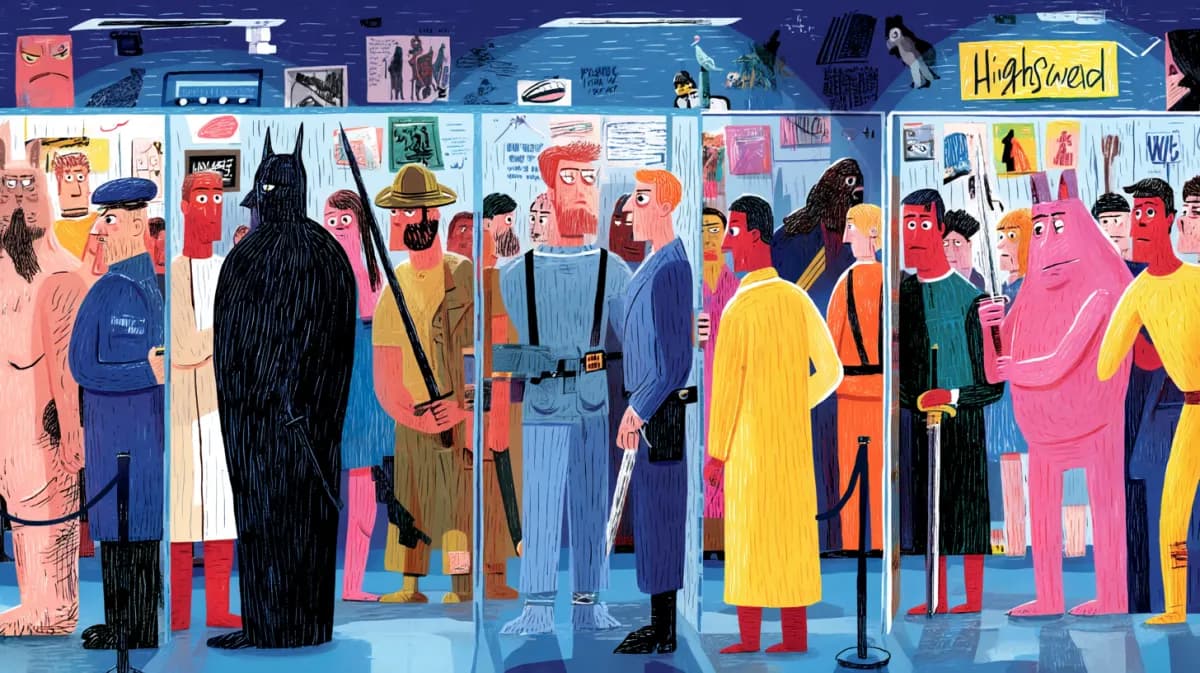
In step‑by‑step threads, creators outline a repeatable spec‑ad pipeline: generate 6–8 clean product shots (often with an image model like Nano Banana Pro), upload them into Money Shot, pick a template such as "High End Luxury" or CGI spin, then write an intent‑level prompt like "Create an ad for the Primbot 3000, a robot assistant that creates anything you prompt for" and let the engine generate the full spot in one pass before adding manual VO in edit Workflow overview Primbot 3000 raw output. The same promos highlight that the system supports a broad style range—from glossy beauty close‑ups to cinematic automotive passes and noir‑ish product reveals—while still keeping the uploaded product geometry intact Money Shot demo. Invideo is also leaning into this momentum with a $25K Money Shot Challenge for the best product spec ads, nudging indie filmmakers, motion designers, and UGC creators to treat AI‑first commercials as a new portfolio staple rather than a toy Challenge and entry details InVideo site.


🎬 Directable video: ComfyUI × Kling O1 + real tests

Hands‑on filmmaking updates: a ComfyUI Partner Node for Kling O1 brings edit‑style control, while creators stress‑test Kling 2.6 and Hailuo in action/anime. Excludes InVideo Money Shot (feature).

ComfyUI adds Kling O1 Partner Node with multi‑ref, camera, and swap controls

ComfyUI has officially added Kling O1 as a Partner Node, turning it into a first‑class building block for edit‑style control over AI video: multi‑reference character consistency, camera control and movement references, plus object/character/background swap and restyling are all exposed as node options. ComfyUI announcement For filmmakers and motion designers, this means you can now treat Kling O1 like another node in your Comfy graph, chaining it with color, grain, and post‑FX while keeping the same characters and sets across shots.

The pitch from Comfy is that "the editing era of video generation is officially here," with Comfy Cloud offering a managed way to run these pipelines without local setup. In practice, this unlocks workflows like: lock in a hero performance from one reference grid, feed a separate camera‑move clip, and then iterate object swaps (props, wardrobe, even full backgrounds) without losing motion coherence, all inside a single graph rather than bouncing between apps.

Creators circulate text‑to‑video comparison of Veo, Sora 2, Kling, Hailuo and more

A text‑to‑video comparison clip from LM Arena is making the rounds, lining up Veo 3.1, Sora 2 Pro, Kling 2.6, Luma Ray3, Wan 2.5, Hailuo 2.3, LTX‑2 Pro, and others on the same prompts. Model comparison mention It’s not a formal benchmark, but for working directors and editors it’s a rare side‑by‑side look at motion quality, coherence, and style bias across the current flagship models.

The test underlines how different these systems "think" about the same scene: some lean into cinematic grading and camera moves, others prioritise crisp detail or playful exaggeration. For AI creatives trying to pick the right engine per shot, this kind of visual bake‑off is often more useful than scores—helping you decide when to reach for Sora 2 for precise VR‑like motion, Kling 2.6 for narrative sequences, or Hailuo when you want stylised action.

Directors use Kling 2.6 to previz sword fights for upcoming shorts

Indie filmmakers are starting to lean on Kling 2.6 for fight choreography previs: one director is test‑driving a full sword fight in the model as prep for their next short film. Sword fight test The clip shows repeated strikes on a dummy in armor with a clean read on motion and staging, good enough to block out beats before stepping onto a real set.

Follow‑up comments suggest the "making of" and especially the voiceover are part of the fun, but the serious takeaway is that this is fast, cheap visual iteration on coverage and pacing. Director reaction If you’re storyboarding action, you can quickly try different camera heights, weapon choices, and timing in Kling, then bring the most promising passes into an edit to decide where practical stunts and VFX need to pick up the slack.

Kling 2.6 completes a full anime‑style basketball game sequence

Creators are calling out that Kling 2.6 can now sustain an entire anime‑style full‑court basketball game, not just isolated hero shots, with consistent characters and layout across the play. Anime style praise That matters if you’re trying to tell a sports story or choreograph complex blocking, where earlier models often broke continuity or lost track of the ball and players after a couple of beats.

Instead of stitching disjointed clips, you can have one coherent run that feels like a complete sequence: same uniforms, same court, same camera language. For AI filmmakers, this hints that multi‑scene episodes in a single style are becoming realistic, especially when paired with tools like Kling O1’s element library for specific character poses and ComfyUI for layout passes.

Hailuo 2.3 becomes a go‑to stress test for kaiju, cats, and combat

Hailuo 2.3 is quietly turning into a default "stress‑test" sandbox for AI video: creators are throwing kaiju rampages, martial‑arts battles, horror trailers, and even expressive cat close‑ups at it to see how it holds up. A kaiju clip shows a towering lizard crashing through a city street with decent scale and debris, while another reel cuts between spinning metal, swordplay, and wuxia‑style moves. (Kaiju showcase, Action montage)

On the more grounded side, there’s an aerial sweep over a Grand Canyon glass observatory that reads like a drone shot Grand canyon flyover, an action‑scene prompt showing a sci‑fi warrior with a glowing sword Battle scene demo, and a "most amazing cat video" test that checks facial subtlety and eye contact. Cat closeup test For storytellers, this mix suggests Hailuo is strong as a quick R&D tool: you can gauge how well your prompts handle scale, motion, and emotion before committing budget to longer renders in your main stack.

Kling 2.6 nails clean 2.5D character and ship spins

Kling 2.6 is also proving solid for 2.5D shots: creators are getting smooth rotational/parallax moves on both characters and ships that look like clever camera work rather than wobbly morphs. 2-5d effect comment The shared test shows a model turning in place with a convincing depth cue and then a spaceship rotation, both staying structurally stable while the camera orbits.

For designers and directors, this is the sweet spot between still images and full 3D: you can fake product spins, hero walk‑arounds, or over‑the‑shoulder reveals without going into a DCC. It’s also a strong candidate for motion‑poster work and UI/packaging presentations, where you want dimensionality but can live with a locked animation path the model invents.


🖼️ NB Pro + MJ: grids, styles, and sushi worlds

Heavier day for stills and prompts: NB Pro and Midjourney style refs, object‑made worlds, and niche subjects rendered believably. Focused on stills; excludes workflows/animation covered elsewhere.

“Make the whole scene out of sushi” turns NB Pro room into edible diorama

Building on a standard character-room prompt, fofr adds a single instruction — “Make the whole scene, but it's all made of sushi” — and Nano Banana Pro turns everything into edible materials: the person, wall art, Christmas tree, furniture, and even a lizard sculpture Sushi scene example.

Sushi world still life

For art directors and illustrators, this shows how far NB Pro can push coherent object-made worlds from one extra clause, keeping layout and iconography intact while globally swapping materials into a themed texture universe (here: rice, nori, salmon, roe, cabbage).

Nano Banana Pro “wooden automaton” prompt set lands as reusable style recipe

Azed shared a highly re-usable Nano Banana Pro prompt for turning any subject into a jointed wooden automaton, with brass pins, mixed wood tones (cherry/walnut/pine), and moody amber-lit studio photography, backed by four strong ATL examples (ballerina, pirate, samurai, violinist) that all clearly share one coherent look Wooden prompt share.

Wooden automaton prompt set

For illustrators, character designers, and product shooters, this acts like a mini "style pack" you can swap [subject] while preserving the same carved-toy aesthetic and lighting recipe, without needing a complex JSON spec or multi-step workflow.

NB Pro nails Zelda universe enemies from tight text prompts

Fofr reports that Nano Banana Pro appears to "know the various creatures in the Zelda universe" and backs it with four distinct, on-model renders of a Bokoblin, Octorok, decayed Guardian, and Lizalfos inspired subject, each in a consistent, moody fantasy-photo style Zelda creature tests.

Zelda creature renders

For fan artists and game-style concept folks, it’s a strong signal that NB Pro can hit specific IP-adjacent archetypes from plain names (no reference image), while letting you still steer lighting, environment, and realism level in the rest of the prompt.

New Midjourney sref 7141405531 gives moody, ghostly double-exposure portraits

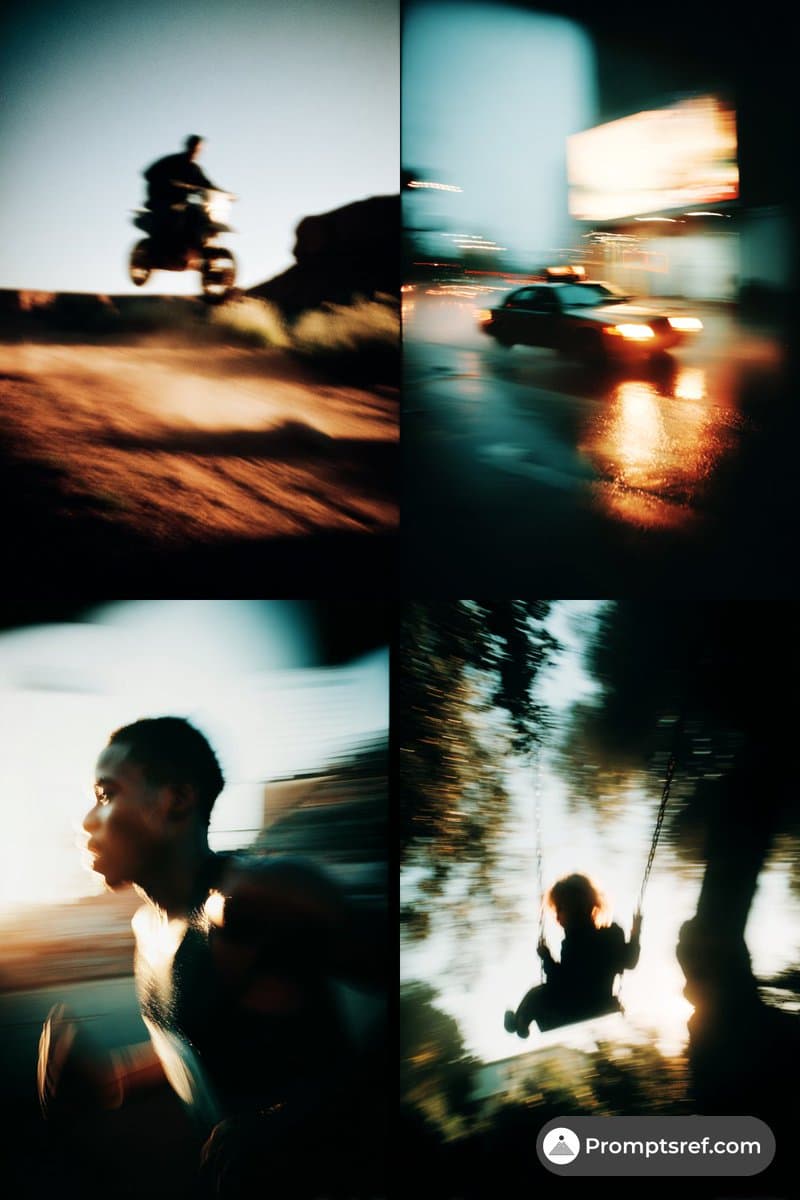
Azed shares a new Midjourney V7 style reference --sref 7141405531 that produces a cohesive look across multiple samples: dark, low-key portraits with motion blur, hair whipping through light, and subtle ghostly doubles or apparitions in the frame Midjourney sref demo.

Midjourney sref 7141405531 set

The style sits in a sweet spot between editorial photography and spectral horror, giving storytellers and album-cover designers a one-line way to get cinematic, emotionally heavy faces without hand-tuning every prompt token.

Wes Anderson–style skeuomorphic X app UI realized in Nano Banana Pro

Cfryant prompts Nano Banana Pro with “The X app mobile interface if it was designed by Wes Anderson. Make the style hyper realistic skeuomorphism,” and gets a miniature diorama of a vintage TV-like device with brass knobs, pastel panels, and tiny figurines acting out an X timeline and search UI Wes Anderson X prompt.

Wes Anderson X UI mock

This is a great reference for product and motion designers: NB Pro can output richly tactile, physicalized app concepts that feel like stop-motion sets, useful for pitch decks, title cards, or visual language explorations before committing to real UI work.

AI-generated “World’s Weirdest Cars” infographic doubles as photo reference pack

Fofr used a single prompt—“Make a graphic of the world's weirdest cars, with photos of each of the cars in it”—to produce a clean infographic featuring six stylized “photos” of odd vehicles like the Peel P50, BMW Isetta, Amphicar, Reliant Robin, Fiat Multipla, and Messerschmitt KR200, each captioned with years and trivia Weird cars graphic.

Weird cars infographic

For designers and educators, this shows how text-to-image can crank out both illustrative "photos" and layout-ready infographics in one shot, giving you ready-made reference stills you can crop for thumbnails, storyboards, or UI elements.

Nano Banana Pro candle-holder prompt spawns cozy ceramic animal duos

KanaWorks’ "Candle holder– Nano Banana Pro" prompt set generates multiple variations of animal pairs (otters, foxes, cats, tanuki) framing a tealight, each rendered as tactile ceramic objects with speckled glazes and warm, shallow-depth-of-field lighting Candle holder set.

Candle holder figurines

For merch designers and illustrators, it’s a neat proof that NB Pro can reliably capture a specific product format (paired figurines around a candle) while swapping species and props, giving you fast concept art for ceramics, packaging, or cozy key art.

NB Pro photoreal bathroom selfie underlines everyday realism gains

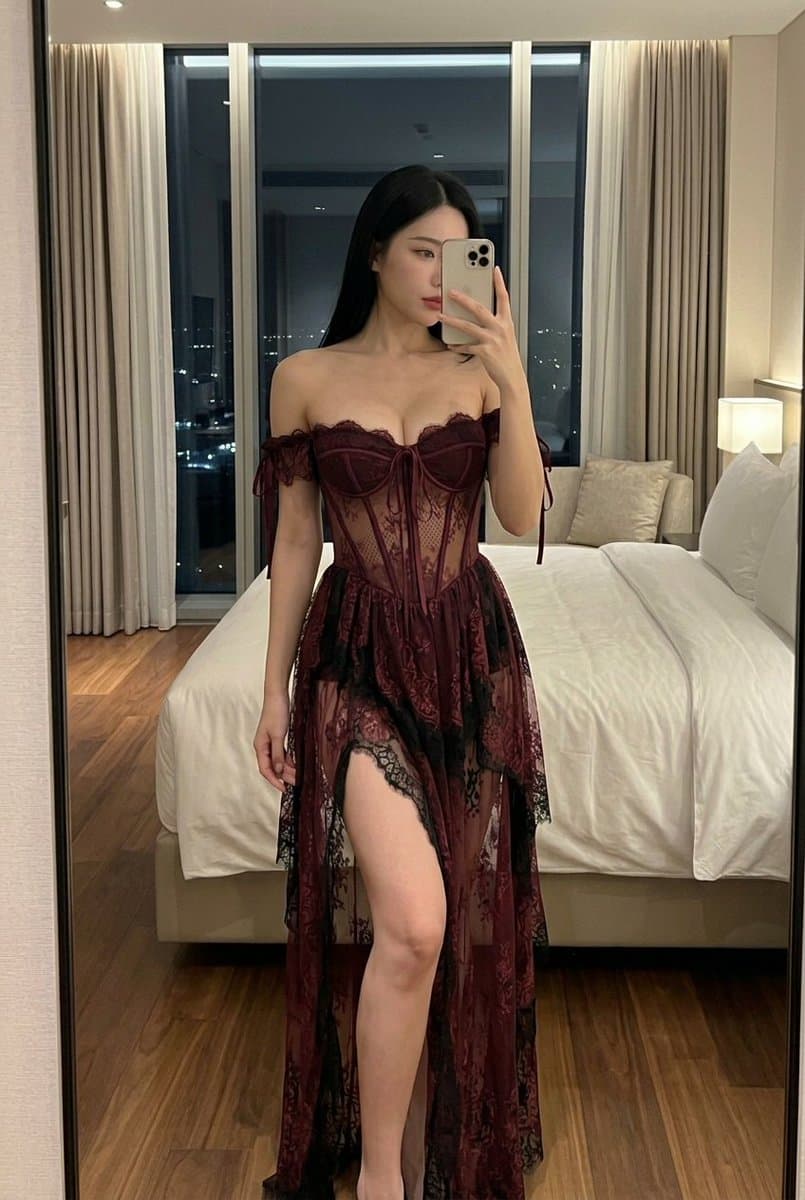
Azed posts a Nano Banana Pro image of a woman in a cluttered real-world bathroom—clay face mask, plaid pajamas, harsh phone flash, recognizable skincare brands on the counter—remarking “I can't believe how far we've come in 3 years” Bathroom selfie example.

NB Pro bathroom selfie

It’s not a hero shot, and that’s the point: for filmmakers, meme accounts, and commercial artists, NB Pro can now fake mundane, imperfect phone photos convincingly enough to blend into social feeds or storyboards without screaming "CG render."


🛠️ Promptcraft to pipeline: grids, tokens, and code‑to‑visuals

Creators share practical pipelines for consistency and polish: NB Pro grid methods, token packs, and coding an audio‑reactive 3D visualizer in Google AI Studio. Excludes ComfyUI/Kling node news.

Creator thread curates 15 free NB Pro, Kling, Veo, Flux workflow guides

Techhalla pulled together 15 free resources from the last two weeks, arguing they’ve "completely changed the game" for indie creators: cinematic grids in Nano Banana Pro, NB Pro + Kling O1 for character consistency, NB Pro + Kling + Veo 3.1 for transitions, full pose control with Flux 2, Retake for partial video edits, a GTA-style POV workflow, and more. (15 workflows roundup, GTA workflow link) It reads like a living syllabus for people trying to turn scattered prompt tricks into stable pipelines for shorts, ads, and narrative pieces rather than one-off bangers.

Four-step NB Pro grid workflow nails multi-character cinematic consistency

A detailed four-step Nano Banana Pro workflow shows how to go from a single headshot to fully consistent multi-character cinematic scenes: build a character grid, create 2×2 grids with backgrounds, combine character grids in pairs, then "extract frame number X" or ask for close-ups from the composite. NB Pro grid workflow For filmmakers and comic-style storytellers, it’s a reusable recipe for keeping faces, costumes, and environments locked across fight scenes, picnics, and emotional close-ups without endless re-rolling.

Cinematic NB Pro battle stills

Google AI Studio session codes 3D audio-reactive music visualizer

A developer walked through how they used Google AI Studio like a coding partner to build a 3D interactive music visualizer that reacts in real time to an uploaded MP3, driving particles, procedural "galaxies" per frequency band, and fluid-style distortion fields from amplitude. AI Studio visualizer The process was: describe the idea, paste in audio-reactivity requirements, then keep asking for refinements until the LLM produced workable code, which they iterated into a polished Three.js-style experience.

For musicians and VJ-style artists, it’s a concrete example of going from a loose mood to production-ready visuals using AI as a coding accelerator rather than a black-box generator.

NB Pro plus Kling turns graphic panels into realistic fight sequences

WordTrafficker showed a practical style-to-motion pipeline: start with a graphic-novel frame of a demon fight, restyle it into a gritty realistic still with Nano Banana Pro, then feed that into Kling 2.6 to generate fast action shots, testing how much blood and impact the models will tolerate. Graphic to action test In a separate test, they used the same NB Pro + Kling combo for a slow underwater sequence, suggesting the approach generalizes from combat to mood pieces. Underwater sequence

For storyboard artists and directors, this is an early template for "draw → photo → pre-vis" that keeps a consistent character and scene while exploring different pacing and tone.

Shared Grok+NB Pro token pack powers consistent sprinter grids

A creator released both the full prompt and a "token pack" for a Grok + Nano Banana Pro sports shoot, using JSON-style structure plus descriptive tokens like "Speed as narrative", "Neon trail effects", and "Teal and gold palette" to steer a sprinter grid. Prompt and tokens The resulting 3×3 layout shows a hero running shot paired with tight crops of shoes, chains, eyes, sweat, and light trails that all share lighting, color, and motion language—essentially an art-directable contact sheet for ad work. Sprinter grid showcase

Sprinter grid collage

Midjourney stills cleaned in NB Pro, then animated with Veo 3.1

One shared workflow chains three tools: generate a base still in Midjourney, polish it in Nano Banana Pro (for faces, texture, and lighting), then hand it to Veo 3.1 to create a video that preserves the upgraded look. MJ to NB Pro to Veo This gives illustrators and photographers a way to keep their preferred MJ style but fix quirks with NB Pro before motion, instead of accepting Veo’s default aesthetics or trying to match looks after the fact in post.


🎵 AI music scene: awards and a chart‑topping controversy

Music videos and AI tracks hit milestones: OpenArt’s genre winners roll out while an AI country song tops a Billboard chart, sparking debates on authenticity. Excludes voice‑acting prompts (separate).

AI country track “Walk My Walk” hits Billboard Country chart and sparks authenticity backlash

“Walk My Walk” by virtual act Breaking Rust, built with Defbeats AI, reportedly topped Billboard’s Country Digital Song Sales chart and now pulls about 1.8M monthly listeners on Spotify, outranking several human country artists. Chart coverage The piece that flagged it is furious, arguing the track has “no depth to the lyrics” or musical intricacy, but also notes there’s zero incentive to stop making this kind of work if streams and chart placements keep coming. Chart coverage

AI song op-ed header

For AI musicians and producers, this is a clear line‑crossing moment: an AI‑generated song isn’t just a demo on X anymore, it’s charting alongside legacy artists and getting playlist traction, while the creator quietly runs the project through an Instagram persona. Artist instagram link The controversy centers less on whether tools can write country songs, and more on whether this kind of low‑touch, high‑throughput music floods the ecosystem with bland tracks that crowd out artists who actually “live and breathe their music.”Chart coverage If you’re making AI‑assisted music, expect more questions about disclosure, authorship, and how you’re adding human value beyond pressing “generate.”

OpenArt crowns AI music video genre winners across Pop, Hip Hop, Rock, EDM, Spiritual

OpenArt rolled out the Genre Excellence Awards for its Music Video Awards, naming AI‑driven winners across Pop, Hip Hop, Rock, EDM, Comedy, and Spiritual categories, with each project pairing AI video workflows to fully produced tracks. Awards overview For creatives, this is one of the clearer signals of what “good” looks like right now in AI music video production, from storytelling and pacing to how people are stylizing footage.

Highlights include “More than 'Friend'” by @D_studioproject taking Best Pop Music Video for its bittersweet narrative, and “Waves” by @AvieSheck winning Best Spiritual MV with desert‑to‑ocean transformation visuals that lean hard on abstract, rhythmic motion. (Awards overview, Spiritual MV winner) Other genre winners (Hip Hop’s “From Needing to Giving,” Rock’s “Let Me,” EDM’s “Phantom,” Comedy’s “She’s The Boss”) give working references for tone, edit tempo, and how far you can push stylization while keeping lyrics and beat intelligible. Awards overview For AI filmmakers and musicians, these reels are essentially a curated benchmark set: watch how they handle camera movement, lip‑sync, and transitions, then work backwards into your own prompt stacks and tool chains.

Suno workshop pitches AI as a serious studio tool, not a toy

Creator Ozan Sihay is urging musicians to attend Sercan’s Suno training session, arguing that Suno is widely treated as a simple, playful AI toy when it can actually function as “an incredible studio” in the right hands. Suno training invite He frames this as a mindset shift: instead of resisting AI, working musicians should be asking “how do we integrate this into what we already do?” and actively experimenting with that in practice. Suno training invite The workshop is hosted with Turkish community platform Komünite, and the post positions it squarely for professionals—especially musicians who want to keep creative control but speed up sketching, arrangement ideas, and production polish using AI. Suno training invite For AI‑curious artists, this reflects a broader trend: education is moving from generic “AI can make songs” demos to concrete, studio‑grade workflows that treat Suno as another instrument in the room rather than a gimmick.


🗣️ Directing AI performances (Kling 2.6 native audio)

Quieter on launches; focus shifts to technique. Prompters share how to steer breaths, tone, and emotion for consistent voices in 2.6. Excludes ad workflows and ComfyUI edits covered elsewhere.

Detailed prompting recipes emerge for consistent Kling 2.6 voice performances

Creators are starting to treat Kling 2.6’s native audio like a real actor, with Diesol sharing a concrete recipe for locking in a character’s voice across takes by specifying inflections, tone, breathing, and even hypothetical singing range directly in the prompt. prompting advice He suggests writing in cues such as “nasally voice,” “talks under breath,” or “breathy, gravelly soprano,” plus explicit instructions for pauses and breaths, and notes that repeatedly using the Edit function on the same image set seems to preserve hidden metadata and keep the voice consistent over multiple generations. prompting advice

For AI filmmakers and storytellers, this turns Kling 2.6 from a generic TTS layer into something closer to a castable performer: you can describe who the character is, how they sound, and how they move through a line, then iterate like you would with an actor doing a second read. emotions reel

Filmmakers begin using Kling 2.6 voices as on‑screen actors in tests and shorts

Following up on Kling 2.6’s emotional native‑audio demo, which showed one line delivered in five distinct moods, emotional demo creators are now treating the model as a voice actor for narrative work: one shared a dialogue test built with Nano Banana Pro visuals and Kling 2.6 audio, dialogue test note while filmmaker Wilfred Lee is blocking out fight scenes for his next short using Kling 2.6 and teasing a "hilarious" voiceover in the making‑of. (short film test, vo reaction)

The pattern is that Kling’s voices aren’t only for talking pets and appliances anymore; they’re showing up earlier in pre‑production, where directors can rough in performances, timing, and tone before committing to human ADR or deciding to keep the AI take as part of the final mix. emotions reel


📈 Model watch: empathy, illusions, timelines, and hype

Today leans to evals and sentiment: a mental‑health empathy test crowns Gemini 3 Pro; creators note video models miss Ames rooms; Grok timing chatter; viral GPT‑5.2 leaderboard image questioned.

Gemini 3 Pro tops mental‑health empathy test across 25 models

A Rosebud_AI study of 25 popular models handling self‑harm scenarios found that Gemini 3 Pro was the only system that never gave a potentially harmful response, scoring a perfect 8/8 on an "empathy" scale while rivals like Claude Sonnet 4.5, GPT‑5, and Gemini 2.5 Flash all slipped at least once Gemini empathy chart.

Empathy scores chart

For creatives and product teams building journaling, coaching, or companion apps, this is a different kind of leaderboard: the test looked at whether models detect crisis language, avoid giving enabling instructions (like listing bridge heights when context hints at suicide), and proactively steer users to safer ground. Only two other models from Google and one from Anthropic reliably flagged a veiled bridge‑height query as dangerous, but none matched Gemini 3 Pro’s clean record in the full battery Gemini empathy chart. Coming right after Gemini 3 Pro’s strong multimodal benchmark showing benchmark lead, this suggests Google is not only chasing raw capability but also investing heavily in safety layers—something that matters a lot if your film, game, or narrative app invites people to talk about real emotions rather than pure fantasy.

Creator tests of multiple text‑to‑video models show none can correctly render an Ames room, the classic distorted room that makes two people of equal height appear wildly different sizes depending on where they stand Ames room test.

Ames room example

Even with explicit prompting about the illusion, every model tested produced normal perspective rooms or incoherent geometry rather than the specific skewed architecture that sells the trick Ames room test. For filmmakers and designers, this is a useful gut‑check: today’s models are great at copying surface style and camera moves, but they still struggle with precise, non‑intuitive spatial reasoning. If your storyboards, VFX previs, or educational content depend on physically impossible spaces or careful optical illusions, you’ll likely need to hand‑design those shots or use traditional 3D tools rather than rely on current video models to infer the setup from text alone.


Actionable governance and rights updates: Australia’s National AI Plan, copyright guidance for films, and a viral ChatGPT ad screenshot spurring brand‑safety complaints. Excludes compute economics below.

Australia’s $460m National AI Plan mixes creator adoption with safety guardrails

Australia released a National AI Plan committing over A$700m (~US$460m) to AI infrastructure, skills, SME adoption and a new national AI Safety Institute, with explicit goals to both capture opportunities and keep Australians safe. National plan summary

National AI Plan infographic

For creatives, designers, and small studios this means subsidised access to AI capabilities via SME‑focused "AI Adopt" programs, stronger public‑sector demand for AI content and tools, and clearer expectations around responsible AI use and labelling in media. The plan’s three pillars—build smart infrastructure, spread AI benefits, and mitigate harms—signal that future grants, tax incentives, and rules about deepfakes, labelling, and online harms will all be framed through this document, so Australian creators should track how Actions 4–8 (SME adoption, training, public‑sector pilots, harm mitigation) turn into real funding and compliance requirements over the next 12–24 months. National plan summary

Film Threat published a plain‑language explainer arguing that, under current U.S. law, fully AI‑generated films, images, and scripts have no copyright protection because diffusion models only "statistically reconstruct" from training data, while human‑modified outputs can become protectable if the human contribution is creative and documented. Film Threat analysis

Film Threat AI copyright art

For filmmakers and artists using tools like Kling, Nano Banana, Midjourney, or Suno, the advice is concrete: treat AI as a drafting tool, not the author; keep records of prompts, edit passes, cuts, and compositing decisions; and be ready to show which parts you actually designed versus what the model spit out. That paper trail is what a court or distributor will look for when questions arise about who owns the finished short, series, or album art.

AI actress “Tilly Norwood” sparks union concerns over unlicensed faces and voices

Director and comedian Eline van der Velden introduced Tilly Norwood, a fully AI‑generated actress shaped over 2,000+ iterations to learn expressions and acting beats, and framed her as belonging to a new "AI genre" rather than replacing human jobs. AI actress thread

SAG‑AFTRA president Sean Astin used the moment to reiterate that the union’s red line is unauthorized use of real performers’ faces, voices, and past performances in training or generation, not playful experiments with obviously synthetic characters. For storytellers and brands this is a warning shot: if you build virtual actors, avoid basing them too closely on recognisable people, lock down consent and likeness contracts if you do, and expect future contracts and union agreements to get much stricter about how recorded performances feed AI training and digital doubles.

ChatGPT ad screenshot fuels worries about opaque AI ad placements

A creator resurfaced a screenshot of a "ChatGPT 5.1 Thinking" answer with a retail "Shop for home and groceries" placement directly beneath it, after the ad provider had publicly claimed that any such screenshots "are either not real or not ads". Brand safety complaint

ChatGPT ad screenshot

For brands and creators, the episode raises basic trust questions: where do your campaigns actually show up inside AI assistants, how clearly are ads labelled versus answers, and who takes the blame if a placement looks deceptive? Until OpenAI and partners offer clear placement controls and transparent labelling, cautious teams will want to treat AI‑assistant ad buys like early programmatic—demand screenshots, specify contexts to avoid, and be ready for viewers to conflate your brand with the model’s answers, good or bad.


🧮 Compute shifts and macro cautions

Infra and macro notes creatives should track: Anthropic’s TPUv7 direction and self‑run DC chatter, plus Sundar’s bubble warning with energy/capex context. Policy/regulatory lines are covered elsewhere.

Anthropic plans its own TPUv7 data centre, deepening $52B Nvidia break

Anthropic is reportedly planning to build its own data centre to host Google’s TPUv7 chips, extending the earlier ~$52B direct-purchase deal that aims to roughly halve per‑token compute costs for future Claude models TPUv7 deal. The thread frames TPUv7 as offering 20–30% better raw performance and around 50% better price‑per‑token at system scale than current Nvidia setups, with labs shifting from renting GPUs to owning accelerators outright TPUv7 thread datacentre link.

For creatives, a lab owning both chips and racks means more predictable capacity for image, video, and music workloads, and a better chance that "unlimited" or fixed‑price plans don’t evaporate the next time GPU spot prices spike. It also signals a world where model upgrades roll out faster, because Anthropic isn’t competing minute‑by‑minute for shared cloud GPUs, which should translate into steadier access to higher‑quality tools in your production stack.

Sundar Pichai flags AI bubble risk and rising power draw

Sundar Pichai is now saying the AI investment boom shows clear "irrationality" and could "overshoot", even as Alphabet’s market cap sits around $3.5T and Nvidia briefly touched $5T Pichai interview. He notes AI used about 1.5% of global electricity last year and may delay some of Google’s climate targets, while Google still targets net zero by 2030 and has committed £5bn to UK AI infrastructure and DeepMind‑linked research over the next two years

Pichai bubble clip


.

He also points out that deals around OpenAI alone total roughly $1.4tn despite revenues lagging far behind, warning that "no company is going to be immune" if an AI bubble pops Pichai interview. For working filmmakers, designers, and musicians, this is a nudge to avoid single‑vendor lock‑in, keep exports and project files backed up outside any one cloud, and expect that energy and capex pressures could show up as changing prices or quotas for high‑res rendering and long‑duration generations.


🧊 3D & motion playgrounds

Smaller but useful: quick ways to stand up 3D assets/looks for boards and titles. Excludes 2.5D video tests and InVideo ads (covered elsewhere).

Hunyuan3D plugin is free on Tencent Cloud ADP through Christmas

Tencent has made its Hunyuan3D Plugin free to use on Tencent Cloud ADP until Christmas, removing the cost barrier for anyone who wants to experiment with fast 3D asset generation. Hunyuan3D promo For AI artists and filmmakers, this is a low‑friction way to spin up image→3D tests and simple props for boards, titles, or previs without needing a local 3D stack or dedicated DCC licenses. If you’ve been curious about turning concept art or style frames into rough 3D forms you can block out in motion, this window is a good time to try it and see where it fits in your pipeline.

Krea K1 “glass” explorations show off refractive 3D looks for motion boards

Krea creators are sharing “glass explorations” made with the K1 model that look like high‑end refractive 3D renders—blobby, translucent shapes with caustics and color dispersion that feel ready‑made for motion design moodboards and title looks. K1 glass renders

Abstract glass K1 frames

Even though these are stills, they give art directors and animators a quick reference library for lighting, shader, and composition ideas that would normally take hours in a 3D package; you can block out a visual direction for an opener or interstitial, then hand it off to a 3D generalist to match in real geometry and motion.


🎁 Contests, credits, and limited freebies

Opportunities to lower costs this week; does not repeat the Money Shot feature or ComfyUI news.

Adobe Firefly extends unlimited image generations through Dec 15

Adobe Firefly is temporarily lifting the brakes for creators, extending unlimited image generations until December 15 according to internal advocates and staff Firefly unlimited note. This means no credit meter for roughly another week, giving illustrators, advertisers, and concept artists a clear runway to hammer on Firefly’s latest models across Photoshop, Illustrator, and the web without worrying about burn rate Firefly repost.

For teams experimenting with Firefly alongside tools like Nano Banana Pro or MJ, this is the window to batch‑test style libraries, refine prompt templates, and build reusable asset packs while the marginal cost per render is effectively zero.

Higgsfield’s Cyber Weekend ends with 70% off and 269 bonus credits

Higgsfield AI is in its final 17 hours of Cyber Weekend, keeping unlimited Nano Banana Pro and Kling 2.6 “completely unrestricted” at 70% off, with the same discount on all models and apps. Creators who retweet, reply, and quote the promo also get a one‑time 269‑credit boost, making this the cheapest window yet to lock in their current NB Pro + Kling stack for a full year Higgsfield sale, following the broader annual deal outlined in Higgsfield promo.

If you’ve been on the fence about Kling 2.6’s native‑audio video or NB Pro’s realism, this is the moment to run heavy tests, build out lookbooks, and see where they fit into your 2026 pipeline without worrying about per‑render costs.

Freepik 24AIDays Day 6: 7 creators win 70k credits each

Freepik’s #Freepik24AIDays rolls into Day 6 with a smaller but sharper prize pool: seven creators will each get 70,000 AI credits, one of the strongest drops in week one Freepik contest.

To enter, you need to post your best Freepik AI piece, tag @Freepik, use #Freepik24AIDays, and also submit it via the linked form, a more competitive follow‑on to the larger Day 5 pool covered in Freepik credits. For illustrators and designers already living in Freepik Spaces, 70k credits is enough to prototype full campaigns or whole portfolio refreshes without hitting a paywall.

PolloAI offers 88 free credits for simple engagement

PolloAI is running a lightweight community promo: follow the account, repost, and comment on the weekly Polloshowcase reel, and they’ll DM you a code worth 88 credits to start generating Pollo credit promo.

For motion designers and concept artists curious about Pollo’s look but not ready to pay, those 88 credits are enough to stress‑test a few styles, contribute to the next showcase, and see whether it deserves a slot alongside your main image or video tools.


🌟 Showcases and shorts in flight

Community reels worth studying for tone and pacing: combat tests, contest trailers, and “art to life” micro‑demos. Excludes award winners (music) and Money Shot ads.

Hailuo Horror “BOXED – Christmas Eve Terror” trailer shows contest‑ready pacing

A short AI horror trailer titled “BOXED – Christmas Eve Terror” is doing the rounds as an entry in Hailuo’s horror film contest, and it’s a clean example of how far you can push tension and genre beats with current models. contest entry The clip hits familiar trailer moves—slow reveals, sharp cuts, and a clear premise hook—without feeling like a random montage, which is what a lot of early AI horror still looks like.

For filmmakers, this is useful reference for how long to hold shots, how much camera motion is survivable before artifacts show, and how much gore/lighting contrast Hailuo 2.3 can handle before the image muddies. It also shows that even within a contest format you can suggest an entire feature’s tone in under 30 seconds, which is the real craft to study here.

Kling 2.6 sword‑fight test feeds directly into a live‑action short

Creator Wilfred Lee is prototyping sword‑fight choreography in Kling 2.6 as prep for his next short film, sharing a snappy armor‑and‑blade test clip. fight test clip The follow‑up comment notes that the making‑of and voiceover are “hilarious,” hinting he’s already thinking about how to present process, not just final shots. making of comment

For action directors and previs folks, this is a good model of using AI video as a blocking and tone sandbox before you drag a crew into a location. Watch how he times hits, cuts on motion, and lets the model handle secondary motion (cloth, sparks) while still keeping the scene readable enough to later match with real stunt work.

“Silent Night” snowy city world expands with chihuahua‑turned‑dinosaur cameo

James Yeung keeps building out a moody winter universe—first with stills of a snowy Japanese street and a mountain townsilent night street winter town still—and now with a playful clip turning his 12‑year‑old chihuahua into a tiny dinosaur using Kling O1. dino birthday clip The world feels consistent across shots: same night‑time glow, heavy snow, and quiet, almost melancholic tone, even when the subject is a pet in costume.

Snowy town scene

For storytellers, it’s a neat example of worldbuilding by accumulation: release a few establishing stills, then sneak in character‑driven gags that still fit the atmosphere. It’s also a reminder that you can mix earnest cinematic framing with absurd subjects without breaking the world, as long as color, lighting, and grain stay aligned.

PixVerse highlights quick “art comes to life” whiteboard face micro‑demo

PixVerse amplified a tiny "art to life" moment where a creator rapidly sketches a cartoon face on a whiteboard, then holds it up for transformation. art to life post The clip itself is only a few seconds, but it’s exactly the kind of tight input AI video tools thrive on: bold lines, centered framing, and a clear subject.

If you’re experimenting with “draw → animated character” workflows, this is a good reminder that you don’t need polished boards to start—high‑contrast doodles will do. The pacing also works as a template for TikTok/Reels hooks: show the human hand, reveal the drawing, cut straight into the AI version instead of over‑explaining.

WordTrafficker stress‑tests Nano Banana + Kling from serene underwater to bloody brawler

WordTrafficker shared two back‑to‑back experiments that show how far you can push Nano Banana Pro stills into very different Kling 2.6 motions: a calm underwater “flow state” sequence and a graphic‑novel‑to‑real‑action transformation dripping with blood. (underwater sequence post, combat style test) The first leans on slow camera movement, light caustics, and suspended particles; the second escalates from comic frames to live‑action‑style hits with visible gore and splatter.

For filmmakers, this pair is worth freezing and replaying: you can see how much detail survives in low‑motion vs high‑motion scenes, where Kling starts to smear motion, and how much blood you can get away with before moderation or artifacts kick in. It’s also a good template for showing clients or collaborators "style A → style B → motion" in one compact reel.

Hailuo + Wavespeed share glossy AI car spot as music‑video‑style bumper

Hailuo amplified a sleek car clip made with Veo 3.1 for Wavespeed, cutting between a futuristic dashboard and a dusk highway run. wavespeed collab post The piece plays like a bumper for a longer AI music video or brand film—short, punchy, and focused on motion, reflections, and typography.

If you’re doing automotive or hardware visuals, this is a reference for how hard you can lean on lens flares, light streaks, and UI overlays before the image starts to feel noisy. It also shows Veo + Hailuo’s comfort zone right now: fast straight‑line camera moves with limited background complexity, which keeps artifacts down and lets you push saturation.

Veo 3.1 Grand Canyon glass‑deck flyover shows strong large‑scale geography

A creator used Veo 3.1 via Hailuo to render an aerial sweep over the "Grand Canyon Glass Terrace Observatory 2", gliding from wide canyon vistas into a close‑up of a glass observation deck. grand canyon clip The camera path is smooth and confident, with consistent lighting across depth layers and no obvious warping on the curved glass structure.

For environment‑heavy shorts, this is a good study of how far you can push scale and parallax on current models. It suggests you can get away with dramatic top‑down to low‑altitude moves over complex terrain, as long as you keep the number of fast‑moving foreground elements low and give the model clear geometric anchors like cliffs and buildings.

On this page

Executive Summary
Feature Spotlight: Product‑perfect ads with InVideo Money Shot
📣 Product‑perfect ads with InVideo Money Shot
Creators lean on Invideo Money Shot for product‑perfect spec ads
🎬 Directable video: ComfyUI × Kling O1 + real tests
ComfyUI adds Kling O1 Partner Node with multi‑ref, camera, and swap controls
Creators circulate text‑to‑video comparison of Veo, Sora 2, Kling, Hailuo and more
Directors use Kling 2.6 to previz sword fights for upcoming shorts
Kling 2.6 completes a full anime‑style basketball game sequence
Hailuo 2.3 becomes a go‑to stress test for kaiju, cats, and combat
Kling 2.6 nails clean 2.5D character and ship spins
🖼️ NB Pro + MJ: grids, styles, and sushi worlds
“Make the whole scene out of sushi” turns NB Pro room into edible diorama
Nano Banana Pro “wooden automaton” prompt set lands as reusable style recipe
NB Pro nails Zelda universe enemies from tight text prompts
New Midjourney sref 7141405531 gives moody, ghostly double-exposure portraits
Wes Anderson–style skeuomorphic X app UI realized in Nano Banana Pro
AI-generated “World’s Weirdest Cars” infographic doubles as photo reference pack
Nano Banana Pro candle-holder prompt spawns cozy ceramic animal duos
NB Pro photoreal bathroom selfie underlines everyday realism gains
🛠️ Promptcraft to pipeline: grids, tokens, and code‑to‑visuals
Creator thread curates 15 free NB Pro, Kling, Veo, Flux workflow guides
Four-step NB Pro grid workflow nails multi-character cinematic consistency
Google AI Studio session codes 3D audio-reactive music visualizer
NB Pro plus Kling turns graphic panels into realistic fight sequences
Shared Grok+NB Pro token pack powers consistent sprinter grids
Midjourney stills cleaned in NB Pro, then animated with Veo 3.1
🎵 AI music scene: awards and a chart‑topping controversy
AI country track “Walk My Walk” hits Billboard Country chart and sparks authenticity backlash
OpenArt crowns AI music video genre winners across Pop, Hip Hop, Rock, EDM, Spiritual
Suno workshop pitches AI as a serious studio tool, not a toy
🗣️ Directing AI performances (Kling 2.6 native audio)
Detailed prompting recipes emerge for consistent Kling 2.6 voice performances
Filmmakers begin using Kling 2.6 voices as on‑screen actors in tests and shorts
📈 Model watch: empathy, illusions, timelines, and hype
Gemini 3 Pro tops mental‑health empathy test across 25 models
Popular video models still fail the Ames room illusion test
⚖️ Policy, copyright, and brand safety for creators
Australia’s $460m National AI Plan mixes creator adoption with safety guardrails
Film Threat: pure AI films lack copyright unless you add and document human authorship
AI actress “Tilly Norwood” sparks union concerns over unlicensed faces and voices
ChatGPT ad screenshot fuels worries about opaque AI ad placements
🧮 Compute shifts and macro cautions
Anthropic plans its own TPUv7 data centre, deepening $52B Nvidia break
Sundar Pichai flags AI bubble risk and rising power draw
🧊 3D & motion playgrounds
Hunyuan3D plugin is free on Tencent Cloud ADP through Christmas
Krea K1 “glass” explorations show off refractive 3D looks for motion boards
🎁 Contests, credits, and limited freebies
Adobe Firefly extends unlimited image generations through Dec 15
Higgsfield’s Cyber Weekend ends with 70% off and 269 bonus credits
Freepik 24AIDays Day 6: 7 creators win 70k credits each
PolloAI offers 88 free credits for simple engagement
🌟 Showcases and shorts in flight
Hailuo Horror “BOXED – Christmas Eve Terror” trailer shows contest‑ready pacing
Kling 2.6 sword‑fight test feeds directly into a live‑action short
“Silent Night” snowy city world expands with chihuahua‑turned‑dinosaur cameo
PixVerse highlights quick “art comes to life” whiteboard face micro‑demo
WordTrafficker stress‑tests Nano Banana + Kling from serene underwater to bloody brawler
Hailuo + Wavespeed share glossy AI car spot as music‑video‑style bumper
Veo 3.1 Grand Canyon glass‑deck flyover shows strong large‑scale geography